L-Gate User Manual 72 LOYTEC
Version 3.2 LOYTEC electronics GmbH
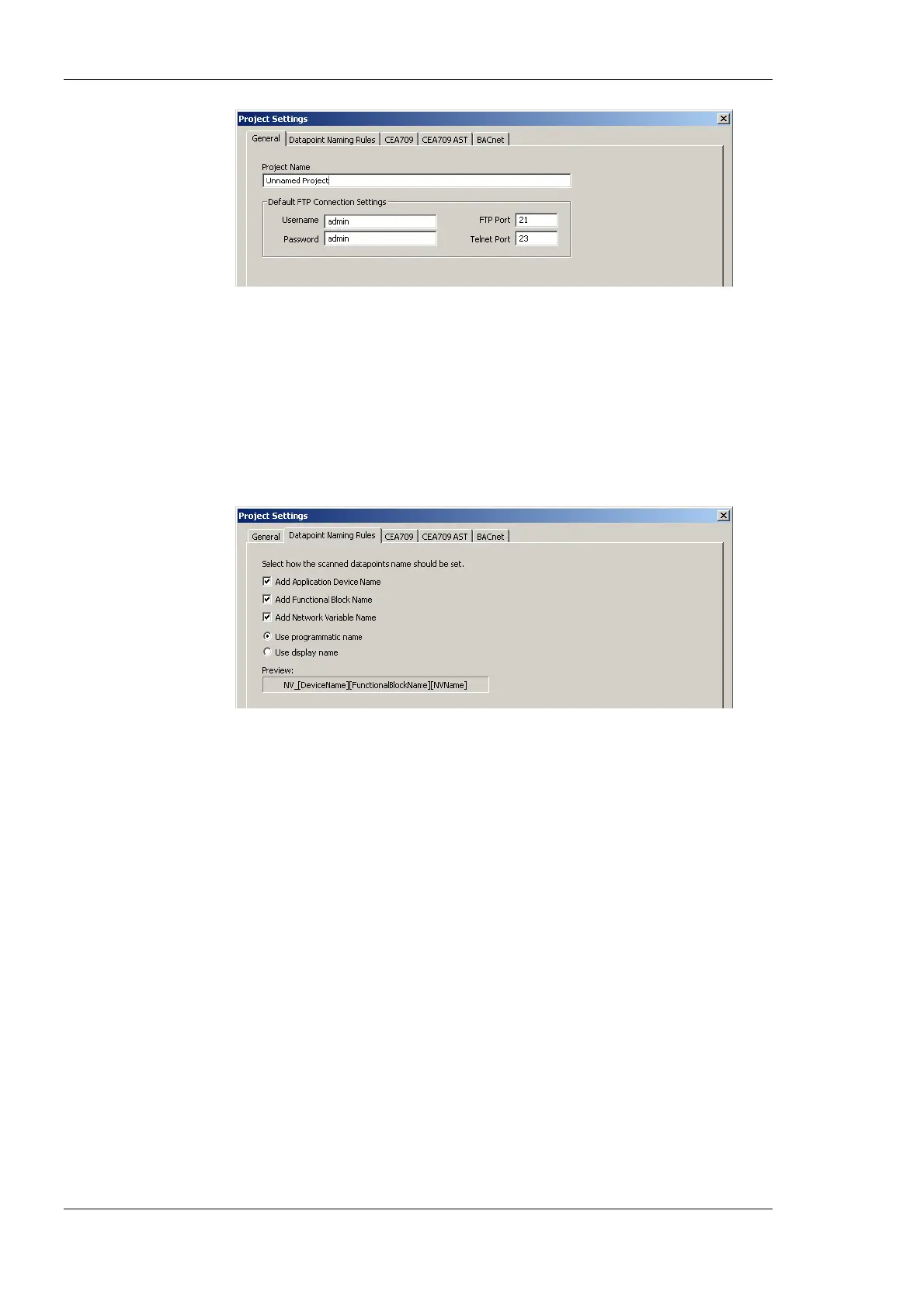
Figure 50: General Project Settings.
6.3.2 Data Point Naming Rules
The data point naming rules tab (see Figure 51) allows specifying, how data point names
are automatically derived from scanned network variables. The preview shows how names
would look like, when the check marks are modified.
The option Use programmatic name and Use display name decides whether the data
point name is assembled of the programmatic NV name or the LNS display name.
Figure 51: Data Point Naming Rules Project Settings.
6.3.3 CEA-709 Settings
The CEA-709 configuration tab as shown in Figure 52 allows configuring properties of the
device’s CEA-709 port. The options are:
• Enable Legacy Network Management Mode: This group box contains check boxes
for each CEA-709 port of the device. Put a check mark on the port, if this port shall be
operated in the legacy network management mode. In that mode, the port does not use
the extended command set (ECS) of network management commands. This can be
necessary to operate the device with some network management tools, that do not
support the ECS. See Section 6.4.3 for more information on how to configure such a
system.
• Default Pollcycle for External NVs: When using external NVs, this poll cycle is set
as a default for input data points. The poll cycle can be edited individually in the
properties view of the data point manager.
• Use state-member of SNVT_switch as: This setting defines how the state member of
the SNVT_switch shall be mapped to a data point. Depending on how the data point
shall be used, it can be binary or multi-state. The multi-state setting allows setting the
UNSET state explicitly. As a binary point the UNSET state is implicitly chosen, if the
value is invalid.
• Configuration Download: This group box contains self-configuration settings for the
CEA-709 ports. This is necessary, when the device shall be used without being
commissioned by a network management tool. Set the check mark and enter the CEA-



 To Next Page