L-Gate User Manual 15 LOYTEC
Version 3.2 LOYTEC electronics GmbH
Important! The default IP address 192.168.1.254 is only set for configuration access. It must be
changed in order to make the device functional.
2.2.2 IP Configuration via the Web Interface
Optionally to using the console interface one can also use the Web interface to configure
the client device. In a Web browser enter the default IP address 192.168.1.254 of the
L-Gate. Note that if your PC has an IP address in a subnet other than 192.168.1.xxx please
open a command tool and enter the following route command to add a route to the L-Gate.
To Add a Route to the Device
1. Windows START Æ Run
2. Enter ‘cmd’ an click OK.
3. In the command window enter the command line
route add 192.168.1.254 %COMPUTERNAME%
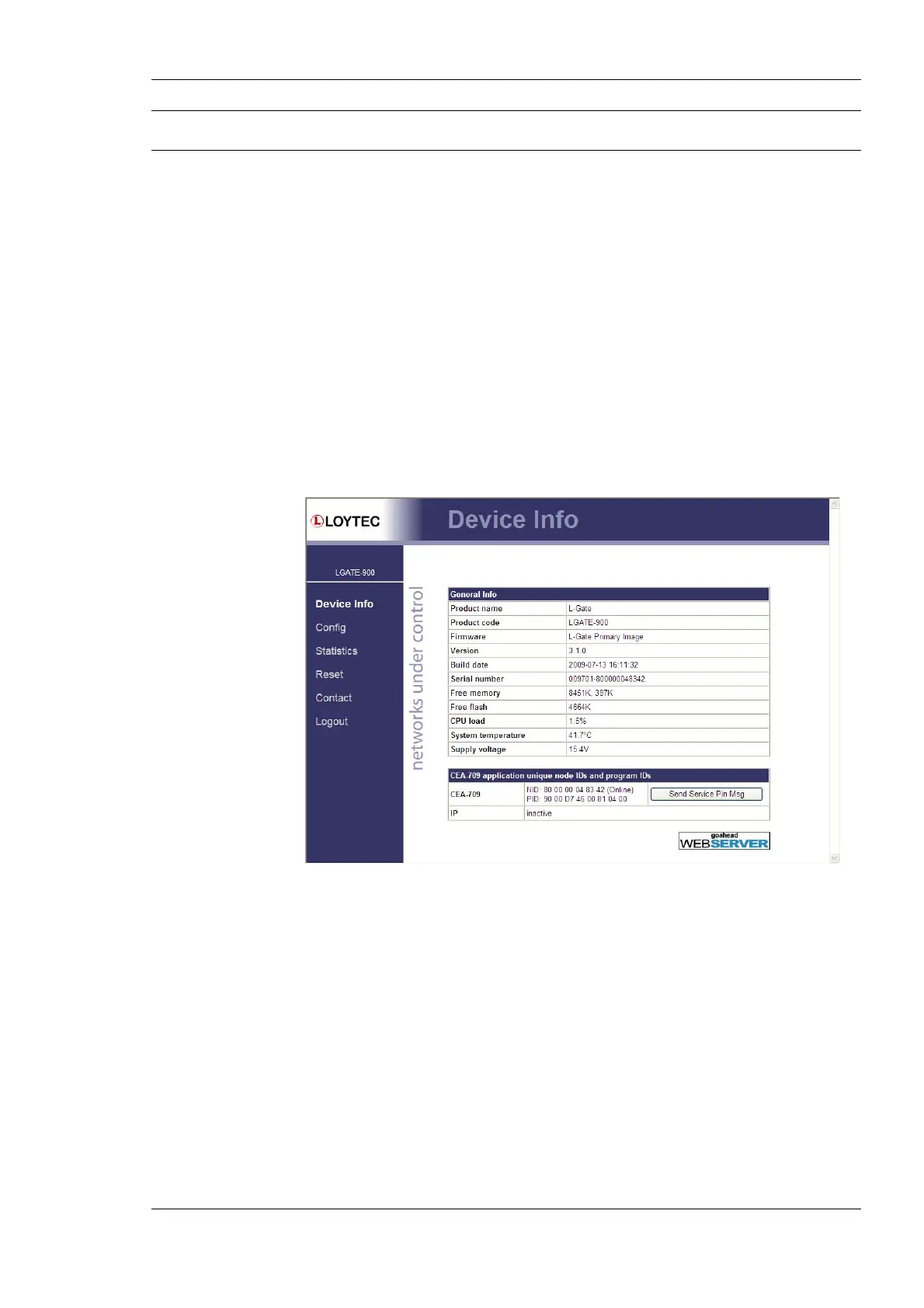
4. Then open your Web browser and type in the default IP address 192.168.1.254.
Figure 4: Example Start Screen
5. Click on Config in the left menu. You will be asked to enter the administrator
password in order to change the IP settings. Enter ‘admin’ and select Login.



 To Next Page