L-Gate User Manual 47 LOYTEC
Version 3.2 LOYTEC electronics GmbH
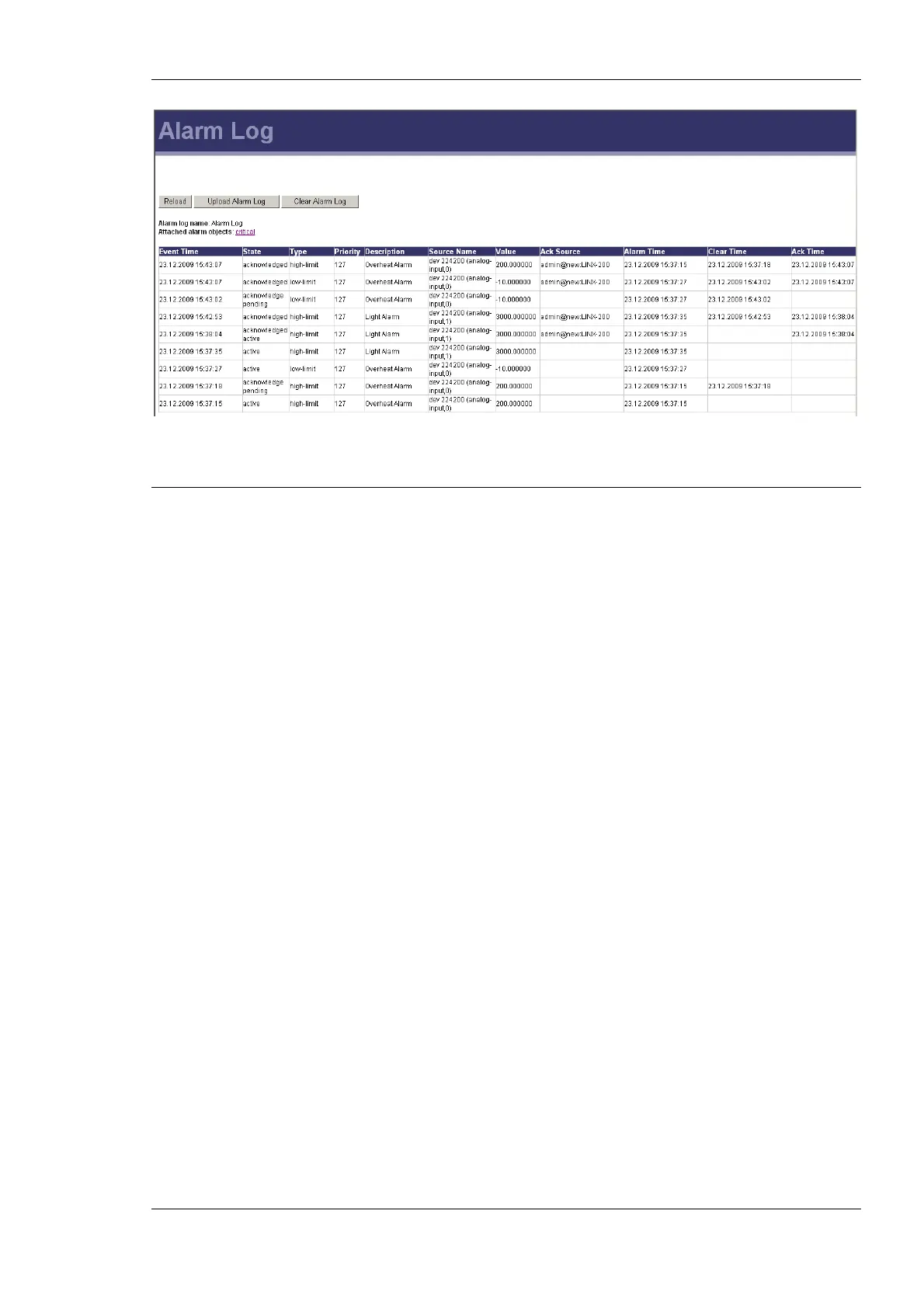
Figure 40: Alarm Log Page.
4.4 Reset, Contact, Logout
The menu item Reset allows two essential operations:
• Rebooting the L-Gate from a remote location, or
• resetting the data point configuration from a remote location. This option clears all
data points and the entire port configuration. It leaves the IP settings intact.
The Contact item provides contact information and a link to the latest user manual and the
latest firmware version.
The Logout item closes the current session.



 To Next Page