L-Gate User Manual 83 LOYTEC
Version 3.2 LOYTEC electronics GmbH
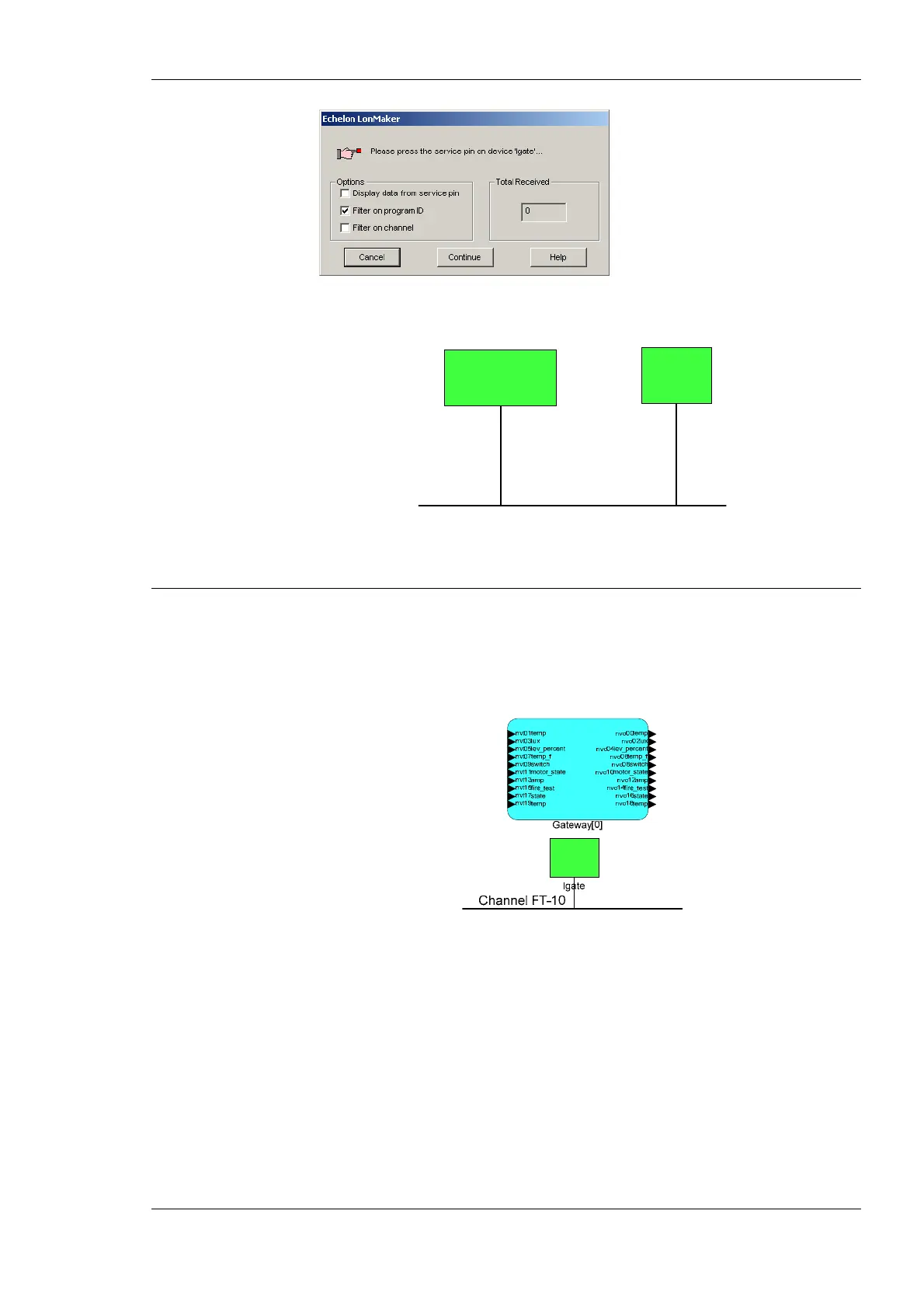
10. Finally, you should get the device added to your drawing as depicted in Figure 64.
Channel FT-10
LNS Network Interface
lgate
Figure 64: The L-Gate has been added to the drawing.
6.6 Replace an L-Gate
This Section describes how to replace an L-Gate in your LNS database. The description
refers to LonMaker TE. Let’s assume there is a device ‘lgate’ in the LNS database as
shown in Figure 65.
Figure 65: LonMaker drawing with one L-Gate.
To Replace a Device in LonMaker TE
1. Select the device and right-click on the device shape.
2. Select Commissioning Æ Replace…. This opens the LonMaker Replace Device
Wizard as shown in Figure 66.



 To Next Page