L-Gate User Manual 84 LOYTEC
Version 3.2 LOYTEC electronics GmbH
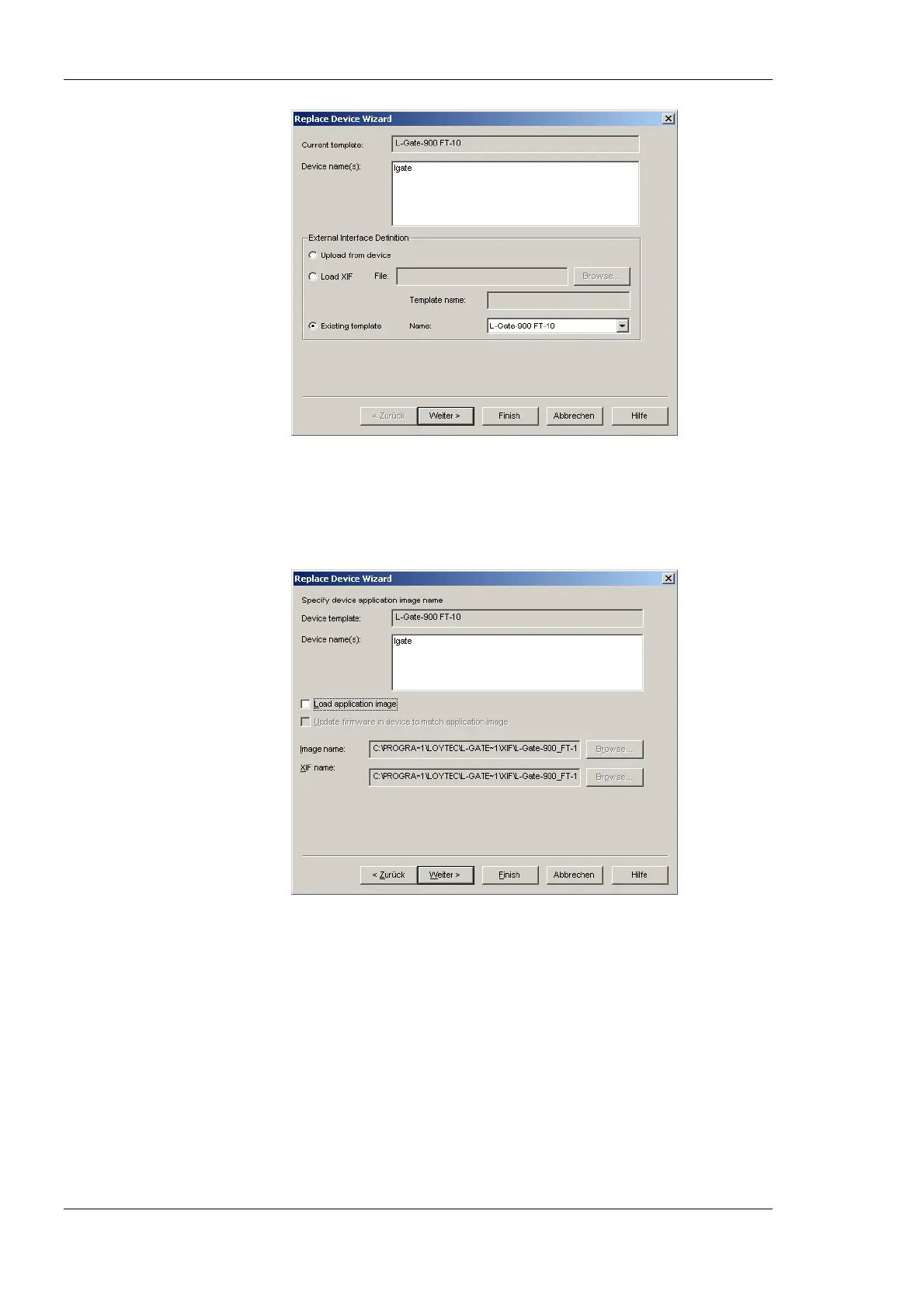
Figure 66: LonMaker replace device wizard.
3. Choose the existing device template and click Next.
4. In the following window shown in Figure 67 click Next.
Figure 67: Click Next without loading an application image.
5. Then select Online as shown in Figure 68 and click Next.



 To Next Page