L-Gate User Manual 85 LOYTEC
Version 3.2 LOYTEC electronics GmbH
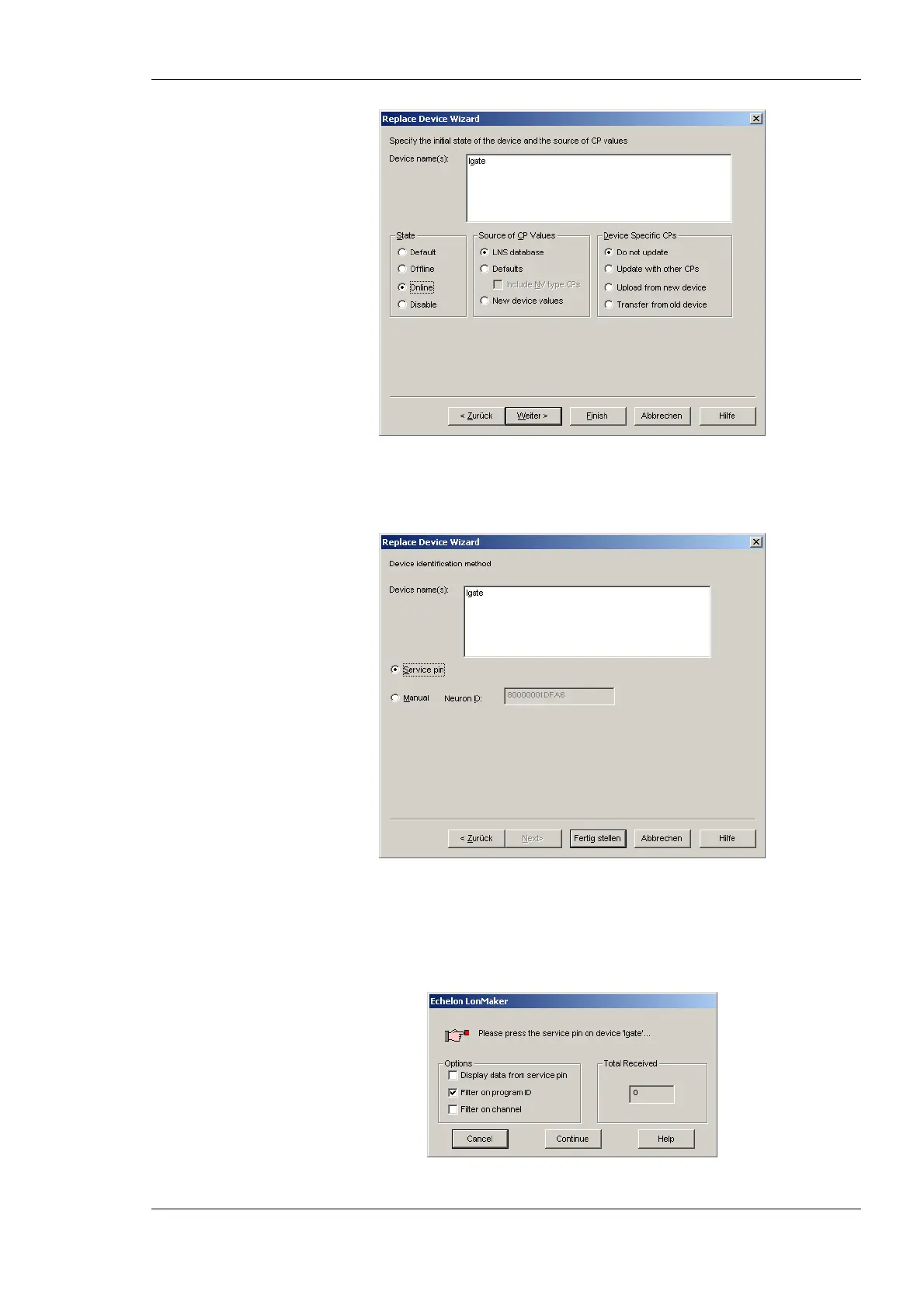
Figure 68: Select online state.
6. Select the Service pin method and click on Finish as shown in Figure 69.
Figure 69: Select Service Pin and click Finish.
7. Then the service pin requestor opens as shown in Figure 70. Press the service pin on
the replacement L-Gate on the correct port. You can also send the service pin using the
Web interface (see Section 4.1).
Figure 70: Wait for the service pin from the device.



 To Next Page