L-Gate User Manual 96 LOYTEC
Version 3.2 LOYTEC electronics GmbH
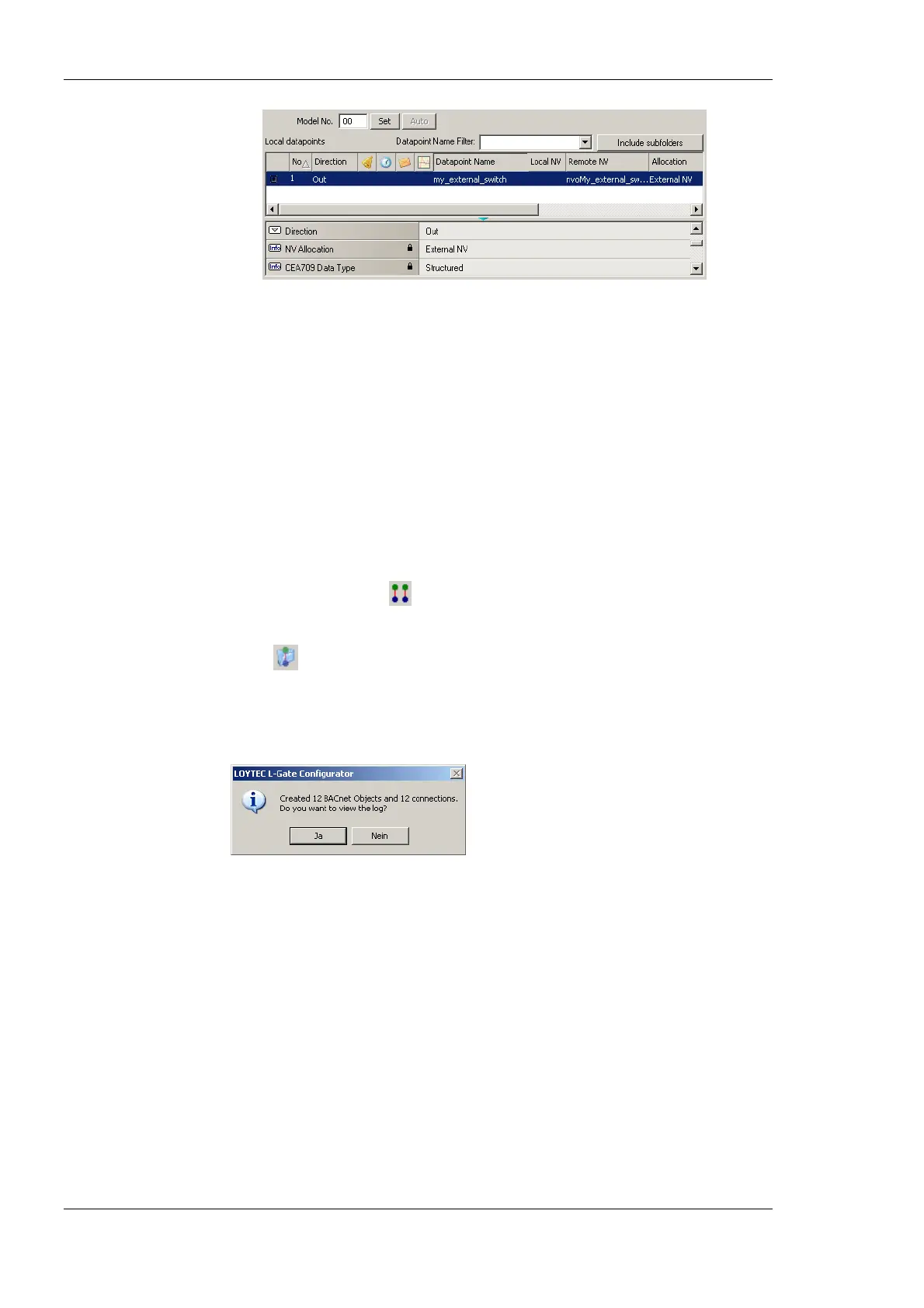
Figure 81: Manually created external NV in the port interface definition.
6.7.11 Generate BACnet Objects
To actually create BACnet mappings from the used NVs on the L-Gate, use the data point
manager tab. This section describes how to automatically generate BACnet objects from
NVs. The auto-generation method also adds the NV and the BACnet object to a new
connection.
To generate BACnet objects and connections from NVs on the L-Gate
1. Go to the data point manager tab.
2. In the L-Gate/CEA-709 folder select all the NVs, which shall be mapped. The multi-
select feature or <Ctrl-A> may be used for doing this.
3. Click on the speed button
Generate Points and auto-connect in the tool bar.
4. Alternatively, you can select the L-Gate/CEA-709 Port folder and click the speed
button
Folder-wide Generate points and auto-connect in the tool bar. This
generates BACnet objects and connections for all NVs in the folder.
5. When the generation is complete, a dialog reports how many connections have been
created. Click No to skip the report.
6. The generated BACnet objects appear in the L-Gate/BACnet Port/Datapoints folder as
shown in Figure 82.



 To Next Page