L-Gate User Manual 93 LOYTEC
Version 3.2 LOYTEC electronics GmbH
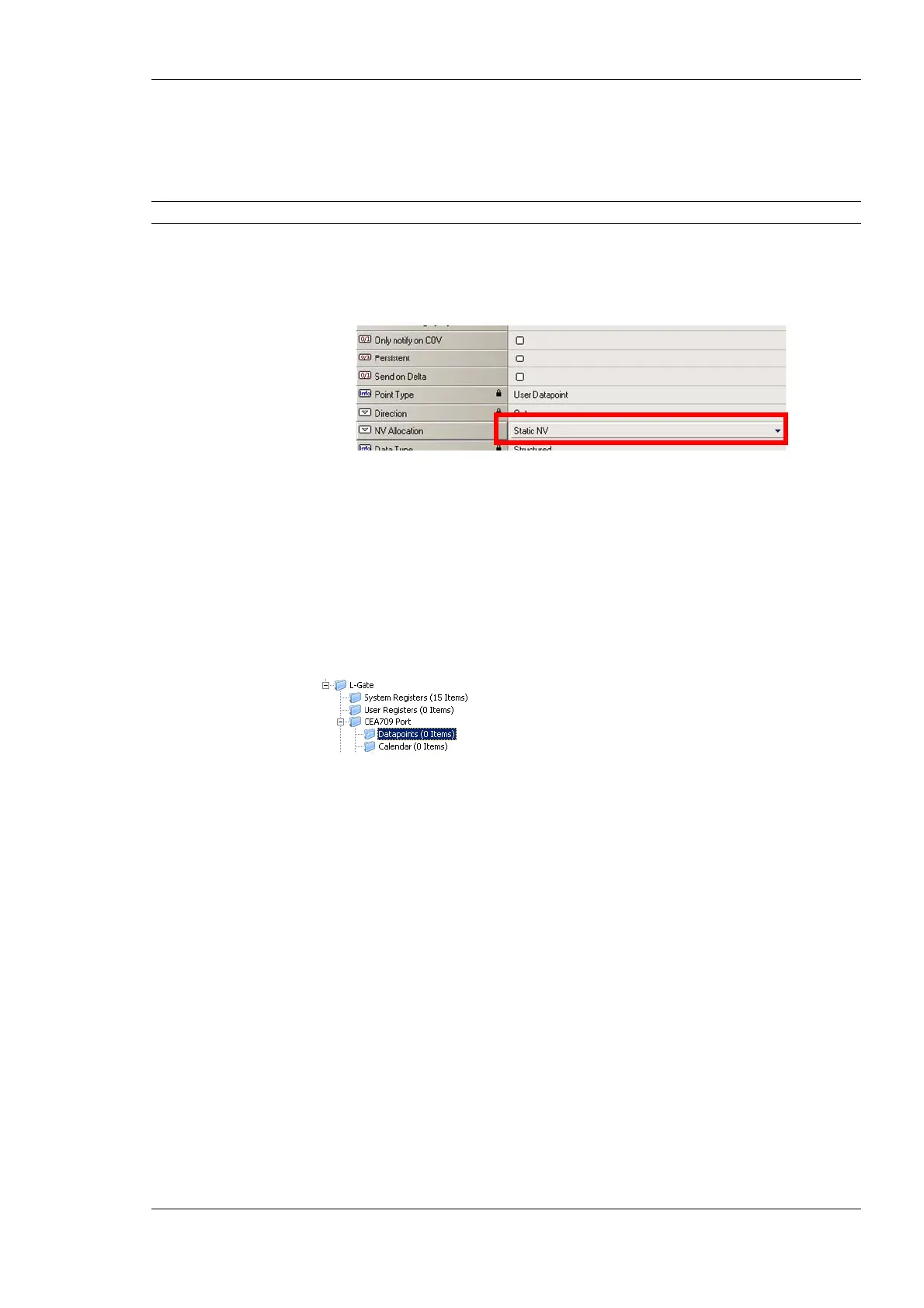
To Change the NV Allocation Type
1. In the data point view select the NVs in the L-Gate/CEA709 port folder, for which the
NV allocation shall be changed.
Tip! By using Ctrl-A all NVs can be selected.
2. Select the NV allocation property as indicated by the red rectangle in Figure 78.
3. To make the data points static NVs on the L-Gate, select Static NV.
Figure 78: Change the NV allocation type.
6.7.9 Create Static NVs
The L-Gate can be configured to change its static interface and boot with a new one. Apart
from creating static NVs from scanned or imported data points, static NVs can also be
created manually in the L-Gate/CEA-709 folder.
To Create Static NVs Manually
1. Select the L-Gate/CEA-709 Port/Datapoint folder
2. Right-click in the data point list and select New Datapoint… in the context menu.
This opens the NV creation dialog as shown in Figure 79.



 To Next Page