L-Gate User Manual 17 LOYTEC
Version 3.2 LOYTEC electronics GmbH
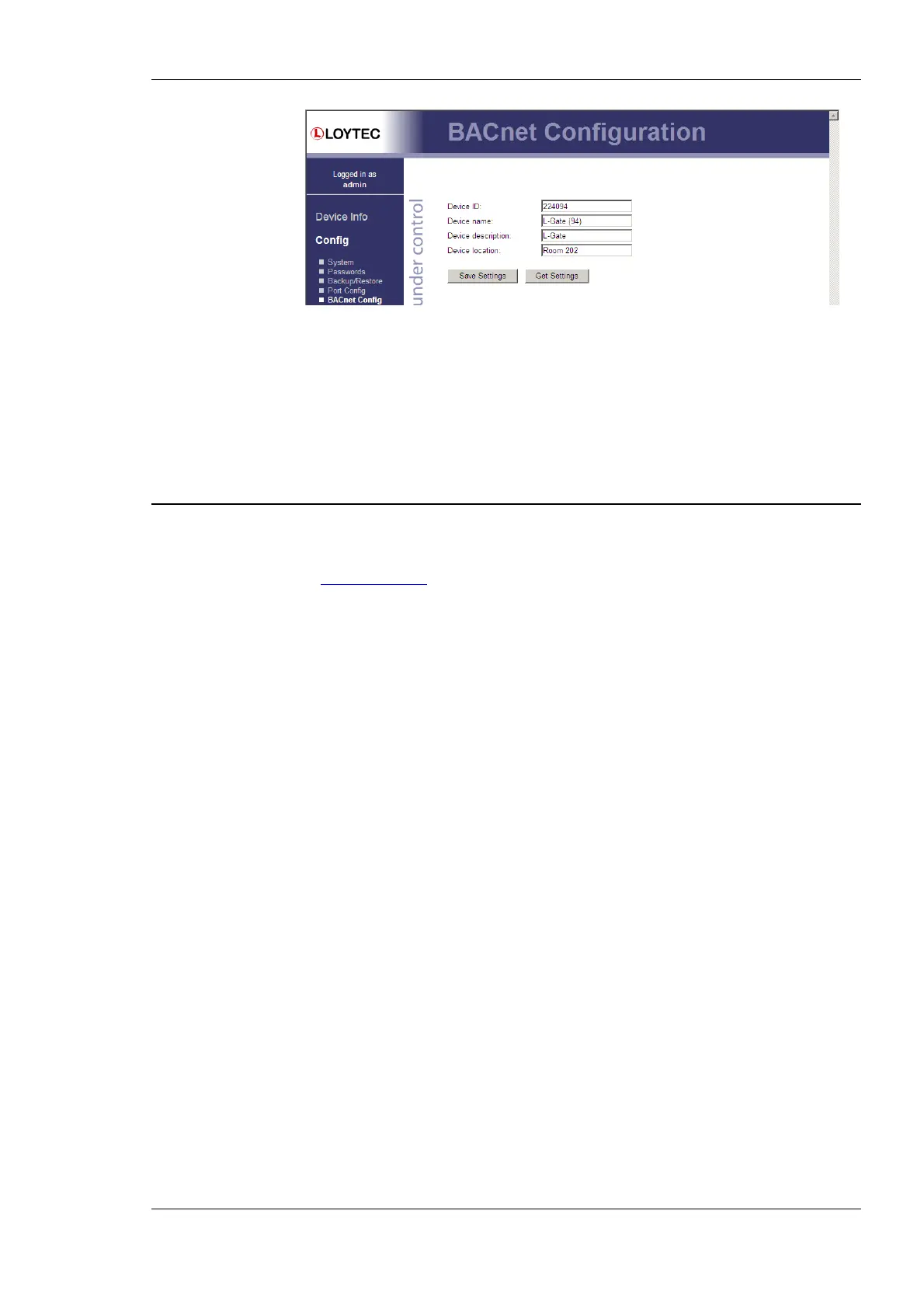
Figure 7: BACnet Device Configuration
The device ID corresponds to the instance number of the BACnet device object. It must be
a unique ID on the BACnet internetwork. Also the Device Name must be a unique name on
the BACnet internetwork.
By default the BACnet/IP data link layer is used. If the L-Gate shall be used with the
BACnet MS/TP data link layer, please refer to Section 4.2.7 for further information.
2.3 Gateway Configuration with LNS-based Tools
Install the L-Gate Configurator software from the setup.exe. This file can be downloaded
from www.loytec.com
. In your LNS-based tool register the L-Gate Configurator as an LNS
plug-in.
The detailed guide to configuring the L-Gate and downloading the configuration can be
found in section 6.4.2 (Configure with LNS).



 To Next Page