L-Gate User Manual 113 LOYTEC
Version 3.2 LOYTEC electronics GmbH
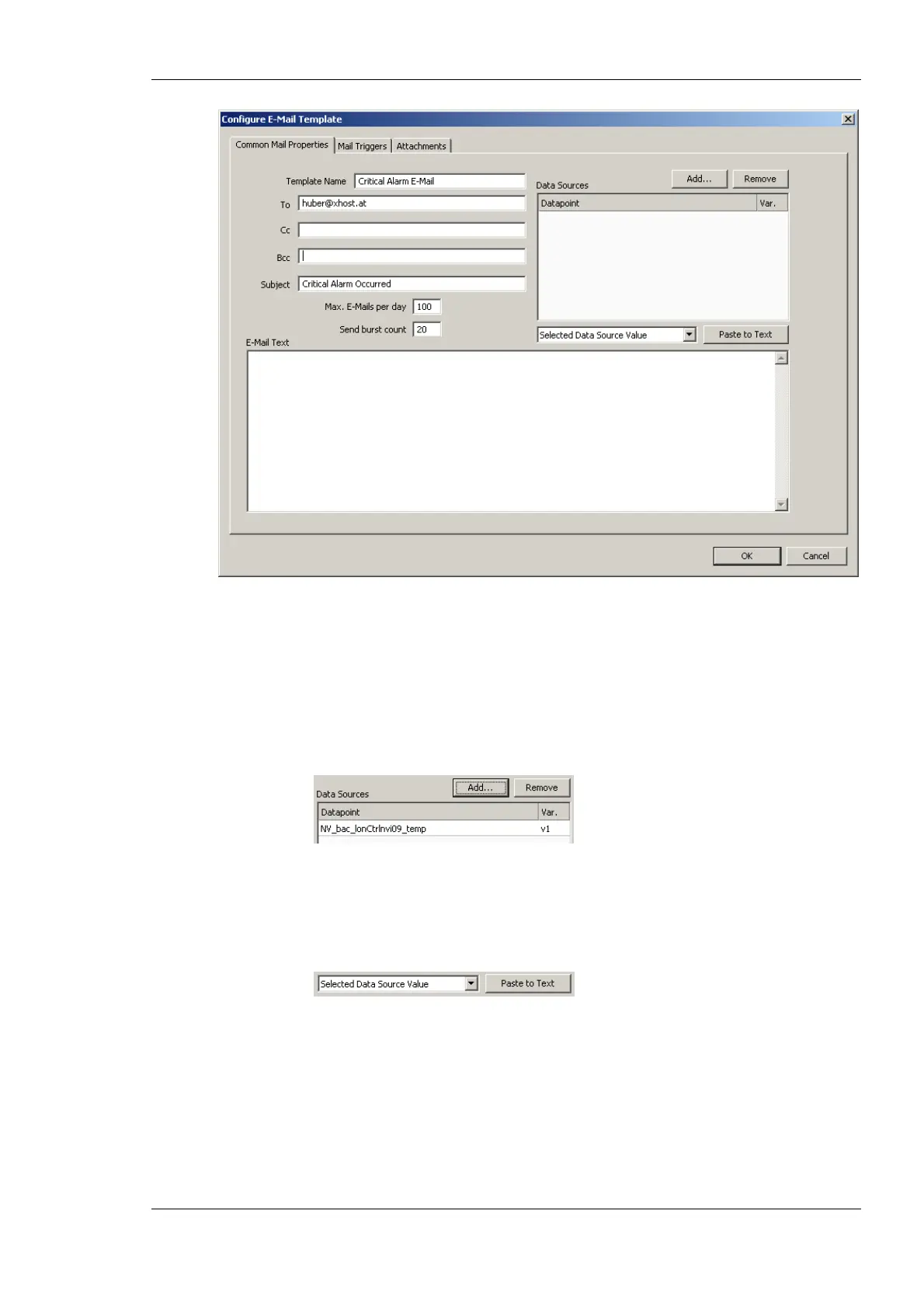
Figure 101: Configure E-Mail Template Dialog.
4. Enter text in the E-Mail Text multi-line field.
5. If the E-Mail text shall contain values of data points, add data points to the Data
Sources list by clicking the Add… button.
6. A data point selector dialog opens. Select one or more data points and click Ok. The
selected data point appears in the Data Sources list.
7. A data point selector dialog opens. Select one or more data points and click Ok. The
selected data point appears in the Data Sources list.
8. Select the data point in the Data Sources list. In the drop-down box underneath select
Selected Data Source Value and click the Paste to Text button.
9. A place holder %{v1} for the data point value appears now in the E-Mail text.
6.11.2 Trigger E-Mails
E-Mail templates are used to assemble and transmit E-Mails when certain trigger
conditions occur. For an E-Mail template, one or more trigger conditions can be defined.
The E-Mail will be sent, when one of the trigger conditions is activated. Depending of the
trigger data point type, the trigger conditions can be refined.



 To Next Page