L-Gate User Manual 132 LOYTEC
Version 3.2 LOYTEC electronics GmbH
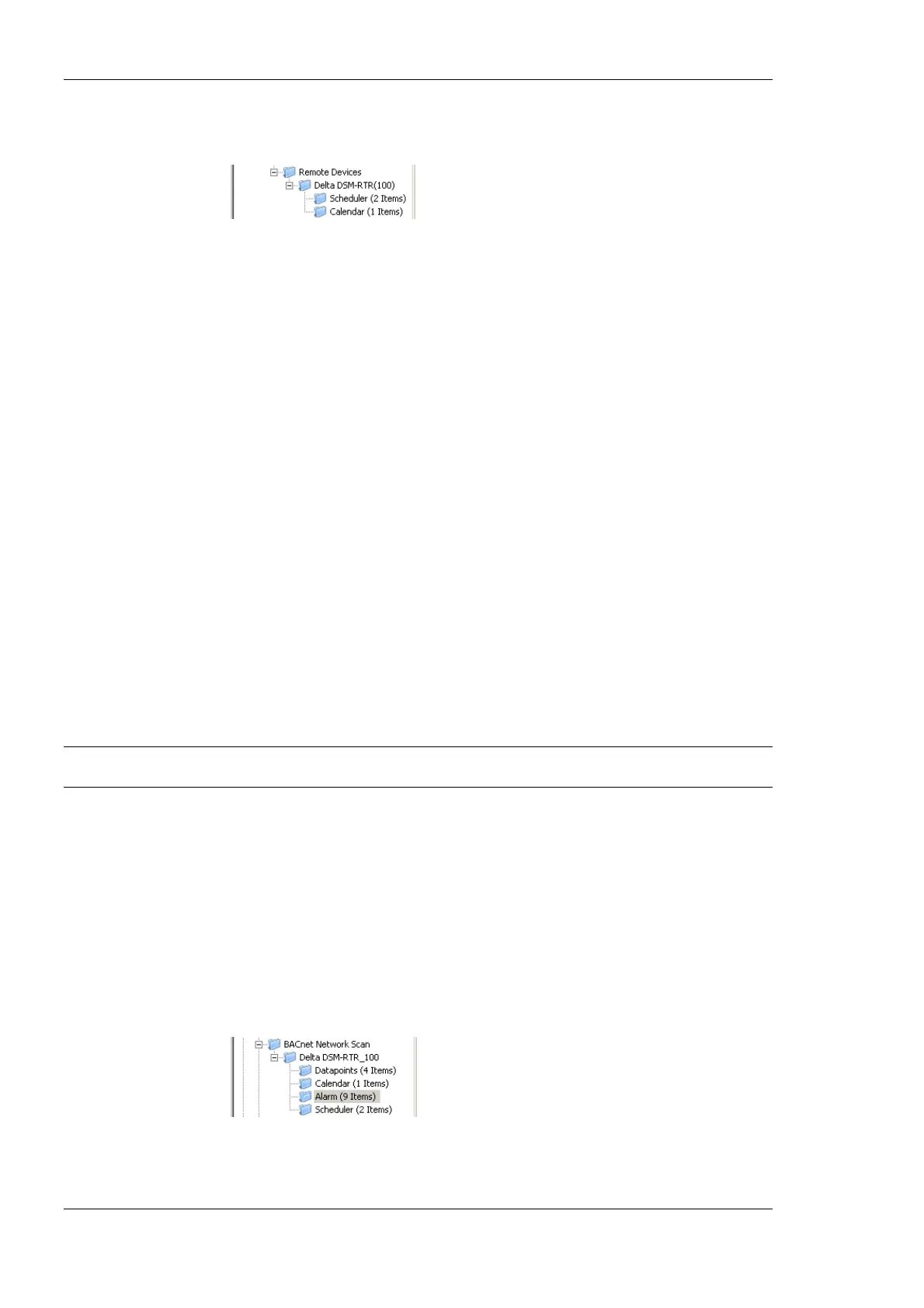
remote scheduler and the corresponding calendar objects in the Remote Devices
folder.
3. Adjust the basic settings for the newly created objects, such as the object name and
description. The object name will be used as the name for the scheduler, as seen on the
Web UI.
4. For BACnet, also adjust the poll cycle, which will be used to periodically fetch the
current configuration in case the remote device does not support COV subscriptions.
5. For CEA709, a static NV is created to receive information from the remote device
about changes to the scheduler configuration, so that the local device does not need to
poll the remote device. Set a name for this NV (default is nviSchedLink<number>)
and assign it to a suitable function block.
On BACnet devices, the new data points can be used right away to exchange configuration
data with the scheduler on the remote device. Just connect the new scheduler data point to a
schedule control to view and edit the configuration of the remote devices scheduler.
On CEA709 devices, there is one extra step to take before the new data points will be
operational: The new input NV representing the remote calendar on the local device (this
NV is normally called nviCalLink) needs to be bound to the output NV called nvoCalLink
located in the Calendar functional block of the remote device and the new static
nviSchedLink NVs which were created for each remote scheduler point need to be bound to
the respective nvoSchedLink variable located in the Scheduler functional block of the
remote device. The binding between the nvoSchedLink variable on the remote device to the
nviSchedLink variable on the local device defines which of the scheduler data points on the
local device connect to which scheduler unit on the remote device. All required information
is transmitted over the link NVs, so it is possible to later change the binding to any other
remote scheduler without rescanning the network.
Note: If connected via LNS, the bindings to the nvoCalLink and nvoSchedLink NVs are made
automatically by the configuration software in the download process.
6.15.2 Alarm Clients
Accessing alarm server objects on remote devices is done by creating remote alarm data
points. These points may be created from data obtained by a network scan. The local device
is configured as an alarm client and subscribes to alarm updates from the remote alarm
server. The alarm client can also be used to acknowledge alarms on the remote alarm
server. Any updates are synchronized back to the alarm client.
To Create an Alarm Client
1. Execute a network scan, as described earlier in this document. The scan folder is filled
with available remote alarm servers.



 To Next Page