L-Gate User Manual 73 LOYTEC
Version 3.2 LOYTEC electronics GmbH
709 domain and subnet/node information. If operated in self-configured mode, the
CEA-709 network can be scanned using the network scan (see Section 6.7.6) and
external NVs can be used on the device. Note, that the domain must match the nodes’
domain on the network and the subnet/node address must not be used by another
device.
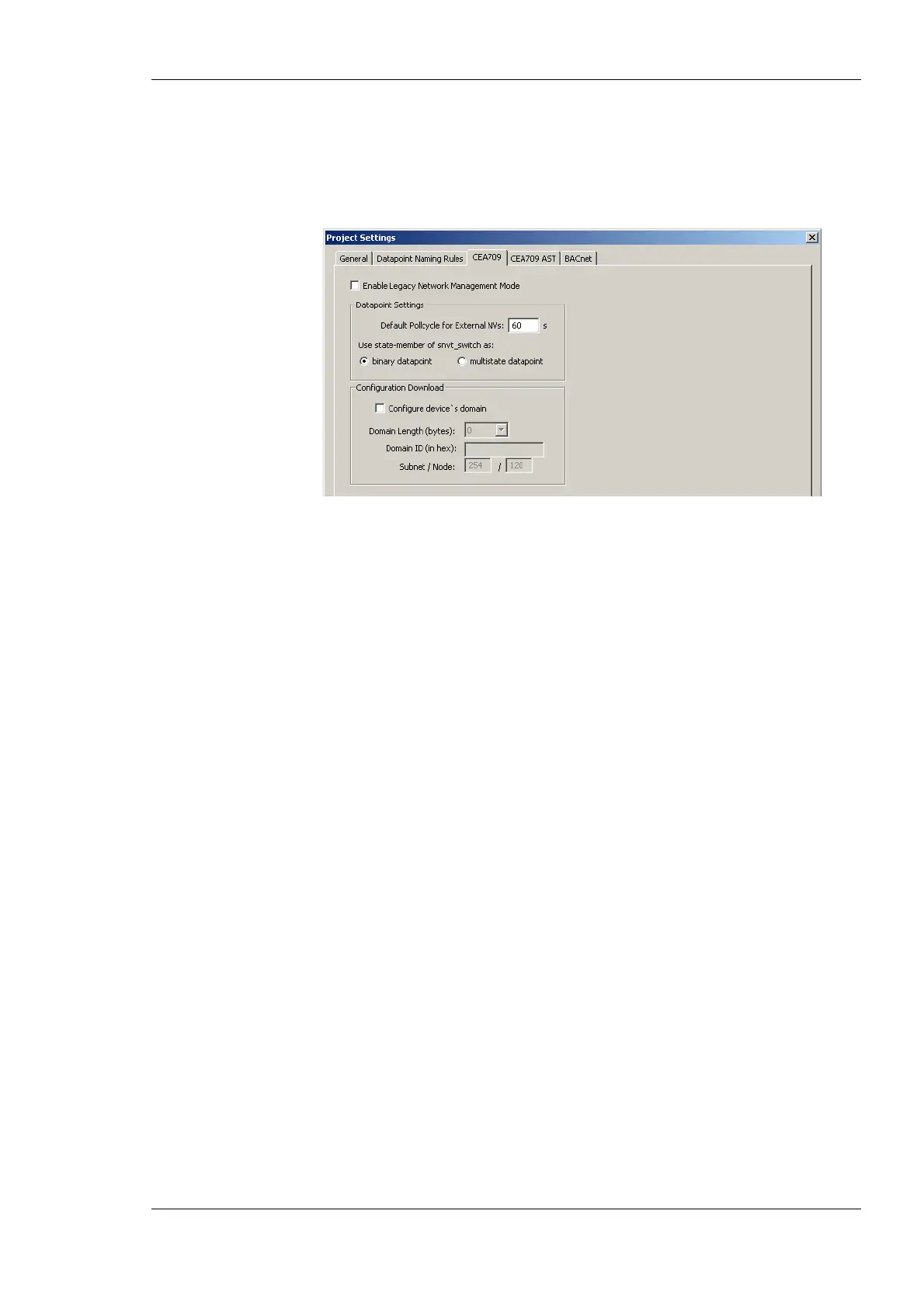
Figure 52: CEA-709 Project Settings.
6.3.4 AST Settings
For CEA709 devices, the use of alarming, scheduling, trending (AST) features requires
additional resources (functional objects and NVs). The dialog is shown in Figure 53.
Changes made there affect the static interface. Since the number of used resources also
influences the performance, the CEA-709 AST tab allows configuring those resources for
the project. In this tab the required number of scheduler units that may be instantiated and
their capacity may be configured (how many time/value entries, value templates, bytes per
value template, and so on). It contains the following options and settings, which are
relevant to calendar and scheduler functionality of the device:
• Enable Calendar Object: This checkbox enables a L
ONMARK compliant calendar
object on the device. It is automatically enabled together with local schedulers, since
the two are always used together.
• Enable Scheduler Objects: This checkbox enables local L
ONMARK compliant
scheduler objects on the device. Checking this box will automatically enable the
calendar as well.
• Enable Remote AST Objects: This checkbox enables the functional object for NVs,
which are used to access remote AST objects. If this box is checked, the Clients
functional block is included in the static interface.
• Enable AST v2: This checkbox enables the AST interface version 2 for local
CEA-709 schedulers on the device. This interface is not compatible with older devices.
The new interface provides access to the value label descriptions in schedule presets
for remote schedulers.
• Number of calendar patterns: Specifies the maximum number of different exception
schedules (day classes like holiday, maintenance day) supported by this calendar
object.
• Total number of date entries: Specifies the maximum number of date definitions
which may be stored by the calendar. This is the sum of all date definitions from all
calendar entries. A date definition is for example a single date, a date range, or a week
and day pattern (every last Friday in April).
• Number of local schedulers: This is the number of local scheduler objects which
should be available on the device. Each local scheduler data point created in the data



 To Next Page