L-Gate User Manual 82 LOYTEC
Version 3.2 LOYTEC electronics GmbH
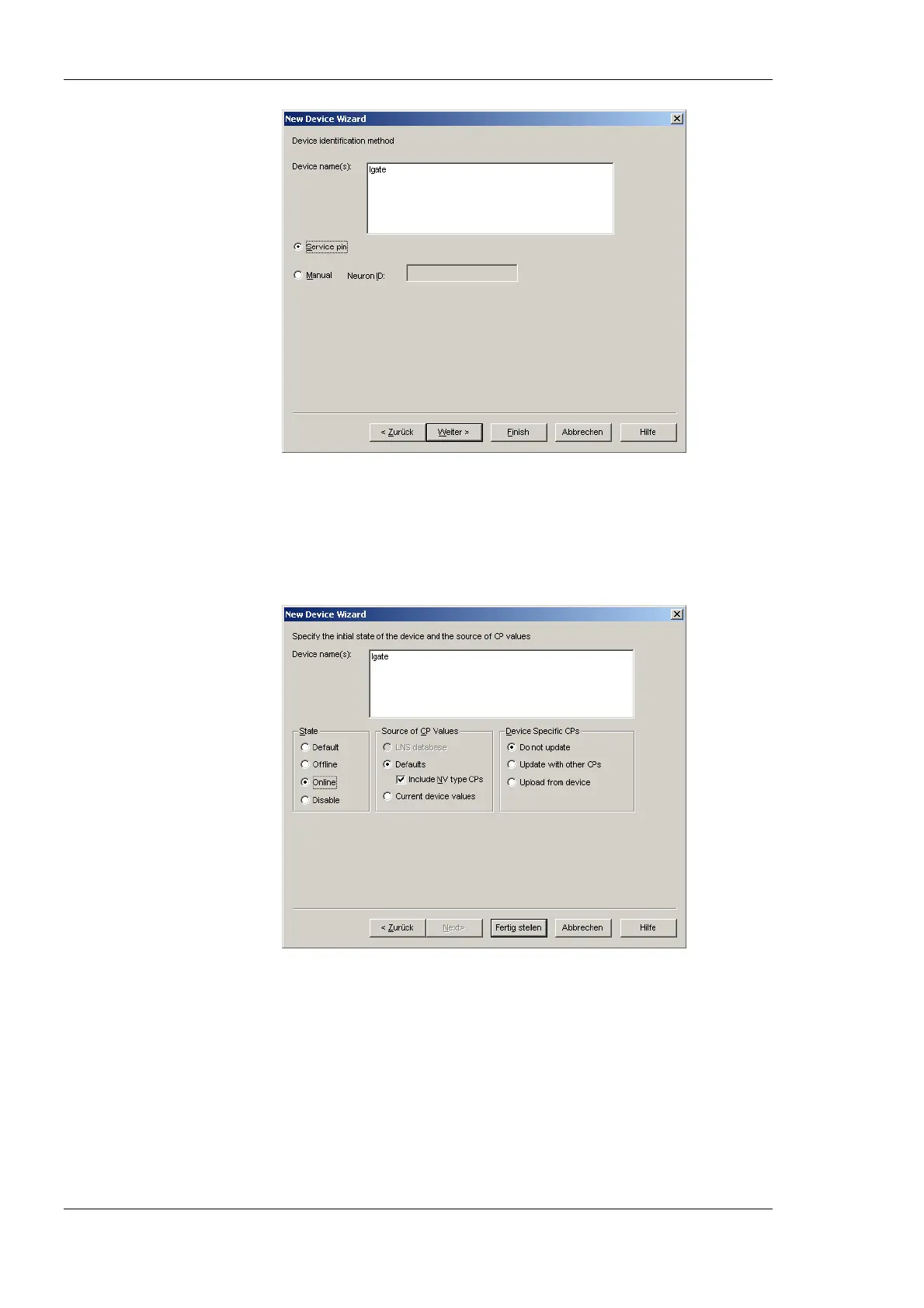
Figure 62: Use Service Pin.
7. Click Next in the following screens until you get to the final dialog shown in Figure
63.
8. If the device is already on-net, select Online.
Figure 63: Final dialog.
9. Click Finish. A dialog will prompt to press the service pin.



 To Next Page