L-Gate User Manual 63 LOYTEC
Version 3.2 LOYTEC electronics GmbH
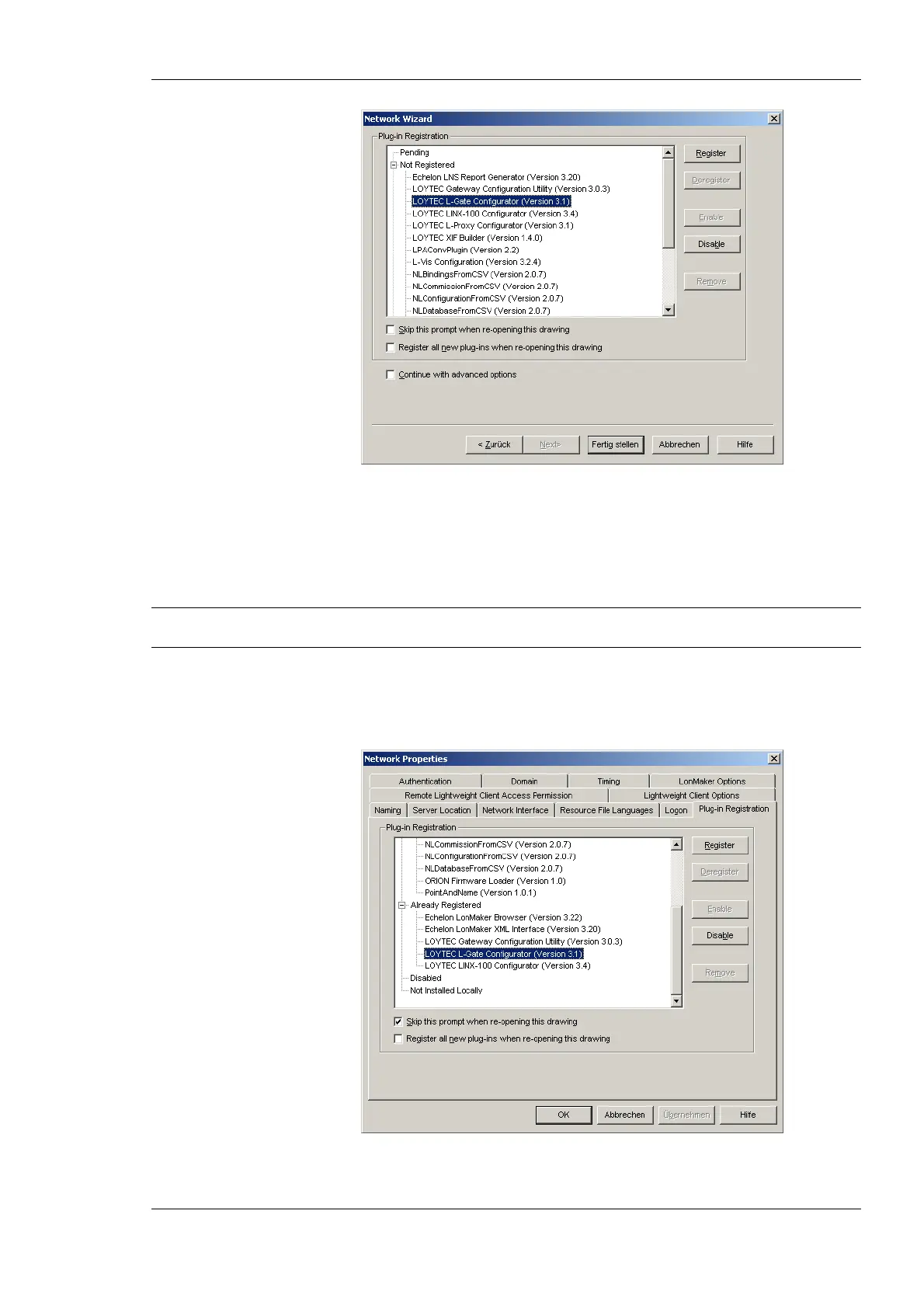
Figure 46: Select the Plug-in to be registered.
3. Click Register. The Configurator now appears in the Pending list.
4. Click Finish to complete the registration. Device templates for the L-Gate are added
automatically and XIF files are copied into the LNS import directory.
Note: If you are using multiple databases (projects) make sure you have registered the plug-in in
each project.
5. Under LonMaker Æ Network Properties Æ Plug-In Registration make sure that
the LOYTEC L-Gate Configurator (Version X.Y) shows up under Already
Registered.
Figure 47: Check that the L-Gate Configurator is properly registered.



 To Next Page