5-18 (E)
LH71A / LH72
Acquiring the reference point after setting the segmented error compensation values
Be sure to always obtain the reference point after setting the segmented error compensation values.
Reference point acquisition timing : When setting of the compensation values is completed
When the power is turned on
When an error is reset
The unit automatically switches to reference point acquisition mode using this reference point acquisition
timing.
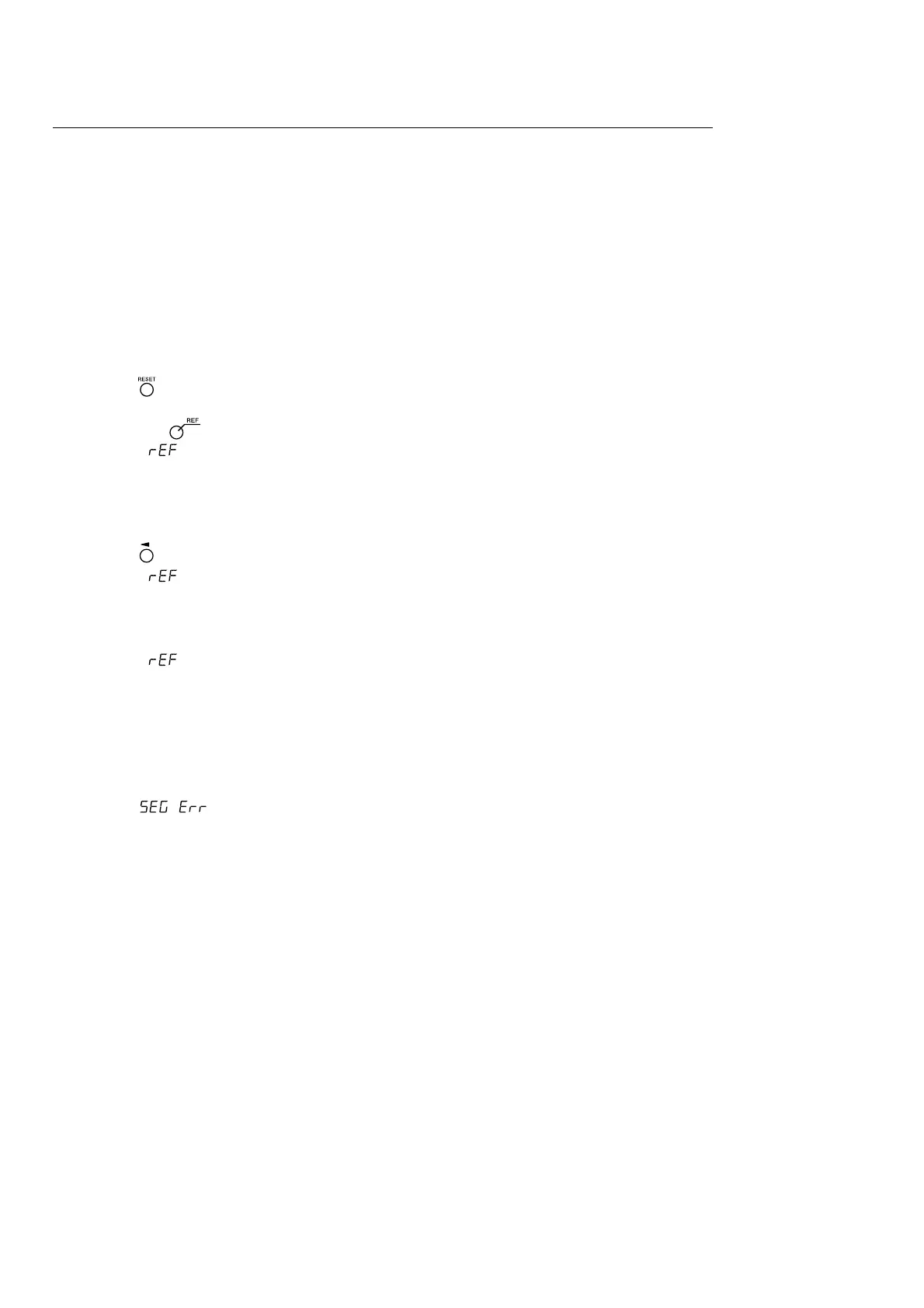
1 Press the key.
Status : The axis label lamp flashes.
The key lamp lights up.
“ ” lights up on the display.
2 The measuring unit is first moved in the direction opposite to the direction in which it is moved past the
reference point. (The scale need not be moved when reference points are in both directions.)
3 Press the key for the axis whose reference point will be obtained.
Status : “ ” flashes on the display.
4 Move the measuring unit, and pass through the reference point.
Status : The axis label lamp lights up.
“ ” lights up on the display.
A beeping sound is made.
After the reference point is obtained, the segmented error compensation is set.
Operation can now be started.
<When turning OFF the reference point detection mode>
Turn the power off and on again if the reference point cannot be detected for some reason.
Then, set to OFF from the detailed settings.
5. Settings



 To Next Page