(E) 7-11
7. Operation Method
LH71A / LH72
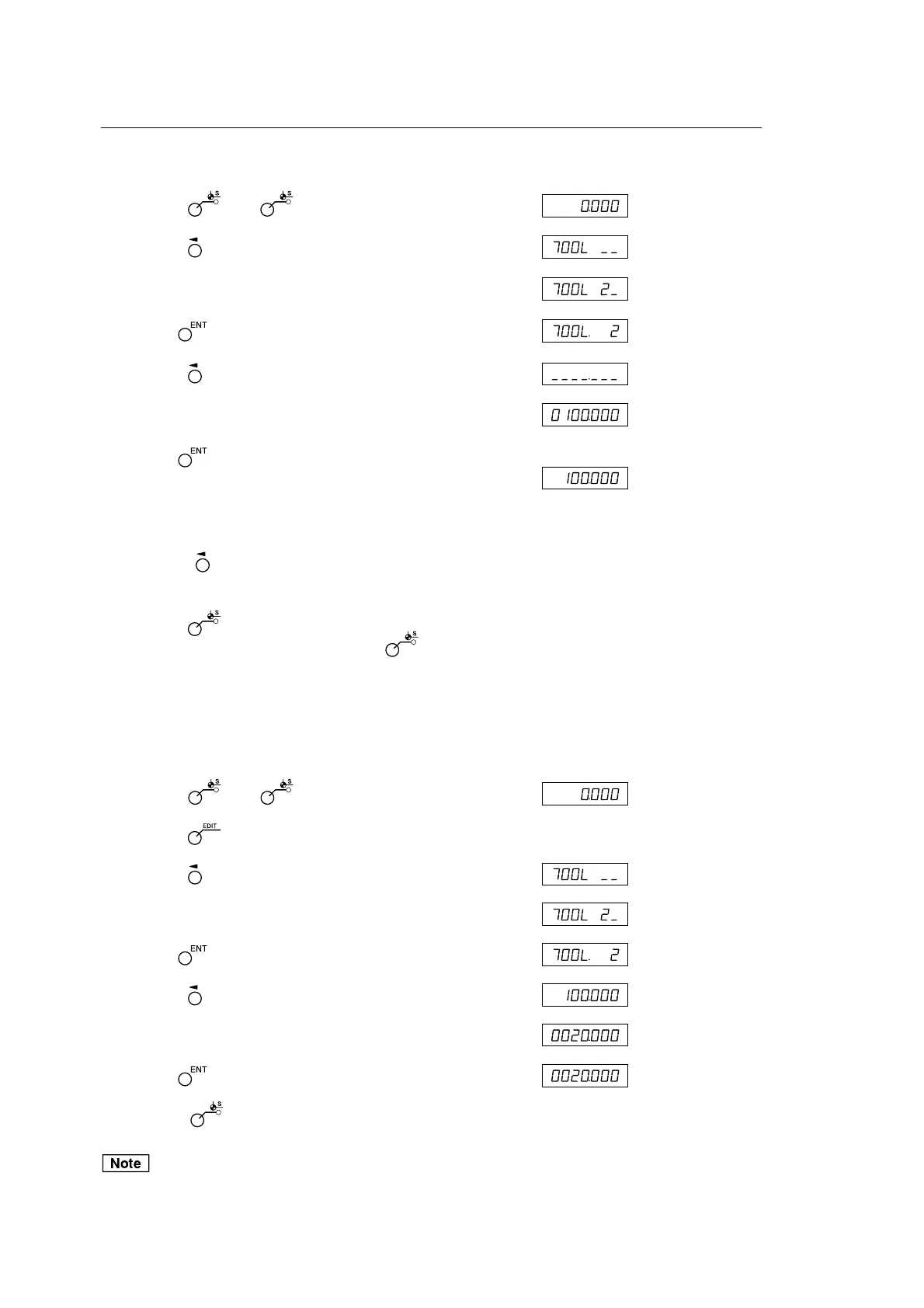
Tool offset (tool No. 2 ~)
<Setting a tool offset> Display
1 Press the key. ( lamp lights up)
2 Press the key of the third axis.
3 Enter the tool offset No. to be set.
4 Use the key to finalize the setting.
5 Press the key corresponding to the axis to be set.
6 Use the numeric key to enter the value.
7 Use the key to finalize the setting.
The current value is set as a tool offset value.
The tool offset is set, and the difference from the tool
master is stored as the offset value.
8 Using the key, select the axis to be set, and set it in the
same way. (Max 98)
9 Press the key.
The system exits the datum point mode. ( lamp goes out)
<Editing a tool offset>
You can edit a stored offset value.
Display
1 Press the key. ( lamp lights up)
2 Press the key. (Shows the tool offset value)
3 Press the key of the third axis.
4 Enter the tool offset No. to be set.
5 Use the key to finalize the setting.
6 Press the key corresponding to the axis to be edited.
7 Use the numeric key to enter the value.
8 Use the key to finalize the setting.
9 Press the key. Editing of the tool offset is completed,
and the current value is displayed.
ABS indicator remains on during datum point mode.
The tool master (No. 1) is used as the basis of linear compensation.
(Position of tool master value 0 = Compensation amount 0)
(Example: 100.000)
(Example: 20.000)
(Current value
display)
(Example: No. 2)
(Current value
display)
(Example: No. 2)



 To Next Page