Milestone Srl MA245-001 – ultraWAVE 3 – User Manual
101
Deletes the entire sample table.
The sample weight can be manually entered via the keypad / touch screen. However, the most
convenient method is the direct transfer of data from the electronic balance on terminal via an interface
cable.
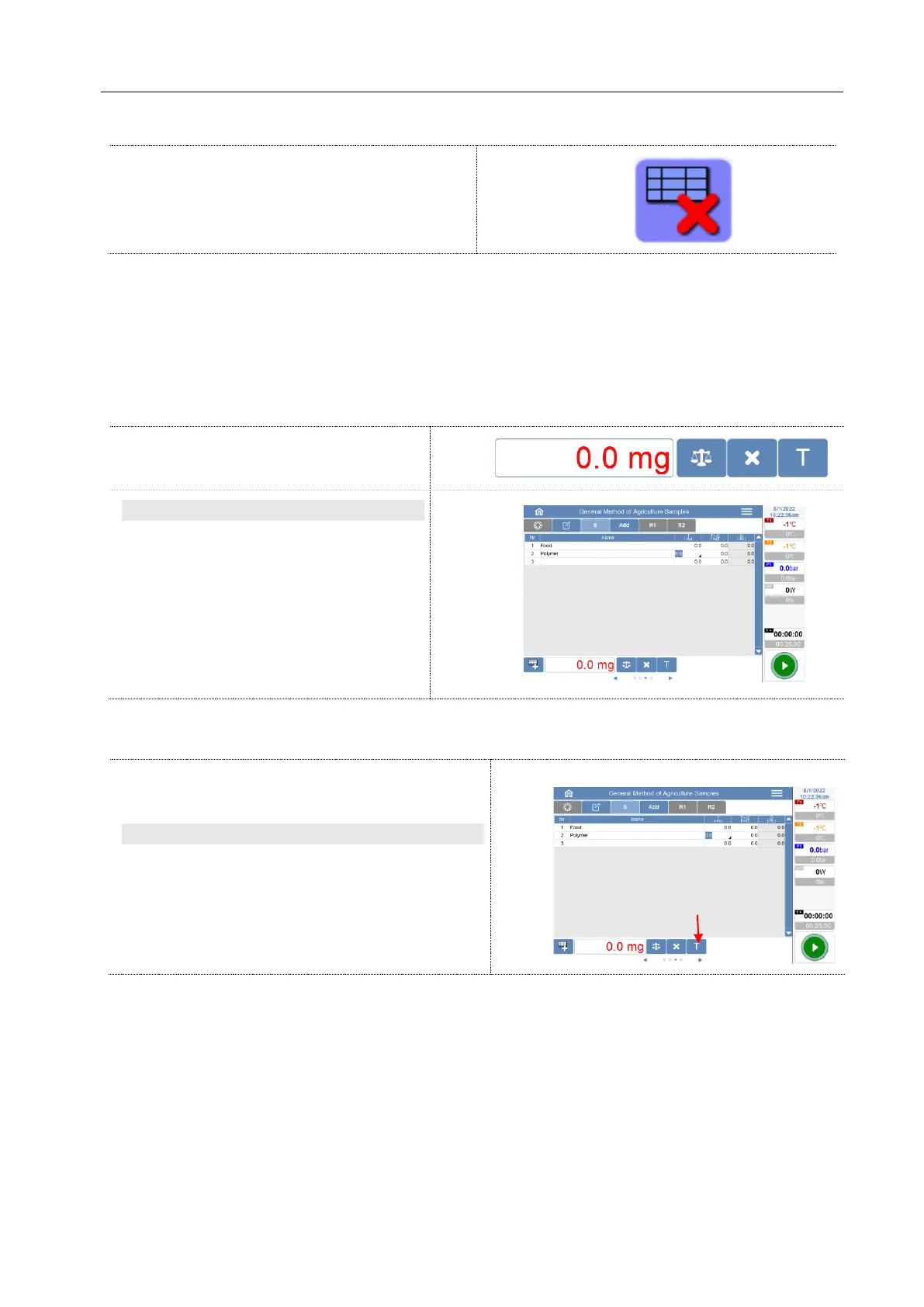
If the cells Tara or T + S is selected, then appear below the table new symbols, which are used for direct
reading of the weight data from the connected balance.
Direct connection with balance
These buttons appear only when balance is
connected.
Balance brand
Sartorius and Precisa Balances: The weight
is updated constantly on the terminal. In
the sample table, the value is entered into
the active cell by touching the balance
button.
Other balances: By pressing the balance
button the weight is transferred onto the
terminal and entered in the active record.
Automatic tare
Touching the T button, the display is set at the
terminal to zero (tare). In case of Precisa balance,
the balance is tared itself.
Enter Chemicals
In the tab add the chemicals used are registered.
The two-time tapping a cell in one of the columns Chem1 to Chem3 opens the window for inputting
chemical name.



 To Next Page