Milestone Srl MA245-003 – ultraWAVE 3 – User Manual
50
7 FIRST USE AFTER INSTALLATION
Check-up before first start
The ultraWAVE 3 is installed, connected and started up by Milestone Application / Service
engineers.
Only after release and briefing by an authorized engineer, it is allowed to start operating the
ultraWAVE 3. In case any functions have not been correctly understood, Milestone
representative’s service people will be pleased to supply any additional information and
explanations.
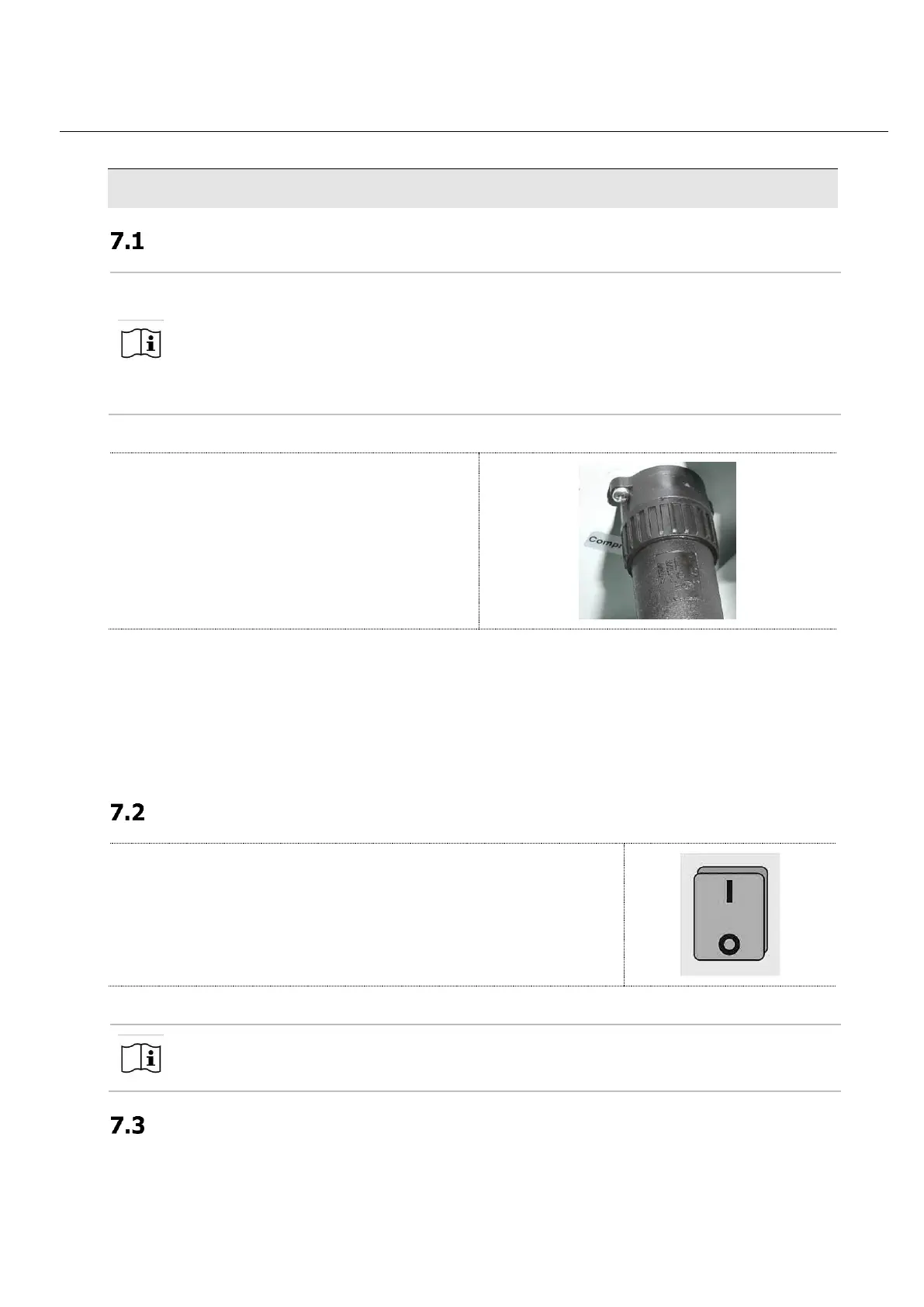
Check that all connections are correctly plugged in or screwed in.
The control cable from compressor or pneumatic
booster (optionals) to ultraWAVE 3 is provided with
a union nut that must be screwed on.
• Check that the exhaust tube is connected to the outlet port on the back side of the ultraWAVE 3
and that leads to a fume hood.
• Gas inlet port must be properly installed. All related and appropriate safety regulations must be
strictly followed.
• Check the recirculation water chiller and switch it on.
• Check the compressor. The compressor must be switched on.
Switch-on the ultraWAVE 3
Turn the main switch of the UltraWAVE 3 on „I“
The ultraWAVE 3 is ready to work.
Terminal starts automatically switching on the UltraWAVE 3.
The starting page of the software is displayed.
Opening of the cover
ultraWAVE 3 is shipped with the reactor closed. To open it after the installation, go to the software
system page.



 To Next Page