Milestone Srl MA245-001 – ultraWAVE 3 – User Manual
113
The activation of the 21CFR-11 accesses and Password expiration can only be performed
by a Service user profile that must access the software with a service password. The
21CFR-11 cannot be activated by the administrator.
It is the user's responsibility to periodically check the functionality of the signed USB
stick.
Create, Edit, Delete the User Profiles
First Steps
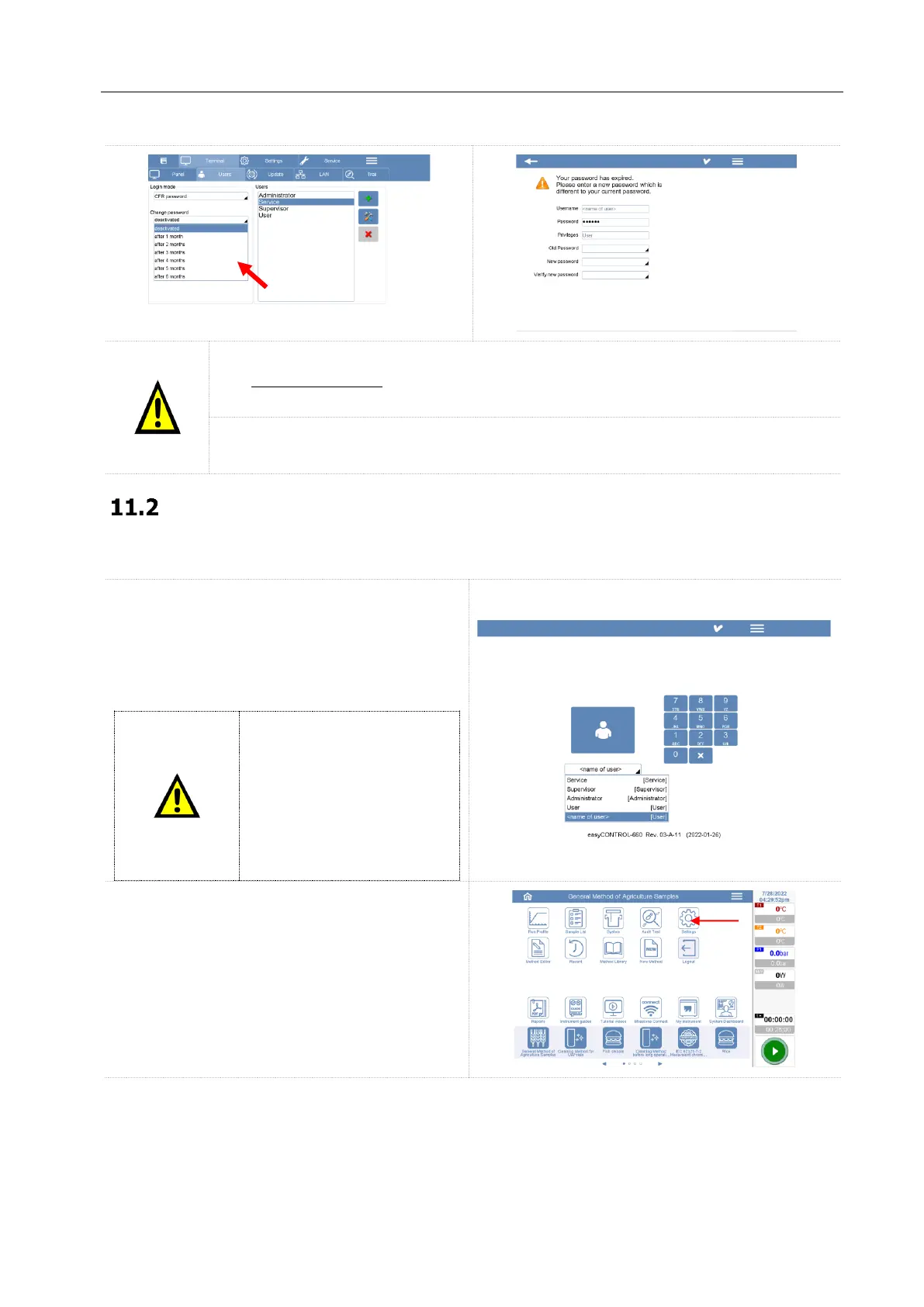
When the unit is turned on, the system will ask
for the first access.
The first login MUST be done by the administrator
of the lab and the default password is 123456.
The default password MUST
be changed after the first
login. It’s responsibility of
administrator to change the
default password with a new
one. See the next chapters
for more details on how to
change the password.
Select the Settings icon and open the settings
page.



 To Next Page