Milestone Srl MA245-003 – ultraWAVE 3 – User Manual
9
1 QUICK START - START USING YOUR
ULTRAWAVE 3
Milestone UltraWAVE 3 can operate with a wide range of racks and vials type; here a fast description of
the most important operation steps. The complete description of the procedure is fully described into the
ultraWAVE 3 user manual.
Milestone suggests to entirely read the User Manual before to run the unit.
The below information can be used as guidelines for the customer Standard Operating
Procedure (SOP).
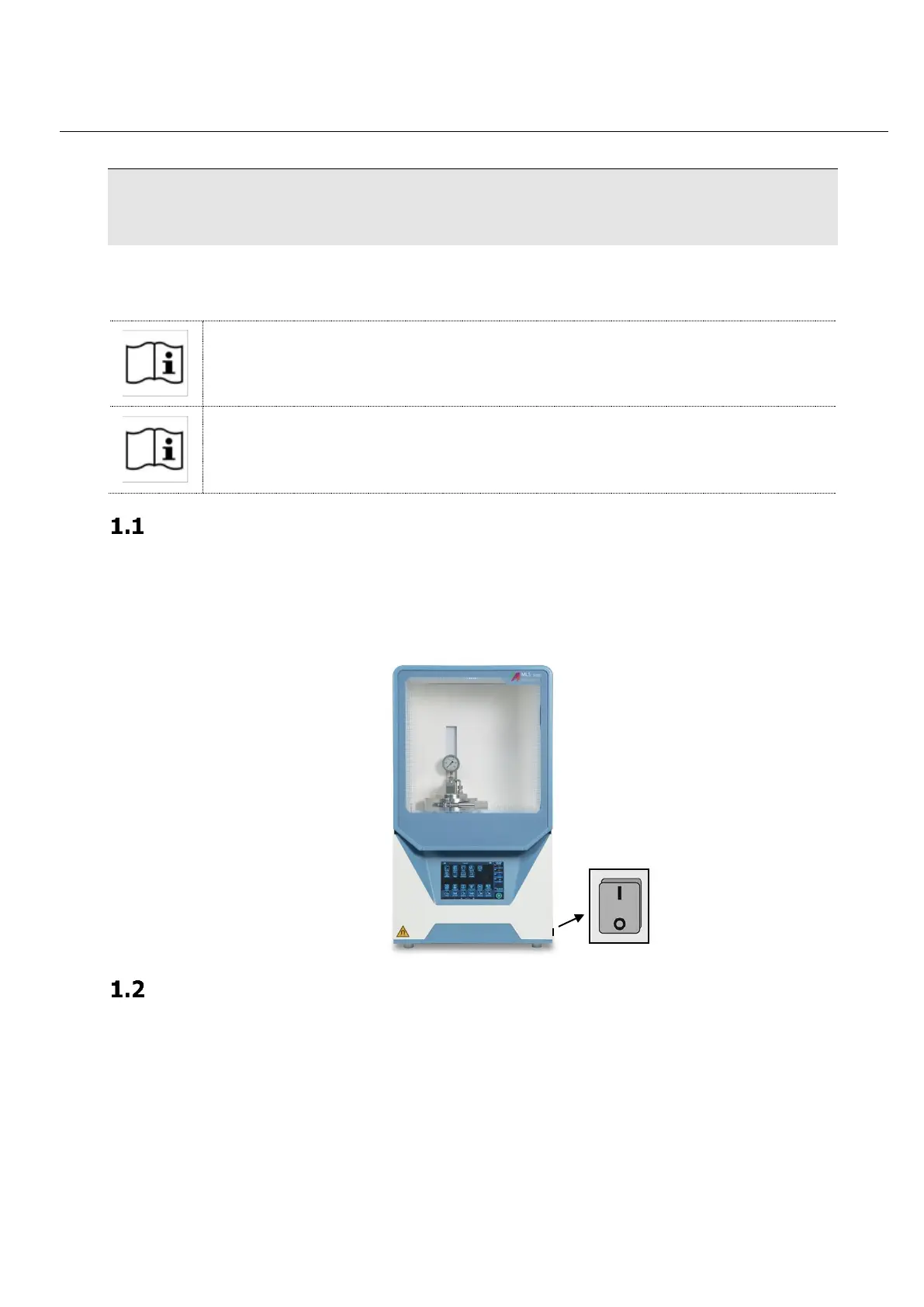
Switch on and login
Turn the main switch of the UltraWAVE 3 on „I“. Wait few seconds until the touch screen terminal turns
on and the software is ready to operate.
The UltraWAVE 3 is ready to work and it shows the last method used
Closing and starting of the system
Fill- the big PTFE-vessel with the base load of 150 ml H2O + 5 ml HNO3 (base load could be different
according the application note) and place it inside the ultraWAVE 3 stainless steel cavity.



 To Next Page