EasyManua.ls Logo

Milestone ultraWAVE 3 - MAINTENANCE AND CLEANING PROCEDURES; Routine Cleaning and Maintenance

Milestone ultraWAVE 3
157 pages
Print Icon
To Next Page IconTo Next Page
To Previous Page IconTo Previous Page
Loading...
Milestone Srl MA245-003 ultraWAVE 3 User Manual
65
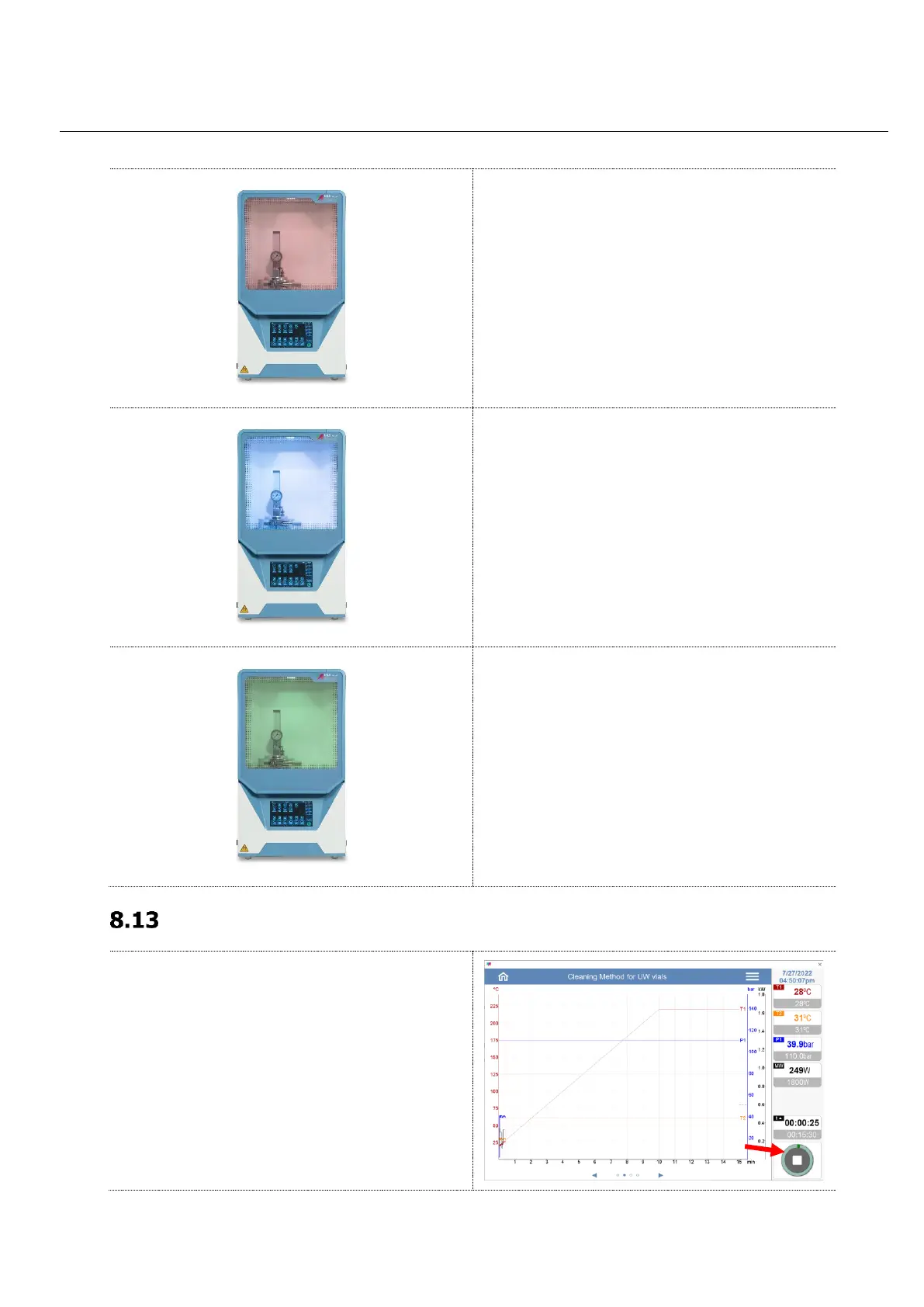
Red: Device works
Red - flashing: Device in error state, or software
in setup
Blue: Cooling after the digestion program
Green: Microwave program is completed
Emergency Stop of UltraWAVE 3
Emergency shut-down during a running
microwave program should be made possibly via
software touching the STOP button on the screen,
as in this way only the microwave radiation is
switched off.
Ventilation for cooling and exhaust keep running
and the recirculation water chillier will not switch
off.


Table of Contents

Related product manuals