Milestone Srl MA245-003 – ultraWAVE 3 – User Manual
31
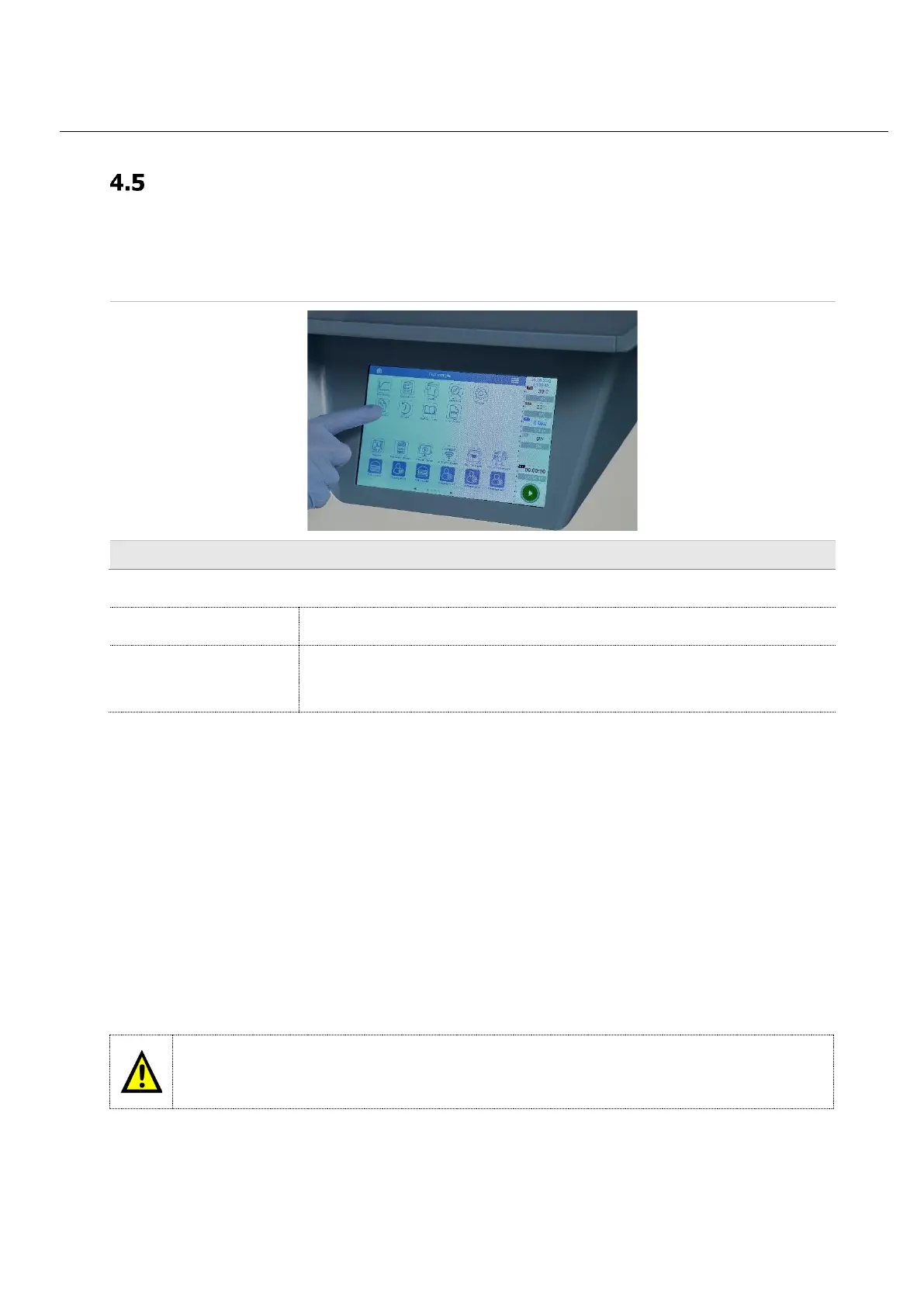
UltraWAVE 3 built in touch screen terminal
Description
The front built in screen has a high-resolution colour monitor with Touch Screen functions to
simultaneously create, run and save microwave programs.
• The terminal is operated either by touching the switching surfaces of the screen (Touch Screen)
or optionally via mouse and keyboard.
• easyCONTROL software is installed in the internal hard disk of the device.
• The creation of programs is supported both by graphic and numeric input mode.
• The software allows the system to automatically follow a pre-drawn curve of a program on the
screen (temperature / time program); it is therefore possible to create or reproduce temperature
programs pre-loaded from the method library.
• All control parameters are simultaneously displayed in different colours. The actual measured
values are in real time drawn over the pre-set parameter curves. All sample data are recorded.
easyCONTROL
The easyCONTROL Software is installed in the terminal at the time of delivery. Software Updates are carried
out by authorized Milestone service engineer.



 To Next Page