Milestone Srl MA245-001 – ultraWAVE 3 – User Manual
125
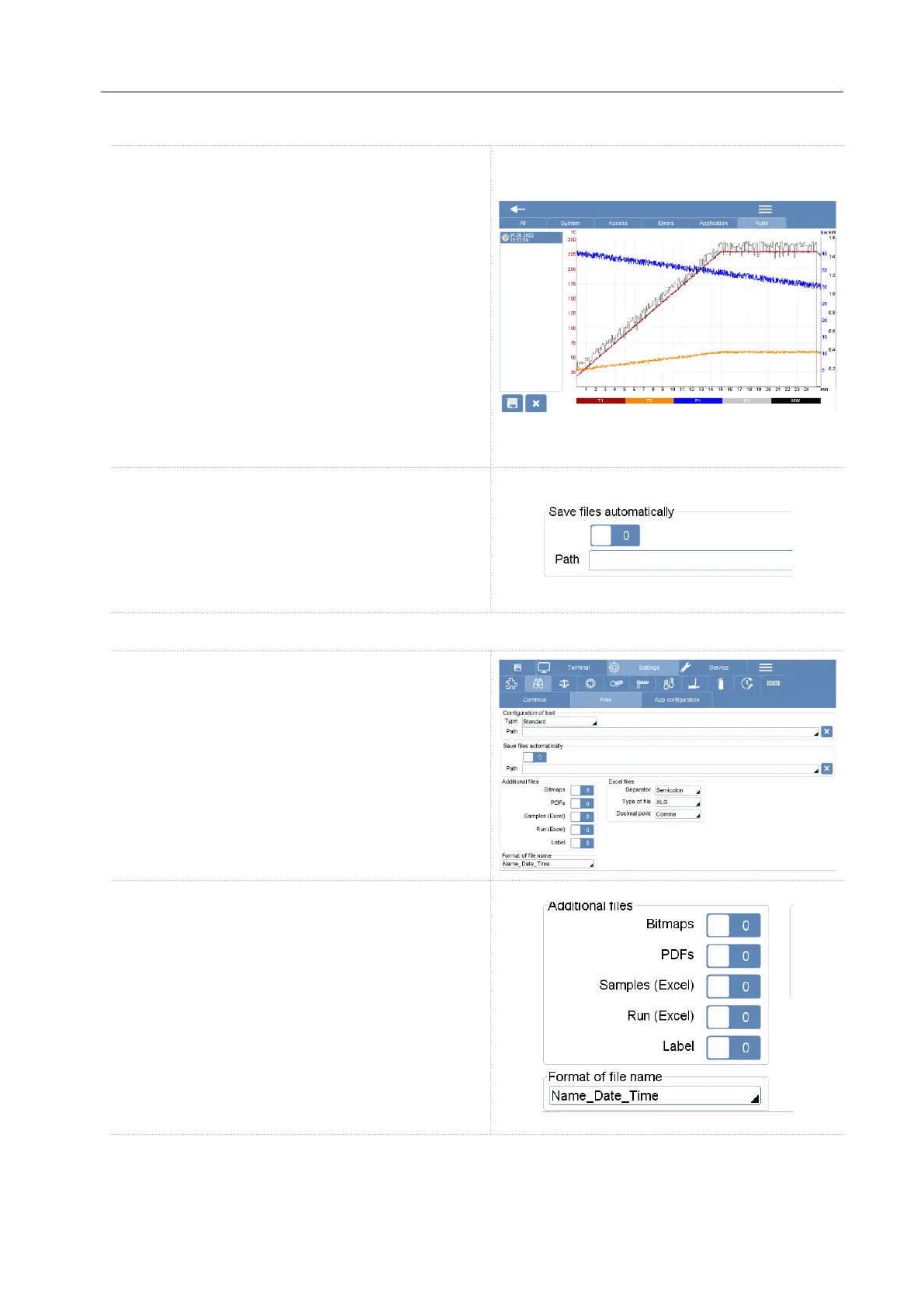
Continuous recording
The system constantly save the temperature profile
during the digestion run. All temperature profiles
can be visualized in the trail page under the “Run”
folder.
It’s possible to export these files in excel (.xls) or
bitmaps (.bmp).
This type of auto-save is default of the software and
cannot be switched off.
Save of the run file
You can activate automatic software saving. The
software automatically saves temperature profiles
(pdf, csv, bitmap) on USB or Server at the end of
the run.
It is possible to choose the type of file that you want to save on the external device.
You can find the selection of file types in the Setting
window under the “binoculars” icon and Files.
In the "Additional files" box you can choose the type
of file. You can choose more than one type and the
software will save multiple files.
• Bitmaps (.bmp): Picture of the final
temperature profile.
• PDFs: Picture of final temperature profile
with microwave method description, userdetails,
signature, sample list, notes.
• Sample (Excel): List of samples taken from
the sample list of the software (is not mandatory to
fill the sample list).



 To Next Page