Milestone Srl MA245-001 – ultraWAVE 3 – User Manual
103
Print
Select <Print> to print the current sample table.
Furthermore, you have here the possibility to
create a PDF file.
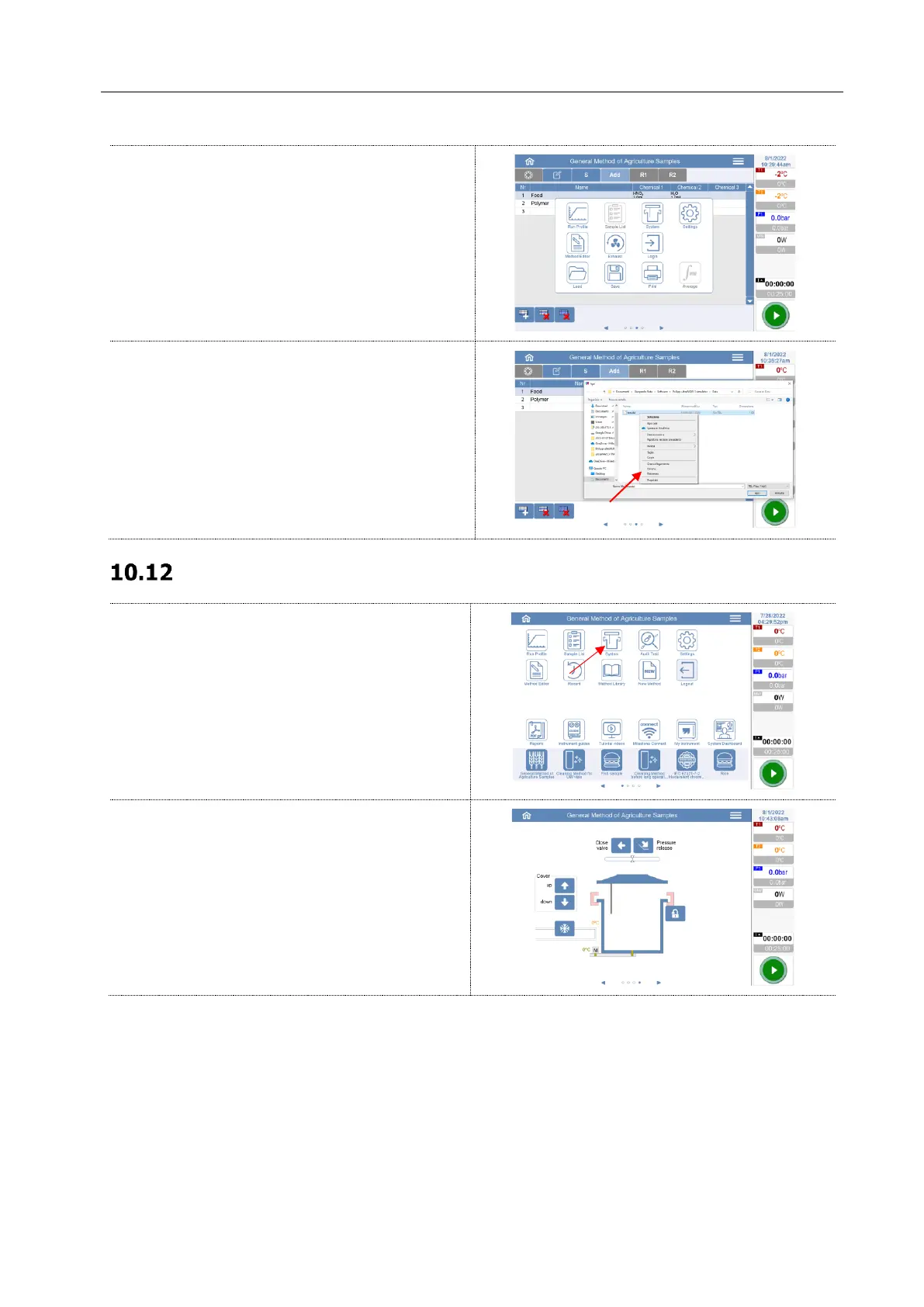
Delete a sample table file
Select from the list the sample table to delete.
The name of the sample table appears in the
Name field.
Keep the file selected for a few seconds to open
the menu.
Select delete and pressing OK the file will be
irrevocably deleted.
In the home page, click on the System Icon.
The reactor scheme shows the actual positions of
parts (clamps and cover). This page is for closing
and opening the reactor



 To Next Page