Milestone Srl MA245-001 – ultraWAVE 3 – User Manual
114
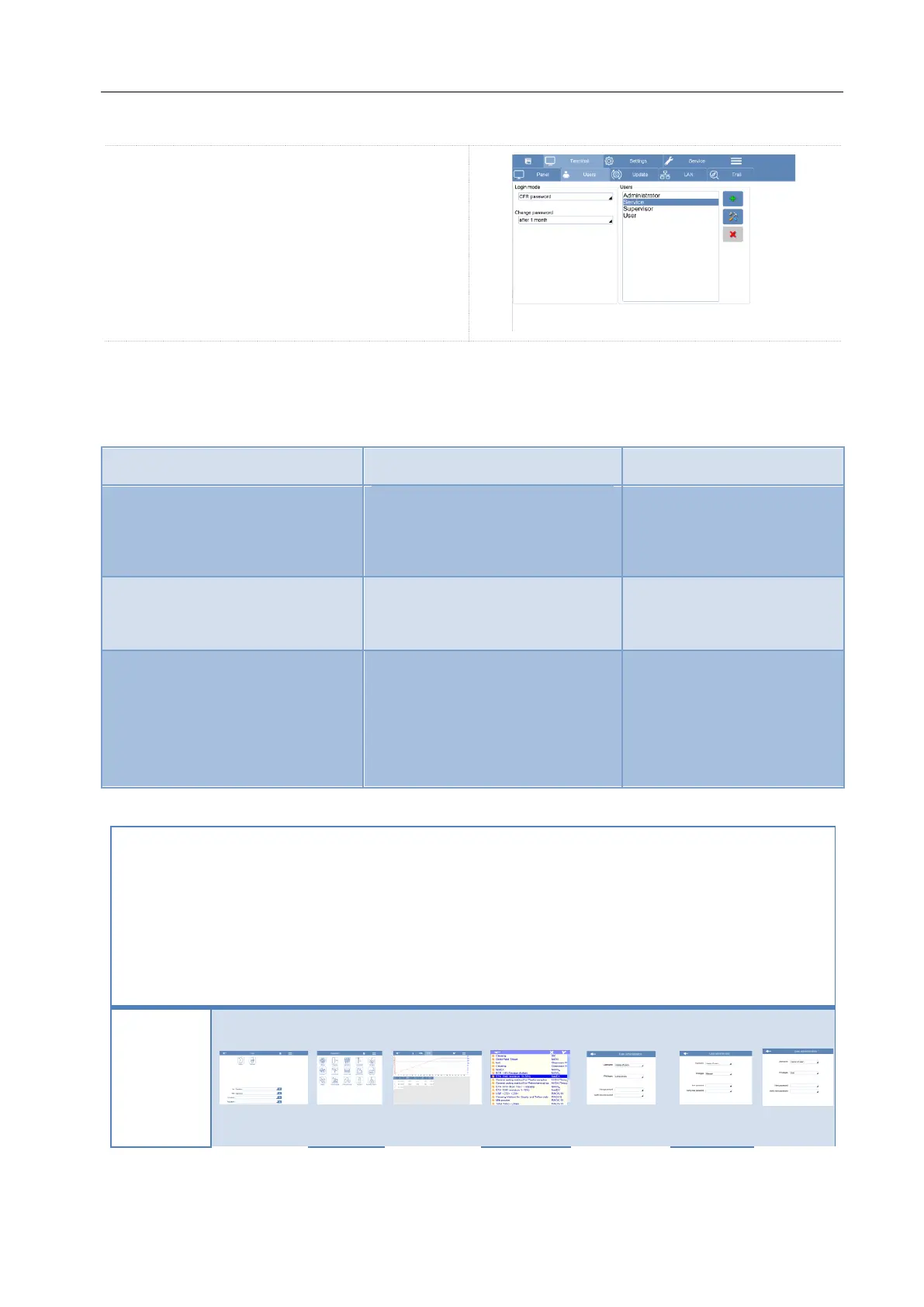
Select the Terminal > Users window in order to
get access to the Users list. From this page it is
possible to Create, Edit or Delete a user profile.
Overview of user profiles and access levels
From the Users window, you can create a new login name. There are three different types of users with
different levels of accessibility (privileges) that can be created.
Can only open files selected by the
administrator. The user cannot
modify any parameter of the
method.
Can create User and Manager
profiles. Can open and modify the
methods.
Can create User, Manager and
Administrator profiles. Can open
and modify the methods.
It have access to the time and data
of the software and other technical
options.
Here below a table with more details concerning the privileges according with the login type
Open and
Run a
method
from the
Recent
folder
Open
and Run
a
method
from the
Digestio
n
Library
Modify
existing
methods
(not the
one from
the
Milestone
library)
Create a
new
Administrat
or account
Create a
new
Manager
account
Create a
new User
account



 To Next Page