Milestone Srl MA245-001 – ultraWAVE 3 – User Manual
88
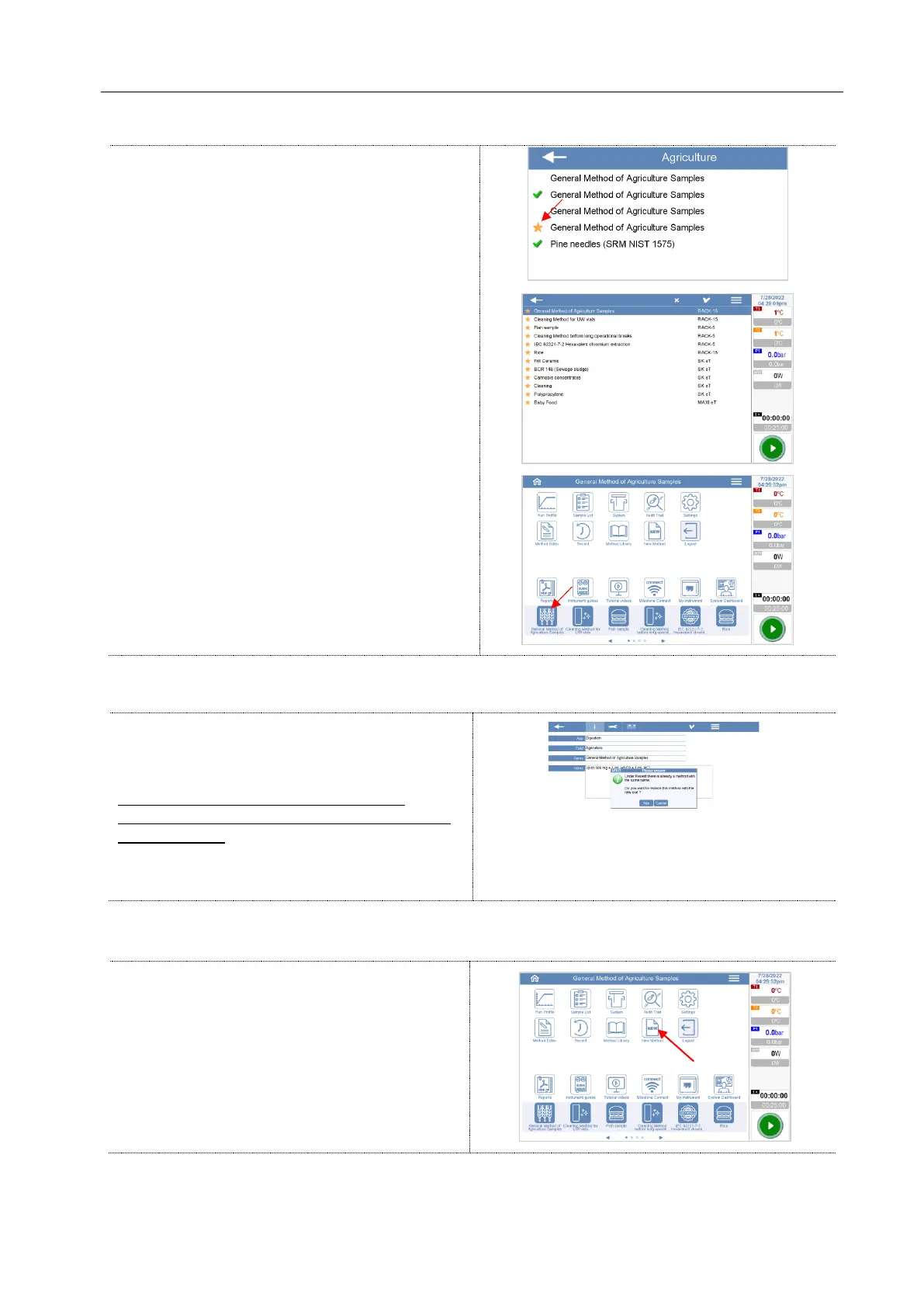
The methods in the category “Recent” can be
opened and run by all operators.
By the Administrator right, the methods in the
category “Recent” can be modified or deleted
from the folder.
Upon delivery, the rack included in the supply are activated in the setup menu. If you already have a rack
or if you order it in a second moment, this can be activated by the administrator.
If you open a method already included in the
category “Recent”, a warning message is
displayed.
If you confirm this window, the method is
overwritten and therefore it replaces the original
one in “Recent”.
If you don’t want to modify the original “Recent”
method, assign a different name to the method.
Press the New Method icon



 To Next Page