Milestone Srl MA245-001 – ultraWAVE 3 – User Manual
123
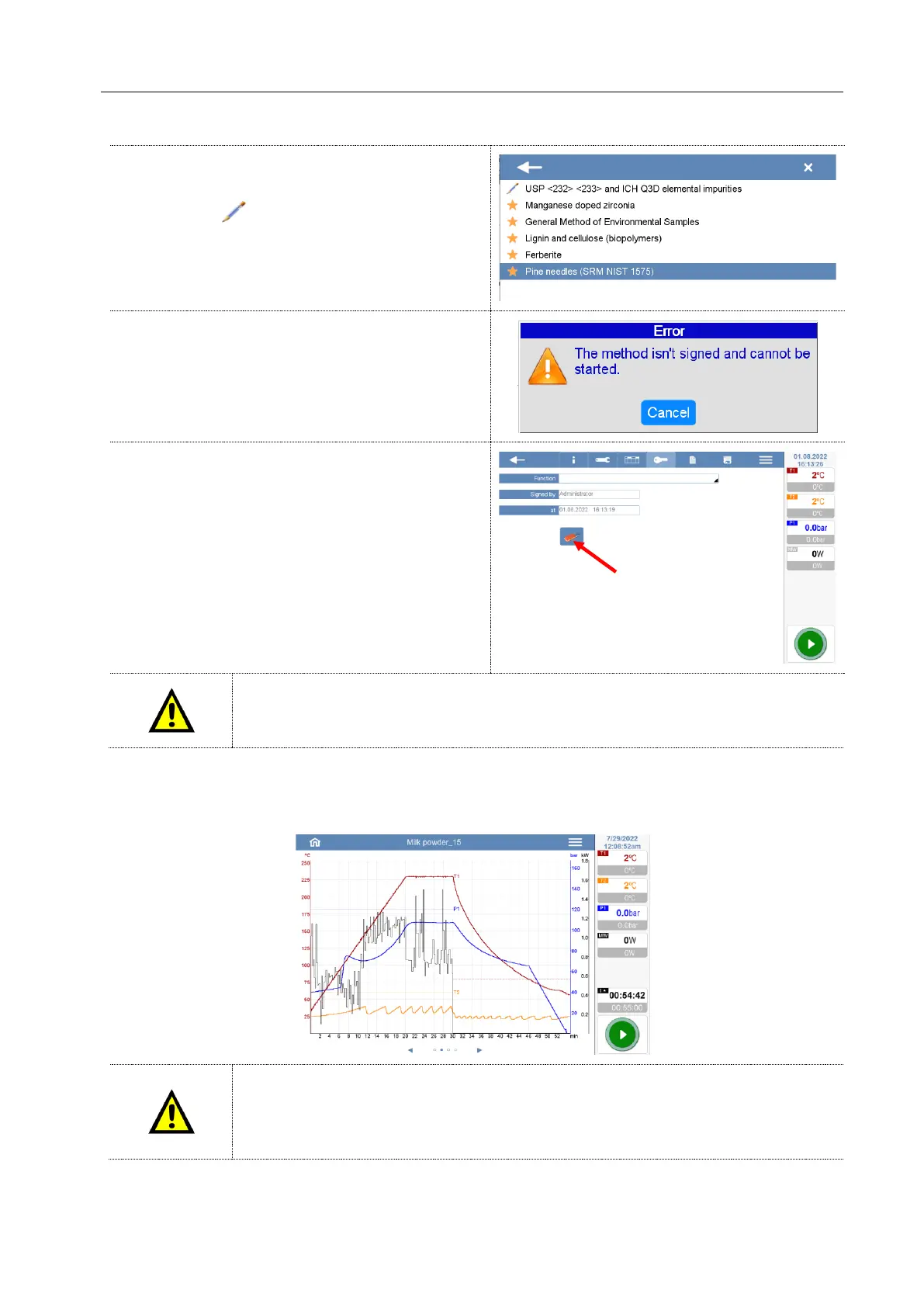
Signed methods will be saved in the library and
marked by the icon.
The users will find all signed method in the “recent”
folder.
If the users select a not signed method, an error
message is displayed on the screen.
The sign an a method can be removed pressing the
“eraser” icon.
If you create, edit, or delete a method, all steps are tracked and recorded in the audit
trail list with the name of the user profile and date.
Save and export the final digestion temperature profiles
The final digestion runs (the temperature profiles) can be exported and saved on an external device.
The software recognizes that the terminal is connected to an external device for
saving the final temperature profiles. If no device is connected, the software does not
allow you to proceed with the microwave program (only with the 21CFR-11 option
activated).



 To Next Page