Milestone Srl MA245-003 – ultraWAVE 3 – User Manual
28
The unit is designed and constructed to ensure that the power density of the microwaves emission to the
environment is below 1 mW/cm² at a distance of 50 mm.
Description of the ultraWAVE 3 ports and connections
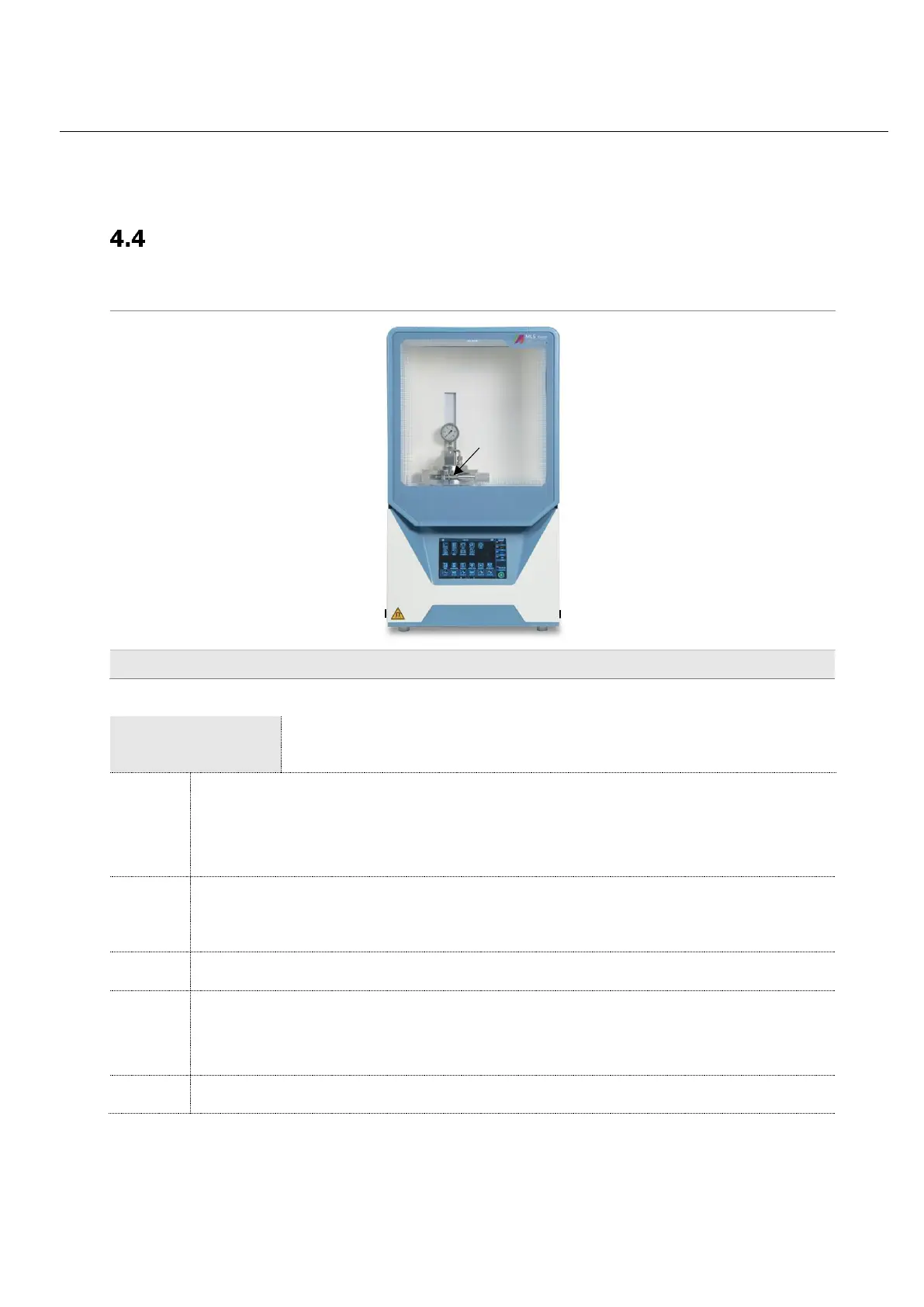
Front view
Operating Pressure Manometer
It shows the operating pressure inside the pressure vessel. A return valve is installed at the
gas inlet port of the pressure vessel. Thus, the pressure of the vessel is increased by
microwave heating over the starting pressure.
Locking device
Both clamps are locked in this position to enable pressurization. Clamps can be unlocked
after pressure relief.
2 USB Port
For mouse, keypad and storage devices. It’s possible to connect only one storage device
(keypad and mouse not included in the supply).



 To Next Page