Milestone Srl MA245-001 – ultraWAVE 3 – User Manual
78
10 EASYCONTROL SOFTWARE
Below are all the steps on how to work with the easyCONTROL software. If you need to work in
compliance with 21CFR-11, also refer to the 21CFR-11 chapter.
Program start
Switching on the unit also the terminal is turned on and the program is initialized.
During the boot process appears a black screen for a few seconds.
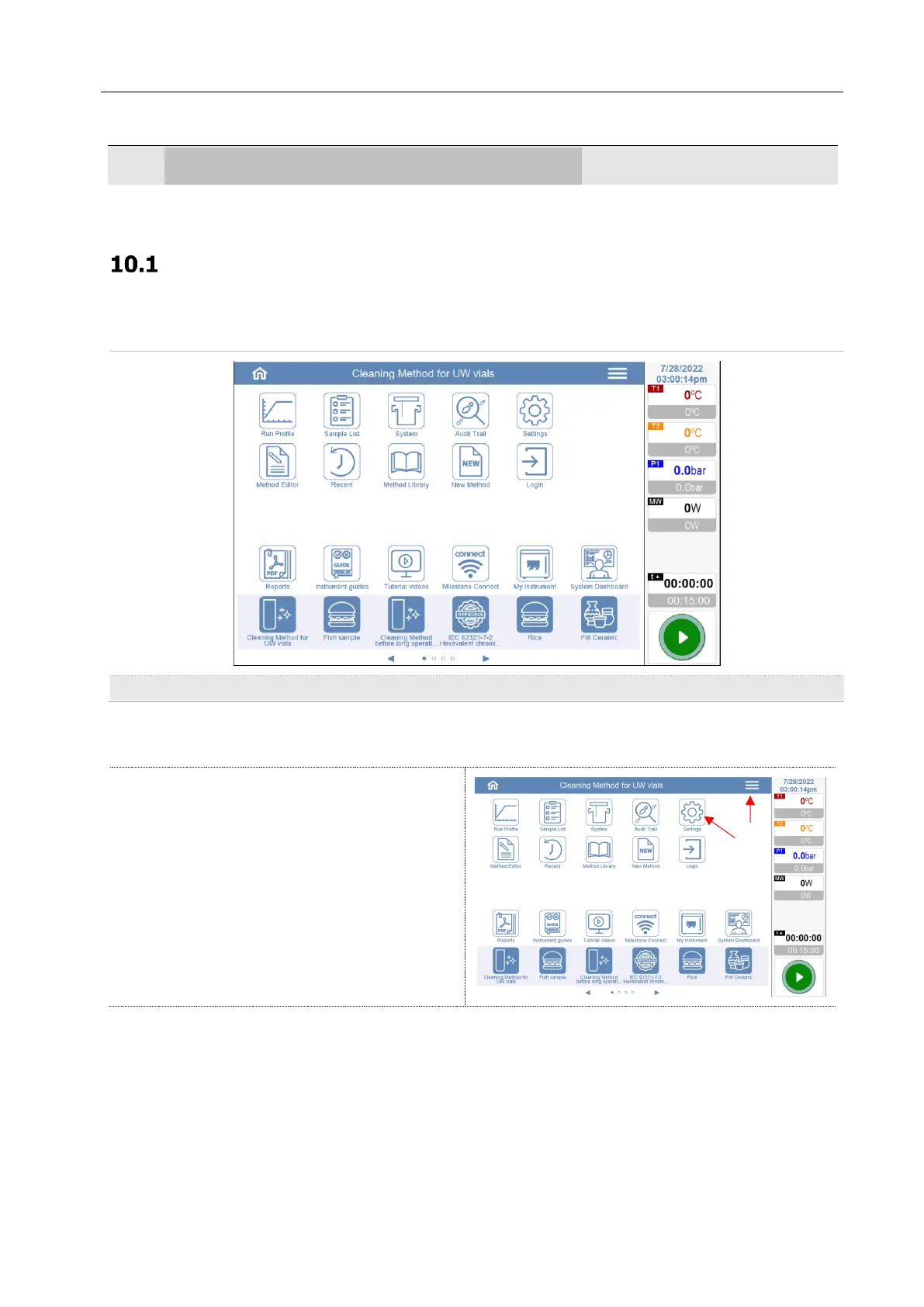
The first page that appears is the home page. This page can be customized by adding or removing icons.
For customization, follow the steps below:
Open the setting screen. If it is not present on
the home screen, it can be accessed via the
menu at the top right



 To Next Page