Milestone Srl MA245-001 – ultraWAVE 3 – User Manual
105
SETTINGS
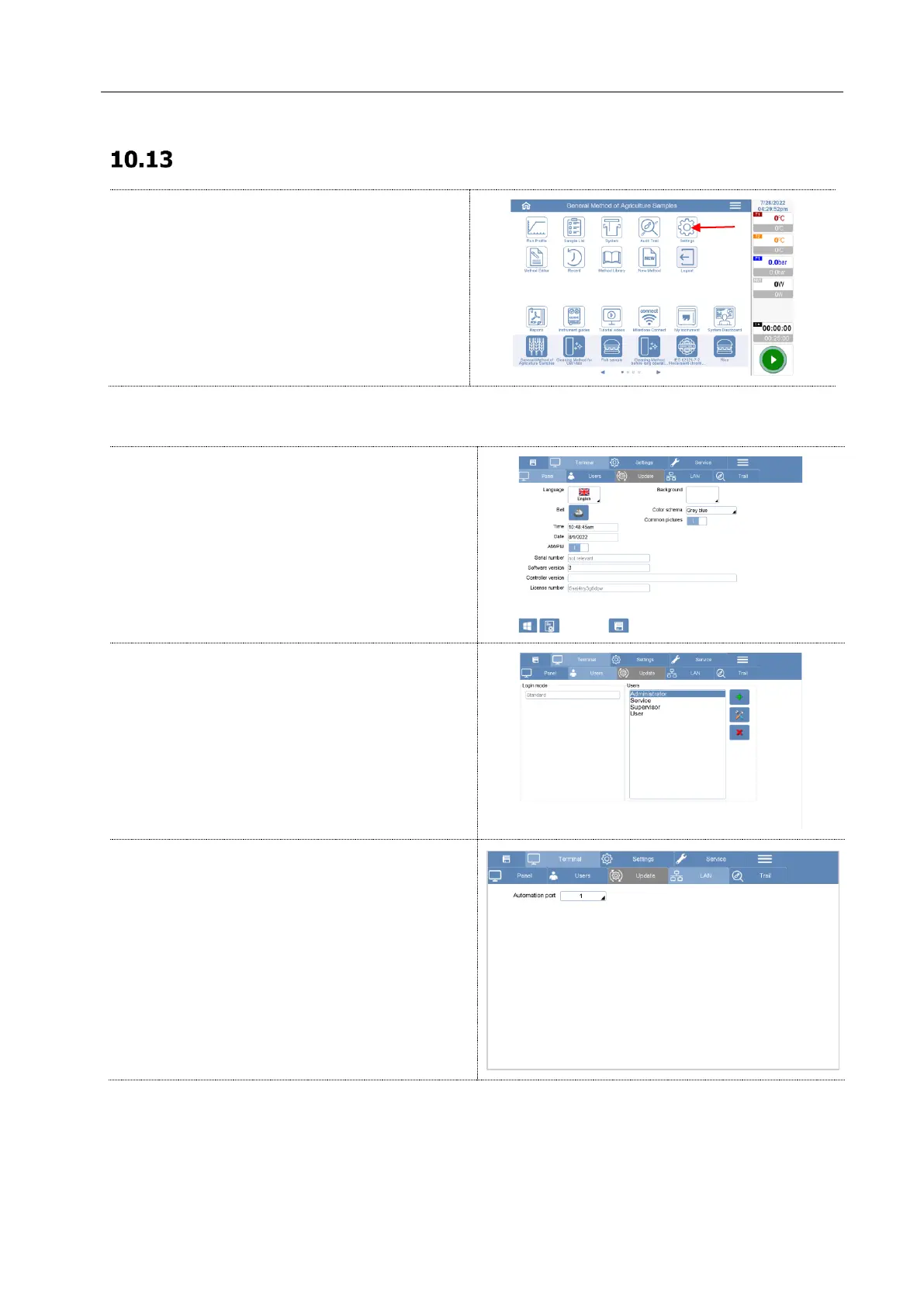
To enter the Settings menu, click on the Settings
Icon in the homepage or menu.
Here you must log with the administrator
password.
Panel
Here you can edit the general setting of the
terminal.
Users
In this section you can :
- create new users or administrators or edit
existing ones;
- activate the “USB stick and password” Login
mode (See Chapter 13).
LAN
In this section you can configure your Network
settings.
Main purpose of this page is to connect the
terminal to the network so it’s possible:
To save file directly on an external PC
To monitor/check the run directly from the
browser of your PC (Milestone connect)
Below you can find the instructions to set correctly the connection between T660 and local network.



 To Next Page