Milestone Srl MA245-001 – ultraWAVE 3 – User Manual
120
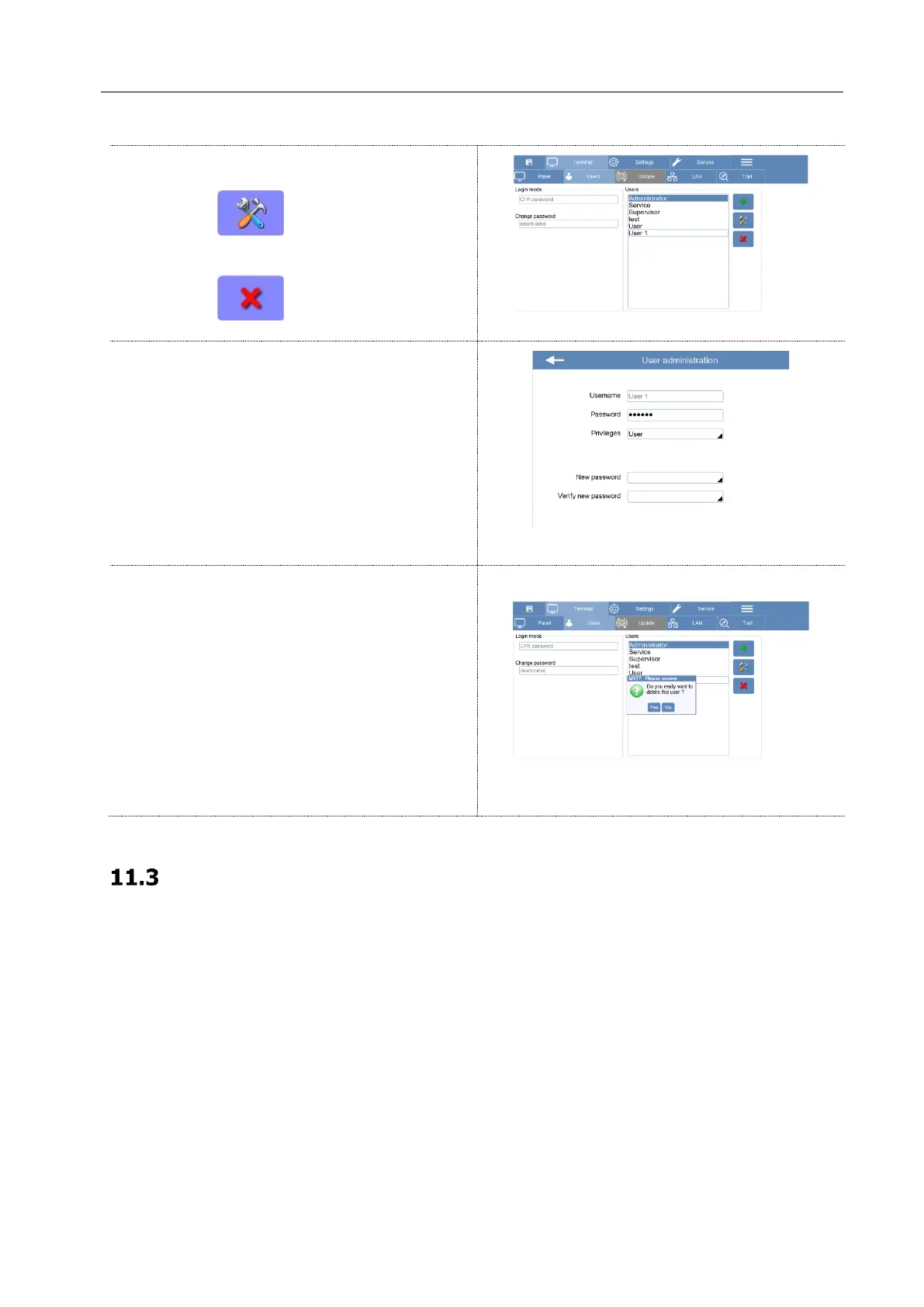
Select the user to edit or delete from the list.
1. Press to edit existing User
2. Press to delete existing User
Pressing the edit function you can change the
privileges and the login password
Pressing the delete function a message will appear
for confirmation. Press YES to remove the account.
The above instructions are valid also for the CFR Signature + password configuration (USB Stick).
Switch on the unit and create new microwave method
The working of the system with the 21CFR-11 function activated is in accordance with the access person
and the privileges related to him (see the above tables for more details).



 To Next Page