Milestone Srl MA245-001 – ultraWAVE 3 – User Manual
87
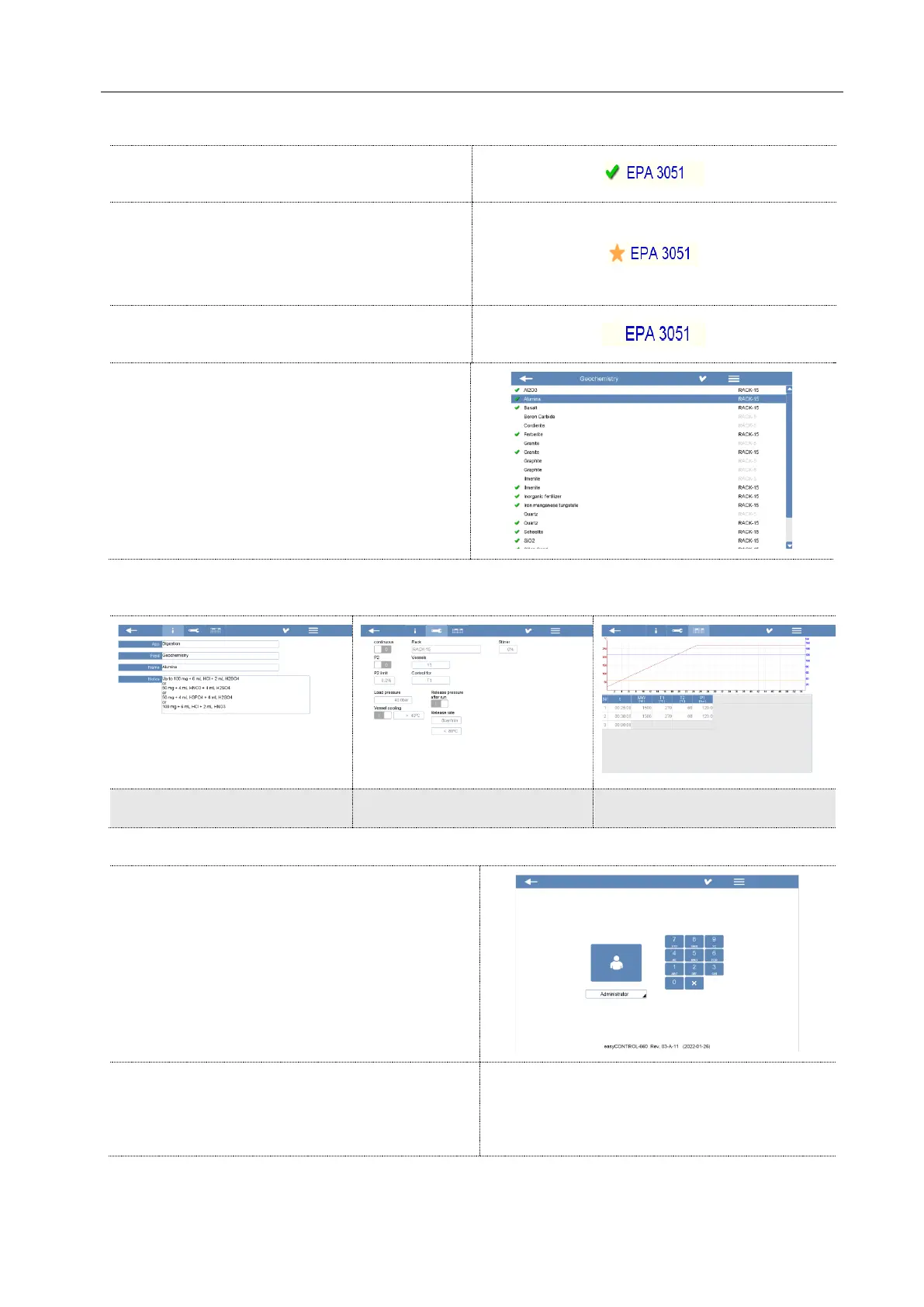
Milestone method ready to be started. This
method cannot be deleted or overwritten.
Modified method selected and/or modified by the
administrator.
This method is located as well in the category
“Recent”.
Method designed for a specific rotor not included
in your configuration.
Select a method and click the upper right icon
(check mark).
In the following registers, there are all method information and settings. Here is not possible to modify
the methods.
Administrator access is required to be able to
upload them.
If a method is opened by the Administrator, this is
automatically saved in the respective category with
a Star, in the “Recent” folder and in the Home
page.



 To Next Page