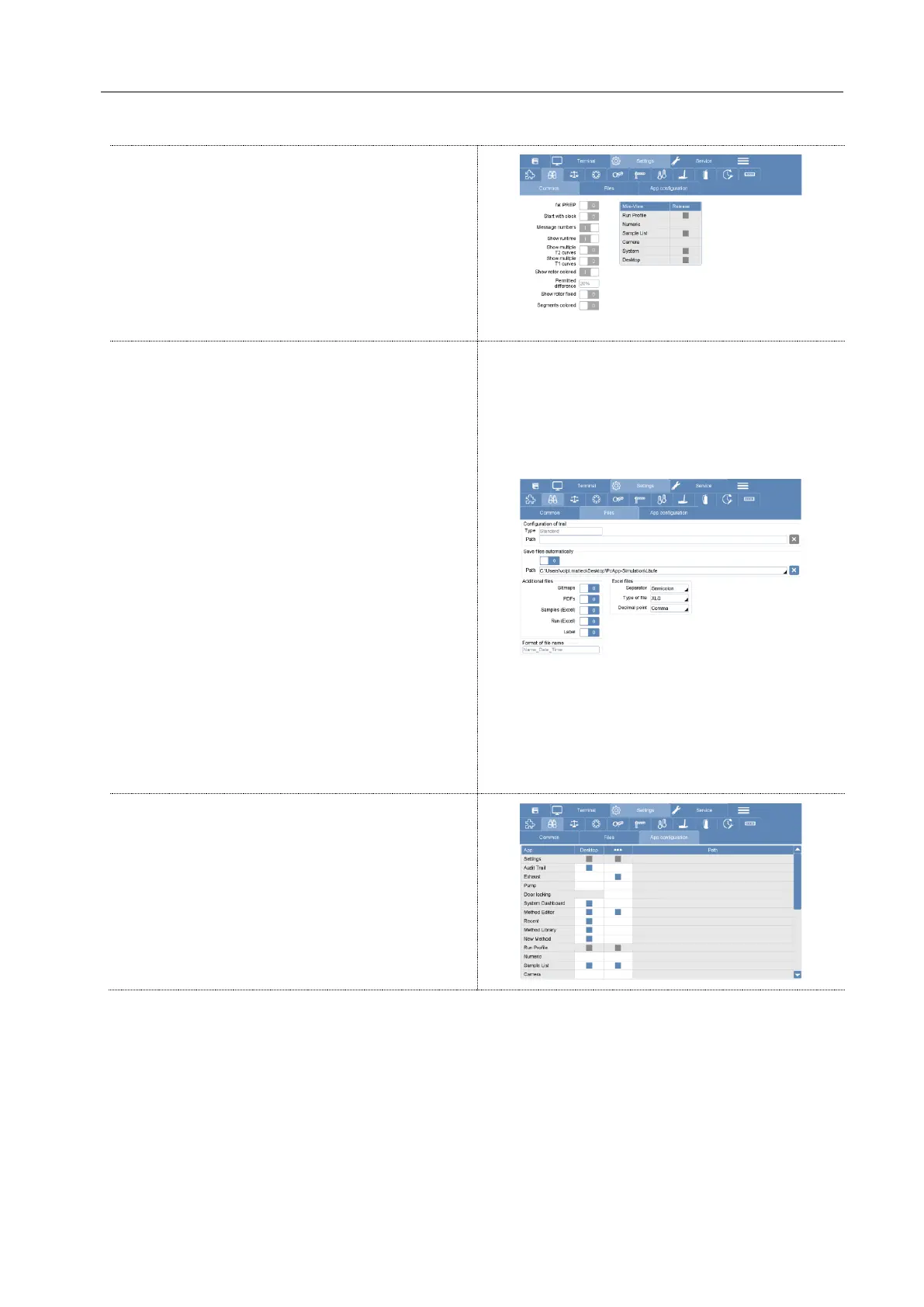
Data saving options
In the "Additional files" box you can choose the
type of file. You can choose more than one type
and the software will save multiple files.
• Bitmaps (.bmp): Picture of the final
temperature profile.
• PDFs: Picture of final temperature profile
with microwave method description and notes.
• Sample (Excel): List of samples taken
from the sample list of the software (is not
mandatory to fill the sample list).
• Run (Excel): Excel file of the final
temperature profile.
In configuration of trail, it’s also possible to:
• Activate the automatic saving of the final
digestion run by introducing the path to the folder
for automatic saving.
• Choose the excel file type (XLS, CVS,
comma, point, etc…)



 To Next Page