Milestone Srl MA245-001 – ultraWAVE 3 – User Manual
116
For the above reasons, Milestone suggests to:
• Oblige the users to use their name and surname as ID Username.
• Have a register (notebook or excel file) with list of all ID Username with the corresponding name
and surname of users.
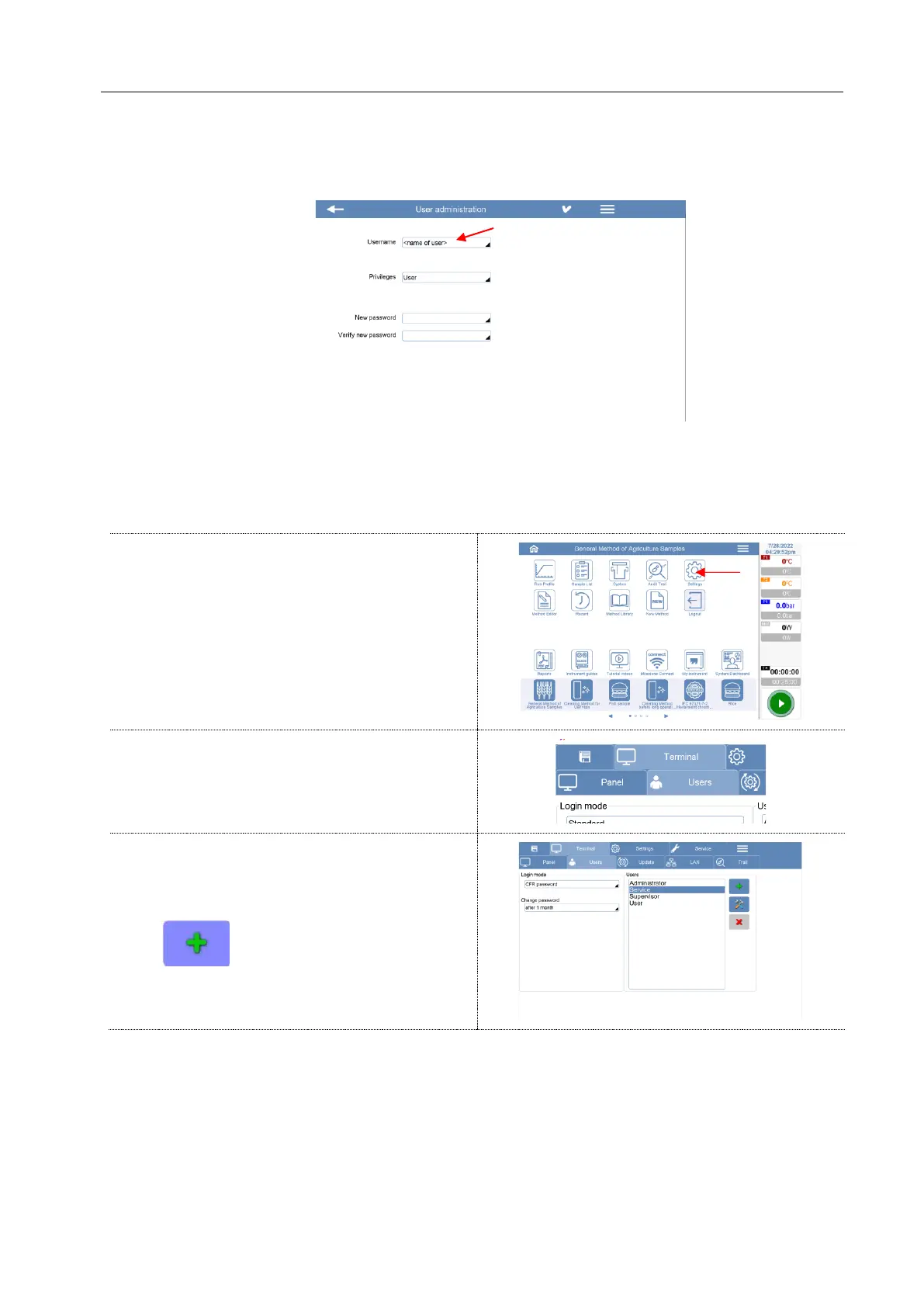
Here below all steps to create a new ID profile with the “CFR password” configuration activated.



 To Next Page