Milestone Srl MA245-001 – ultraWAVE 3 – User Manual
127
* The Trail cannot be deleted from the terminal if it has not previously been saved
on an external media.
If the trail file is deleted, this event is reported in the first line of the new trail file
The Trail consultation can be simplified by selecting
different search filters.
• All: shows all the messages and records.
• System: shows only the messages related
to the system / software modifications.
• Access: shows the name and the data /
time of login and log out of each users.
• Errors: all error messages
• Application: all method modifications
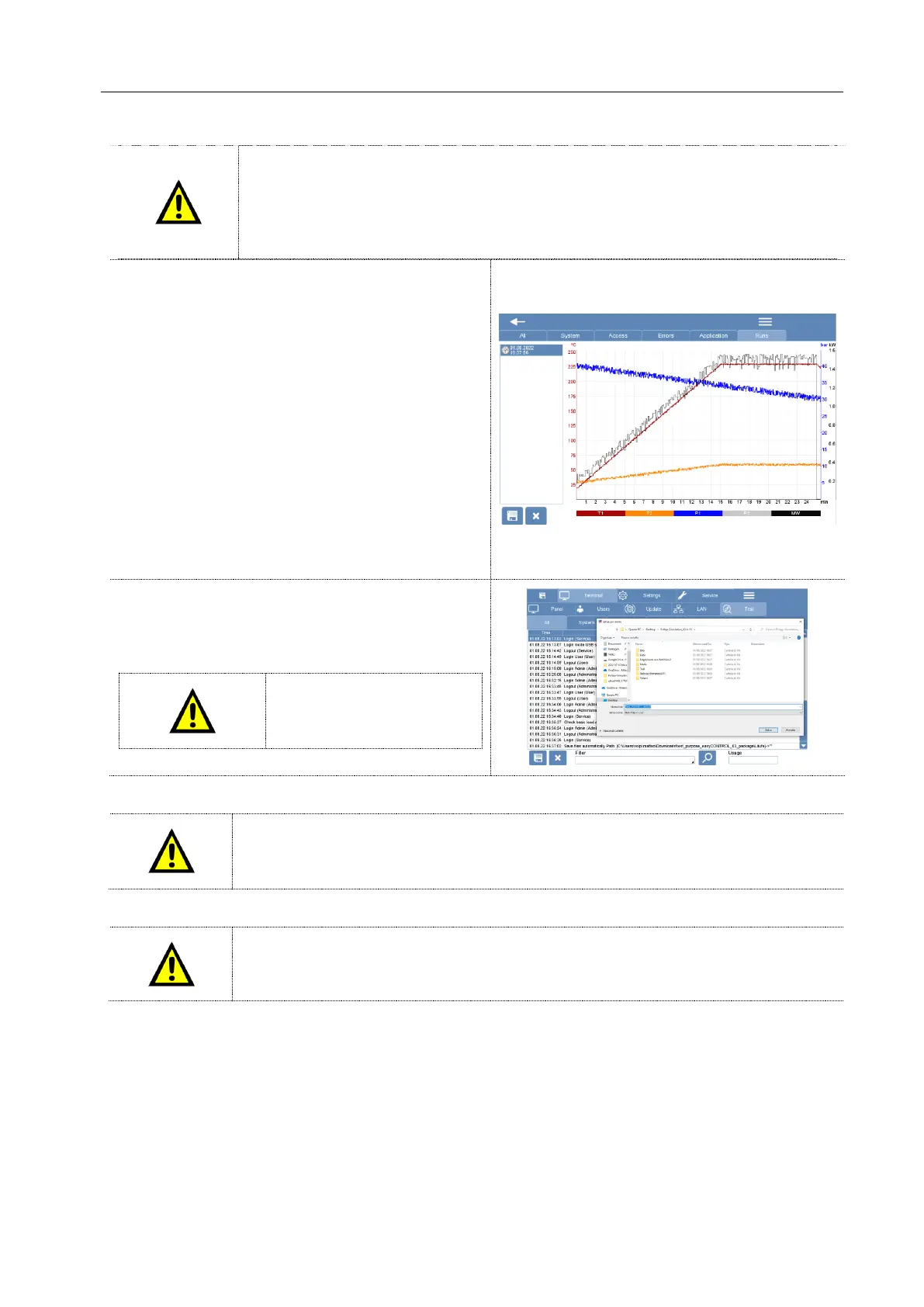
• Runs: chronological sequence of all the
microwave runs with the temperature profile. The
temperature profiles can be exported in .bmp or . xls
format.
It is possible to export and save the Audit trail in a
.csv (excel) file. The audit trail can be saved on a
USB stick or directly on an external computer or
server.
It’s not possible to import an
audit trail file on the
software.
It is the user's responsibility to periodically save the audit trail file (create a Backup)
and to preserve the integrity and reliability of the exported .csv trail saving the file on
a device (USB, Computer, Server) validated by GMP.
It is the user's responsibility to periodically check the functionality of the external
storage device.



 To Next Page