Milestone Srl MA245-001 – ultraWAVE 3 – User Manual
95
With the pause button the process can be
interrupted (the timer is stopped and the
microwave irradiation is stopped).
During the pause, the button changes to a split
view. Now you can continue or stop the program.
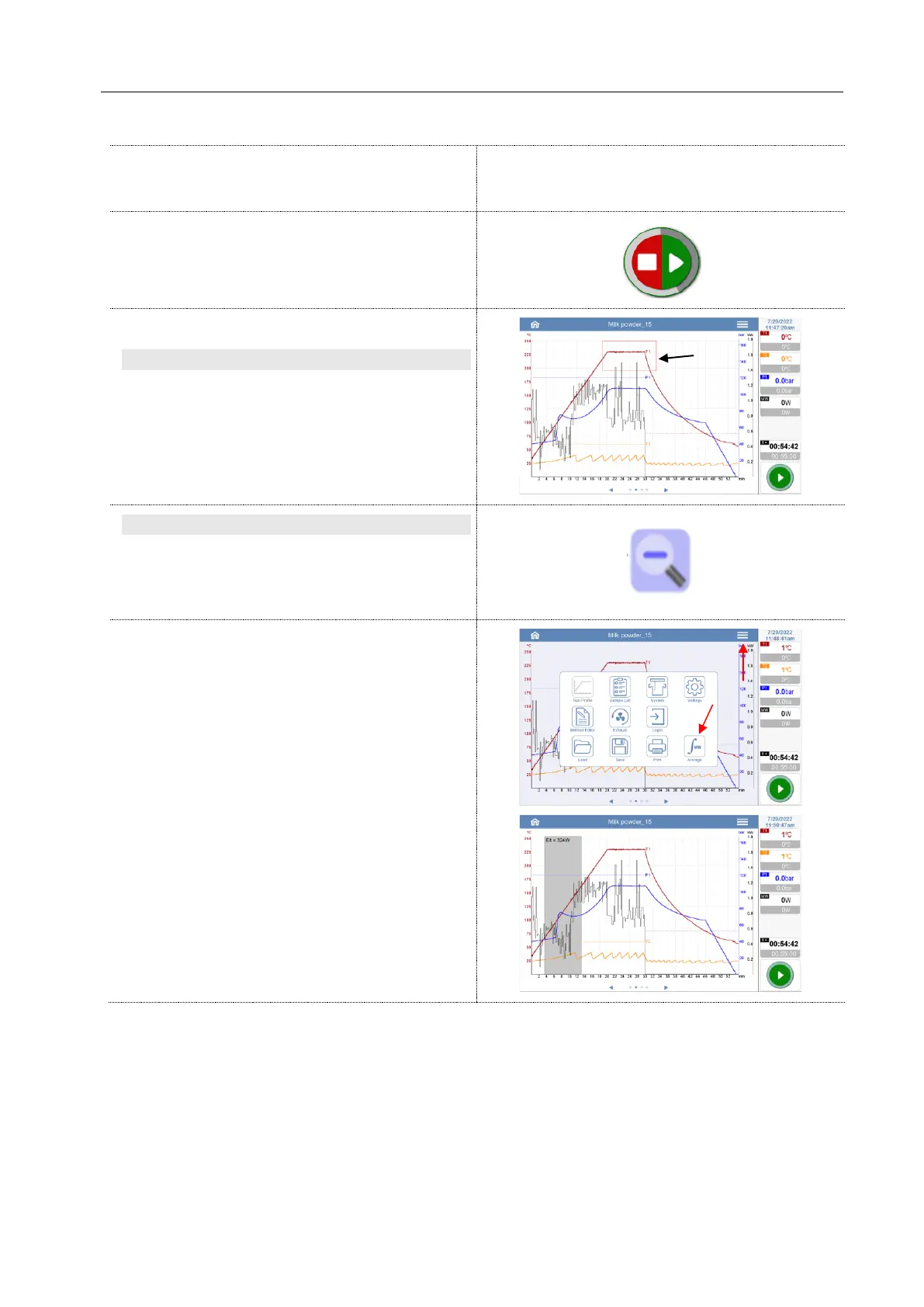
ZOOM
Touch the screen from the top left corner to the
bottom right corner and you remain in the final
position for about half a second before releasing.
The section will be zoomed on screen
ZOOM-OUT
Below the graph the "Zoom Out" button appears.
Tap this button to zoom out.
Selecting the MW
average
it is possible to calculate
the average of microwave energy delivered by the
unit in a specific part of the temperature profile.



 To Next Page