ADJUSTMENT
4 - 7
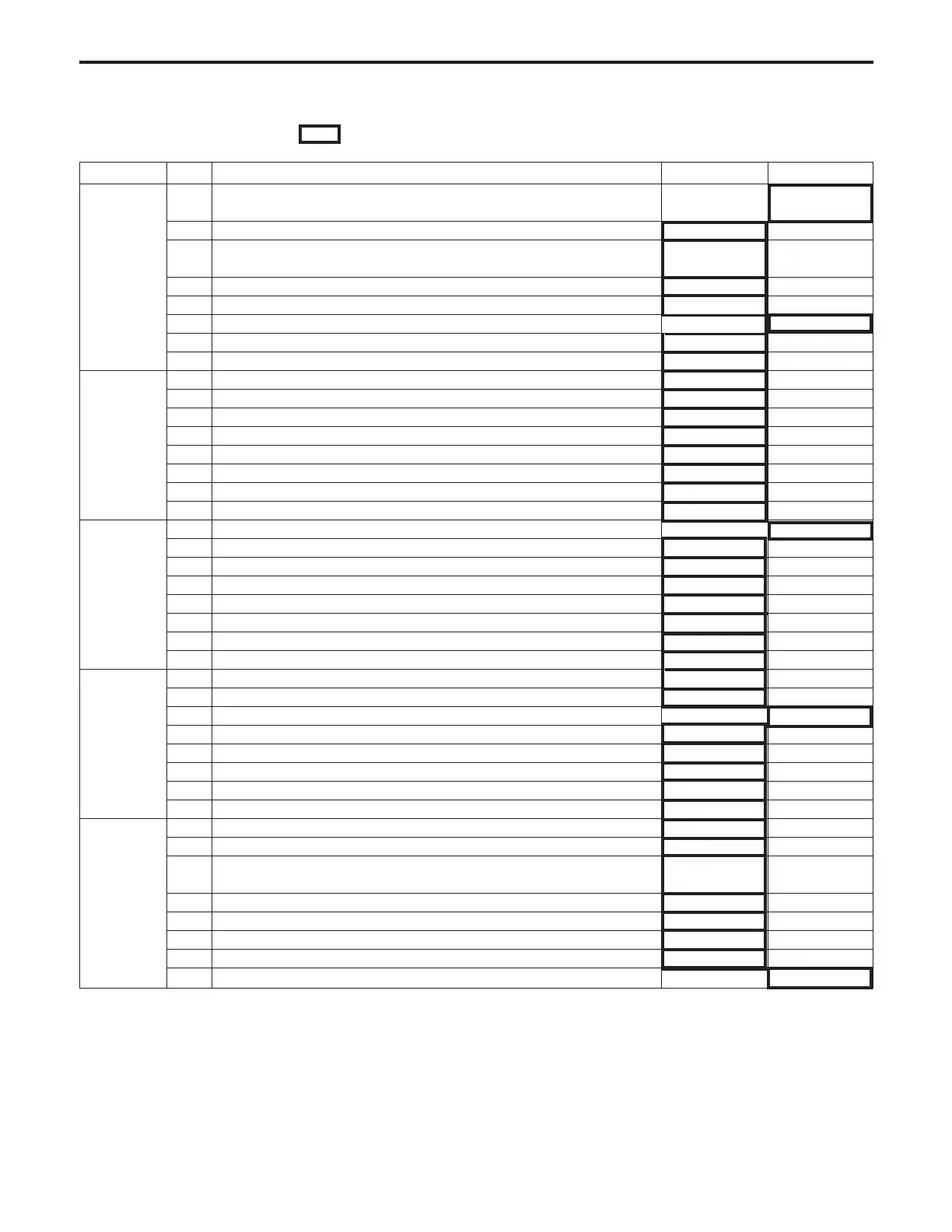
<Software Switch List> : The boxes with thick lines indicate factory settings.
DIPSW No. Bit Function 0 1
0 Operation when key counter is removed Ignore Instantaneous
stop jam
1 A3 (11" × 17") count method 1 count 2 count
2 Finisher number of stapled sheets upper limit stop select
Immediate stop
Stop at an interval
of copy set
DIPSW 1 3 Finisher number of stapled sheets upper limit select * 1 * 1
4
″
* 1 * 1
5 Finisher sensor failure sensing * 2 * 2
6
″
* 2 * 2
7 F/E select (all other than fixing unit F can be replaced with E) No Yes
0 Finisher sub-tray select for production * 3 * 3
1
″
* 3 * 3
2
Jam code number displayed on jam screen
No Yes
DIPSW 2 3 Auto Charge electrode cleaning Yes No
4 Auto Transfer/Separation electrode cleaning Yes No
5 Finisher over-stacking sensing Sense Ignore
6 25, 36, 47 mode password request. Password: 9272 (fixed) No request Request
7 Select A-series papers only (for Europe) No Yes
0–
1 F34 Reset No Trouble
2 F35 Reset No Trouble
DIPSW 3 3 F36 Reset No Trouble
4 F37 Reset No Trouble
5 Operation when a key counter is removed (when using as a printer) Ignore
Same ascopier
6 Confirmation message when the Clear button is on Display No display
7–
0
Toner level sensing (replenish toner message)
* 5 * 5
1
″
* 5 * 5
2 Destination select * 6 * 6
DIPSW 4 3
″
* 6 * 6
4 Display jam code in jam screen No Yes
5 Reserve memory at job start No Yes
6 Polygon motor slow-speed timing * 7 * 7
7
″
* 7 * 7
0 F4 size setting * 8 * 8
1
″
* 8 * 8
2 Select paper line (Vertical line/Horizontal line) All horizontal.
Horizontal for
A4/B5/by-pass feed.
DIPSW 5 3 Polygon motor slow-speed select (when idling) * 9 * 9
4
″
* 9 * 9
5
″
* 9 * 9
6 Original leading edge timing (amount of RADF leading edge erasure) * 10 * 10
7
″
* 10 * 10
ADJUSTMENT-1



 To Next Page