DIAGNOSTICS
4 - 29
36 MODE
A special operating mode called "36 Mode" has been provided
with this machine.
This is used to make various adjustments.
[1] Setting Method
1. Turn off the main switch.
2. Turn on the power switch while holding both the copy quan-
tity setting button 3 and 6 simultaneously.
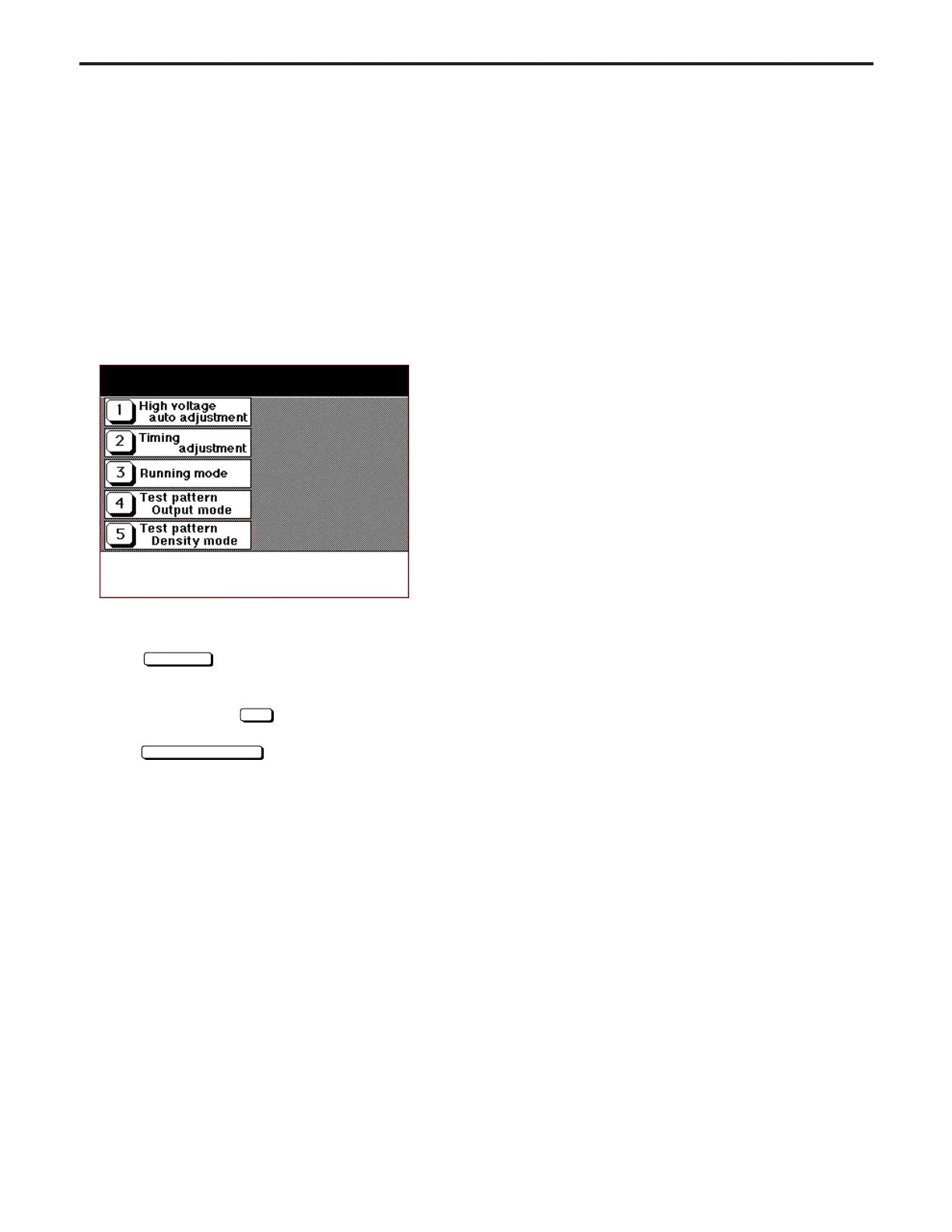
36 Mode Screen will appear.
At this time, the normal copy operation is not available.
[36 Mode Screen]
3. Press the desired button.
The selected setting screen will appear.
4. Enter data in each setting screen.
5. Press
Next setting
key if there is more than one screen.
Press the appropriate button if there is any subordinate
screen.
6. Enter data and press
SET
key (if it exists) to check the
data.
7. Press
PREVIOUS SCREEN
key to end setting.
8. Turn off the main switch to exit the 36 mode.
9. New data can be adjusted after restarting the machine.
[2] Charging Corona Current Adjustment
Charging Corona Current Adjustment is not field adjustable.
[3] Transfer Current Adjustment
Transfer Current Adjustment is not field adjustable.
[4] Separation (AC) Current Adjustment
Separation (AC) Current Adjustment is not field adjustable.
[5] Separation (DC) Current Adjustment
Separation (DC) Current Adjustment is not field adjustable.
[6] Developing Bias Adjustment
Developing Bias Adjustment is not field adjustable.
Adjustment mode
Select one of following items
DIAGNOSTICS-1



 To Next Page