ADJUSTMENT
4 - 13
[4] PM Count Reset
Care should be taken to reset PM count properly.
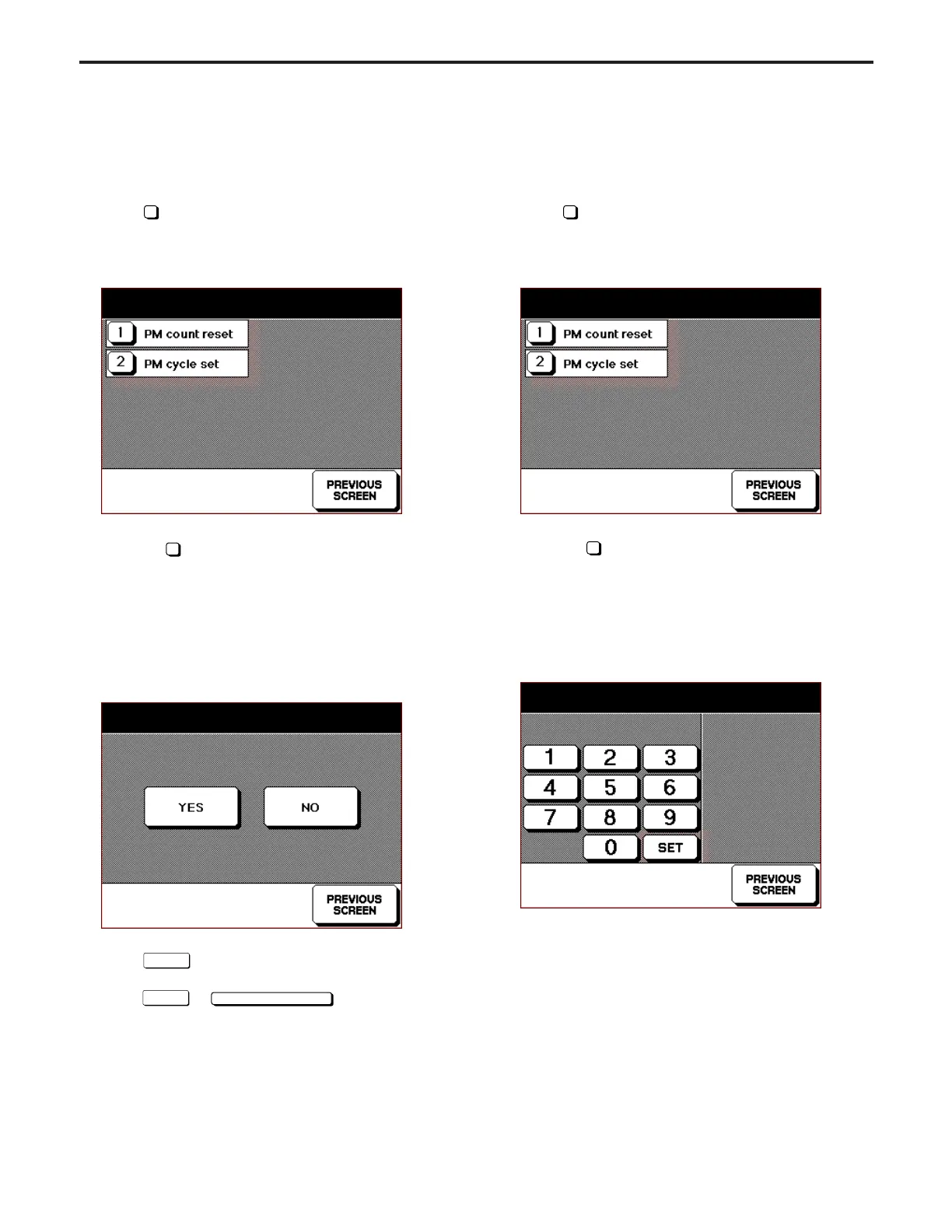
1. Screen selection
Select
3
PM count in the 25 Mode Screen to display PM
Count/Cycle Screen as an initial screen.
[PM COUNT/CYCLE SCREEN]
Select
1
PM Count Reset to display PM Count Reset
Screen.
2. PM count reset
Select whether to reset the count in the PM Count Reset
Screen.
[PM Count Reset Screen]
(1) Select
Yes
in the PM Count Reset Screen to move to
PM Count Start Date Entry Screen.
(2) Select
No
or
PREVIOUS SCREEN
key to return to PM
Count/Cycle Screen.
[5] Setting PM Cycle
This function sets the PM cycle.
1. Screen selection
Select
3
PM count in the 25 Mode Screen to display PM
Count/Cycle Screen as an initial screen.
[PM Count/Cycle Screen]
Select
2
PM Cycle Set to display PM Cycle Setting
Screen.
2. Setting method
Enter PM cycle in the PM Cycle Setting Screen.
[PM Cycle Setting Screen]
(1) On the second row of the message area, the current PM
cycle value (on the left side) and the newly entered value
(on the right side) are displayed.
(2) Enter the first three digits of the value (number of hundred
thousands, ten thousands and thousands) using the nu-
meric key on the screen.
(3) The firstly entered number will be shifted to the left end.
:
PM count/cycle
PM/CYCLE 1562/15000 START:12/06/97
PM count reset? YES / NO ?
PM count/cycle
PM/CYCLE 1562/15000 START:12/06/97
PM cycle set mode
150000 => 150000



 To Next Page