ADJUSTMENT
4 - 14
No.
1
2
3
4
5
Type
Data collection
-1
Data collection
-2
Data collection
-3
Data collection
-4
Data collection
-5
Contents
Count number
of copies by
each size
Count ADF
paper passage
quantities
Count number
of JAM
occurrence by
each point
Count number
of copies by
each mode
Count number
of SC
occurrence
(F code)
Count number
of SC
occurrence
(E code)
Pre-operation
—
Enter the 25
mode.
Set to
Software DIP
SW.
Set the address
to 8-7 : 1
*1
*1 It is possible to view only data collection -1 if DIP SW8-7
is set to 0.
1
[6] Data Collection
This function enables to viewing the various data maintained
in the machine.
1. Data view method
Select
4
Data Collection in the 25 Mode Screen.
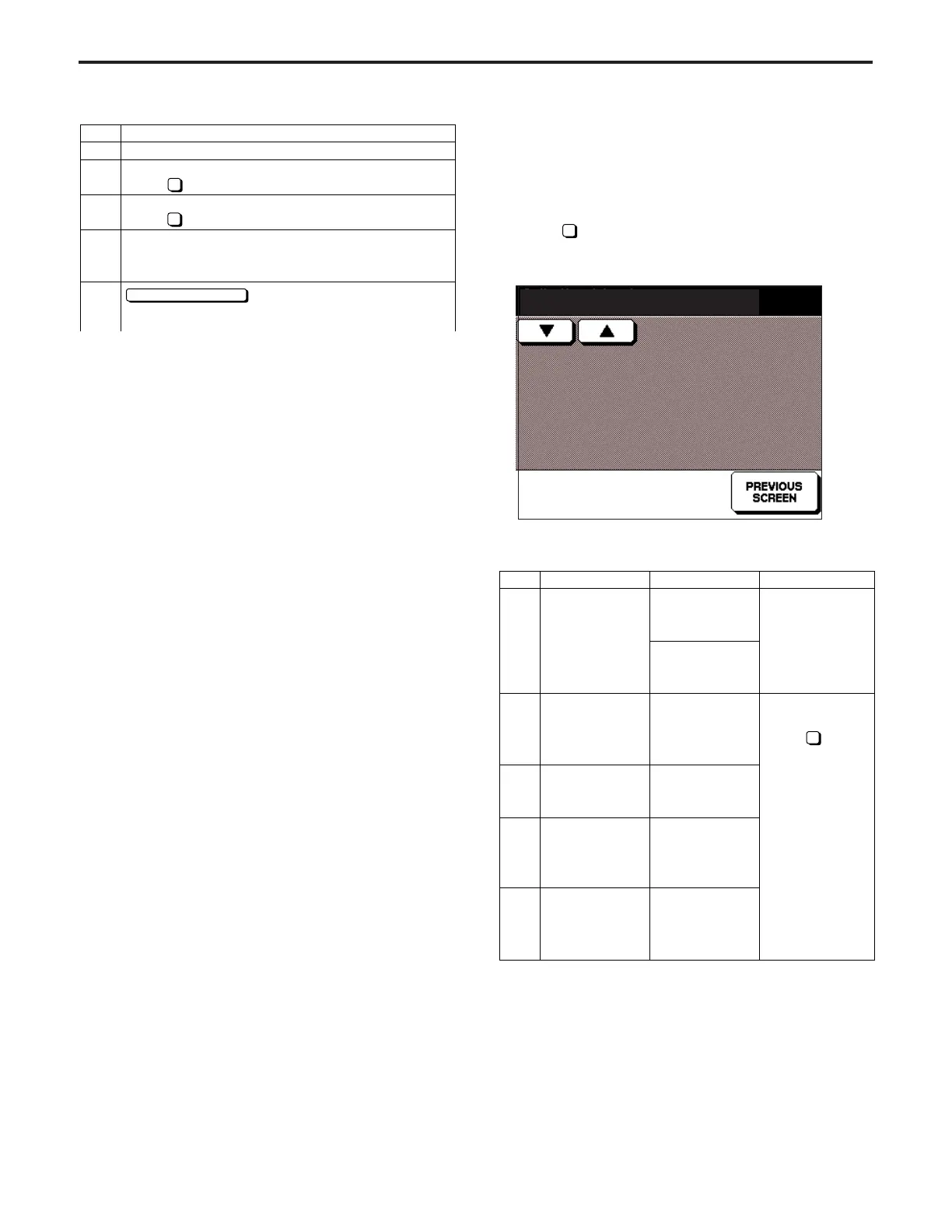
[Data Collection Screen]
<List of Available Data>
Collecting data - 1
No.2 = 107
Step
1
2
3
4
5
Operation
Enter the 25 mode.
[25 MODE SCREEN]
Press PM Count.
[PM COUNT/CYCLE SCREEN]
Press PM Cycle Set.
[PM CYCLE SETTING SCREEN]
Enter PM cycle value using the numeric key on the
screen.
button to end setting and return
to PM Count/Cycle Screen.
3
2
PREVIOUS SCREEN
ADJUSTMENT-1



 To Next Page