2 - L - 19
PAPER FEED UNIT
SGND
PS12
5VDC
PS13
PS15
7-B11
7-B1
7-A11
7-B2
7-B7
CB
PS12
44-1
44-2
44-3
PS13
45-1
45-2
45-3
PS15
47-1
47-2
47-3
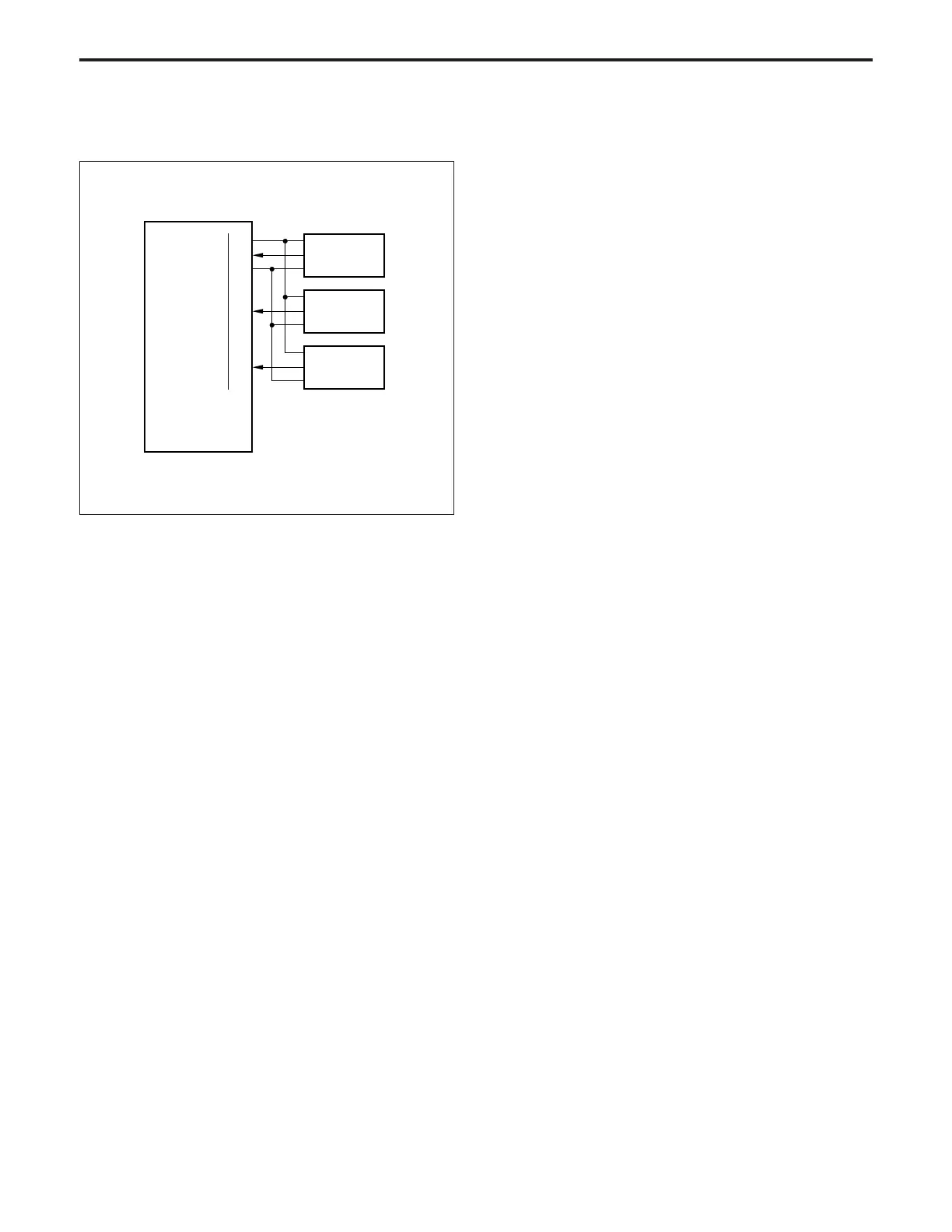
[7] No Paper Detection Control
No paper detection takes place by PS12 (upper tray no paper
detection), PS13 (lower tray no paper detection) and PS15 (by-
pass no paper detection) which are controlled by the CB
(control board).
1. Operation
a. No paper detection control
When a paper feed tray or the by-pass feed tray becomes
empty, PS12, PS13 or PS15 goes ON. As a result, the
corresponding LED on OB1 (operation board 1) lights, and
a message is displayed on the LCD (VFD1, VFD2) con-
nected to OB2 (operation board 2).
2. Signals
a. Input signals
(1) PS12 (PS12 → CB)
Upper tray no paper detection signal
[L]: No paper in tray
[H]: Paper in tray
(2) PS13 (PS13 → CB)
Lower tray no paper detection signal
[L]: No paper in tray
[H]: Paper in tray
(3) PS15 (PS15 → CB)
By-pass feed tray no paper detection signal
[L]: No paper in tray
[H]: Paper in tray



 To Next Page