ADJUSTMENT
4 - 26
Select
PREVIOUS SCREEN
key to end setting the phone
number and return to the 25 Mode Screen.
Step
1
2
3
4
5
6
Operation
Enter the 25 mode.
[25 MODE SCREEN]
Press Phone Number of Service Center Setting.
[SERVICE CENTER NUMBER SETTING SCREEN]
Using the numeric key on the screen, enter 16-digit
new phone number and hyphen (if necessary) and
press key.
Press key to move to the fax number
entry screen.
Using the numeric key on the screen, enter 16-digit
new fax number and hyphen (if necessary) and
press key.
Press key to end setting.
Next Setting
7
SET
SET
PREVIOUS SCREEN
[12] Setting and Displaying Serial
Number
This function is used to display, set and change the serial
number of the main machine or optional machines.
1. Serial number display procedure
Select
8
Serial Number Indication in the 25 Mode Screen.
Serial Number Display Screen will appear. The name of
the main machine or optional machine will be displayed
on the first row of the message area.
On the second row, the corresponding serial number for
each machine will be displayed.
Pressing
Next setting
key enables to proceed to the next
item such as main machine → Option tray → RADF →
Finisher.
[Serial Number Display Screen]
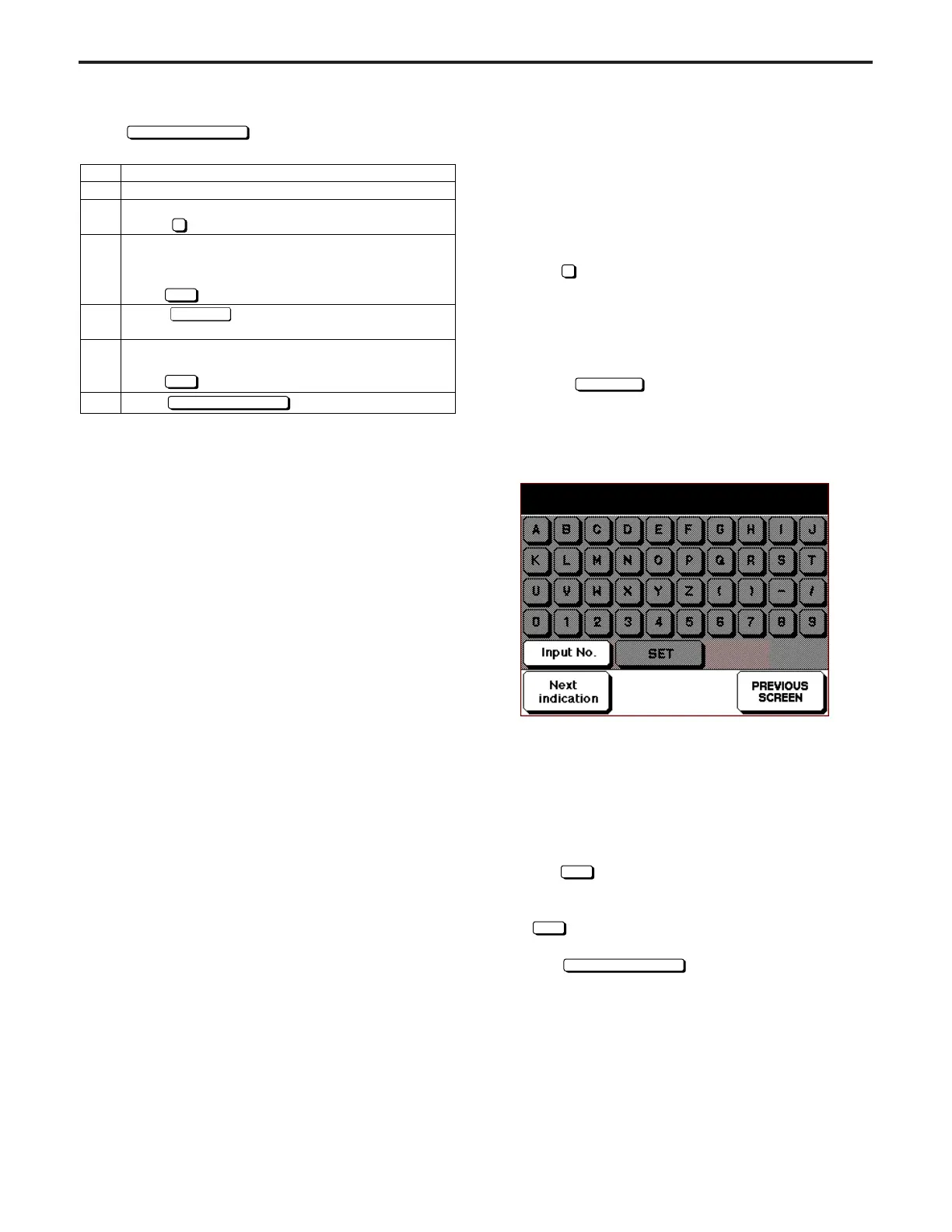
2. Setting and changing serial number
Press Input No. key in Serial Number Display Screen to
move to Serial Number Setting Screen.
Using the numeric key on the screen, enter 9-digit number
and alphabet.
The firstly entered number or alphabet will be shifted to
the left end.
Press
SET
key to execute and return to Serial Number
Display Screen.
The screen also returns to Serial Number Display Screen
if
SET
key is pressed without entering any number or
alphabet. In this case, no data will be changed.
Select
key button to simply return to
Serial Number Display Screen.
Indication of m/c serial number 1/4
Main body : 55FF00002



 To Next Page