ADJUSTMENT
4 - 27
Step
1
2
3
4
5
6
Operation
Enter the 25 mode.
[25 MODE SCREEN]
Press Indication of m/c serial number
[Serial Number Display Screen]
Check the number shown in the message area.
Press Next button to move to the item.
Press key to change the number.
Using the numeric key on the screen, enter 9-digit
serial number and press key.
key to end setting.
Input No.
Next Setting
8
SET
PREVIOUS SCREEN
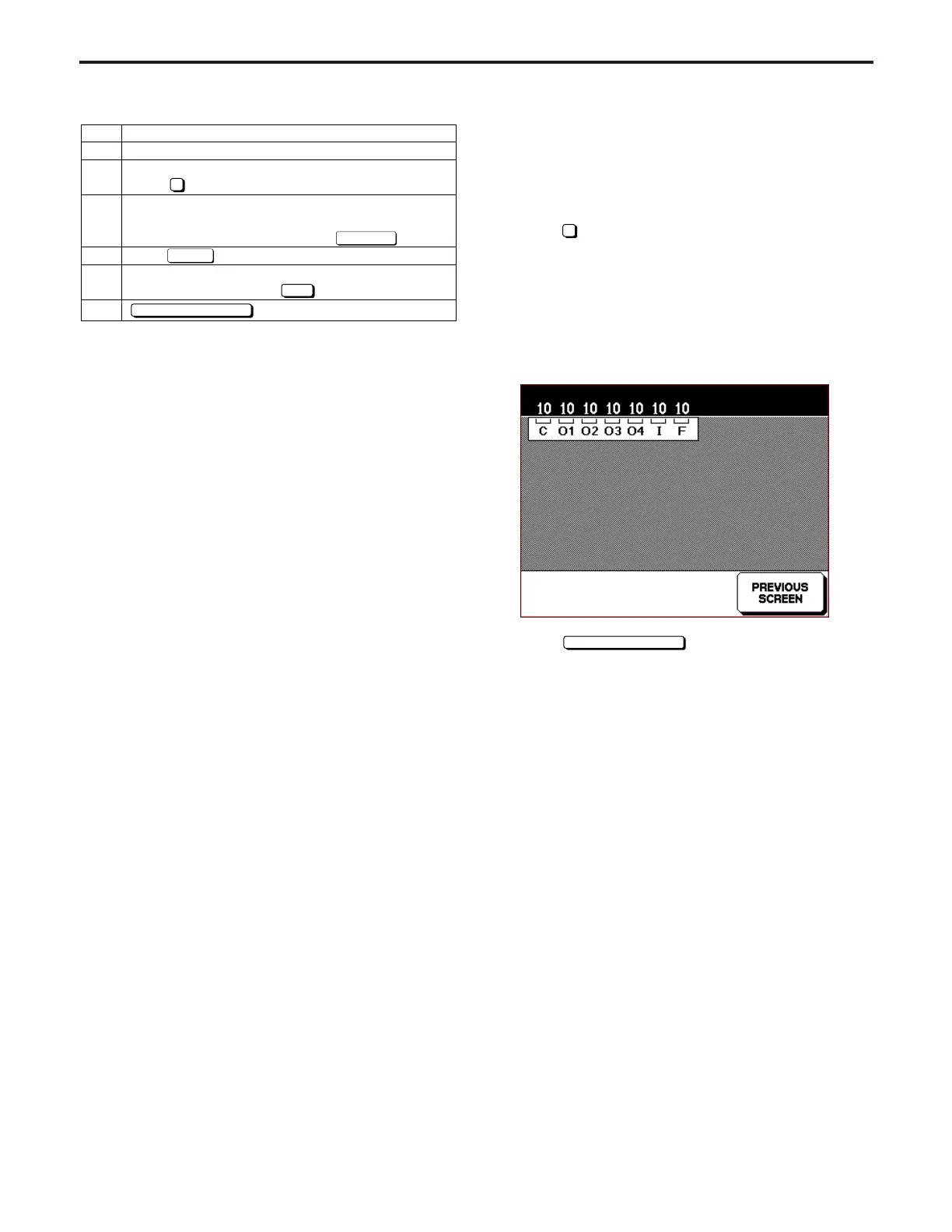
[13] Displaying ROM Version
This function is used to display ROM version mounted to the
machine.
1. ROM version view method
Select
9
ROM Version Indication in the 25 Mode Screen.
ROM Version Display Screen will appear.
The version of each of the main body control board, the
operation panel, the image processing board, and the ADF
is displayed on the second line of the message display
box.
[ROM Version Display Screen]
Select
key to end this screen and re-
turn to 25 Mode Screen.
Indication of ROM version



 To Next Page