DIAGNOSTICS
4 - 38
(3) Original image centering adjustment
[14] Laser Adjustment
Perform adjustment of the two laser outputs.
If the 36 mode menu screen is opened, then
2
timing adjust-
ment selected, the timing adjustment menu screen will ap-
pear.
Open this screen, then select
7
Laser Adjustment.
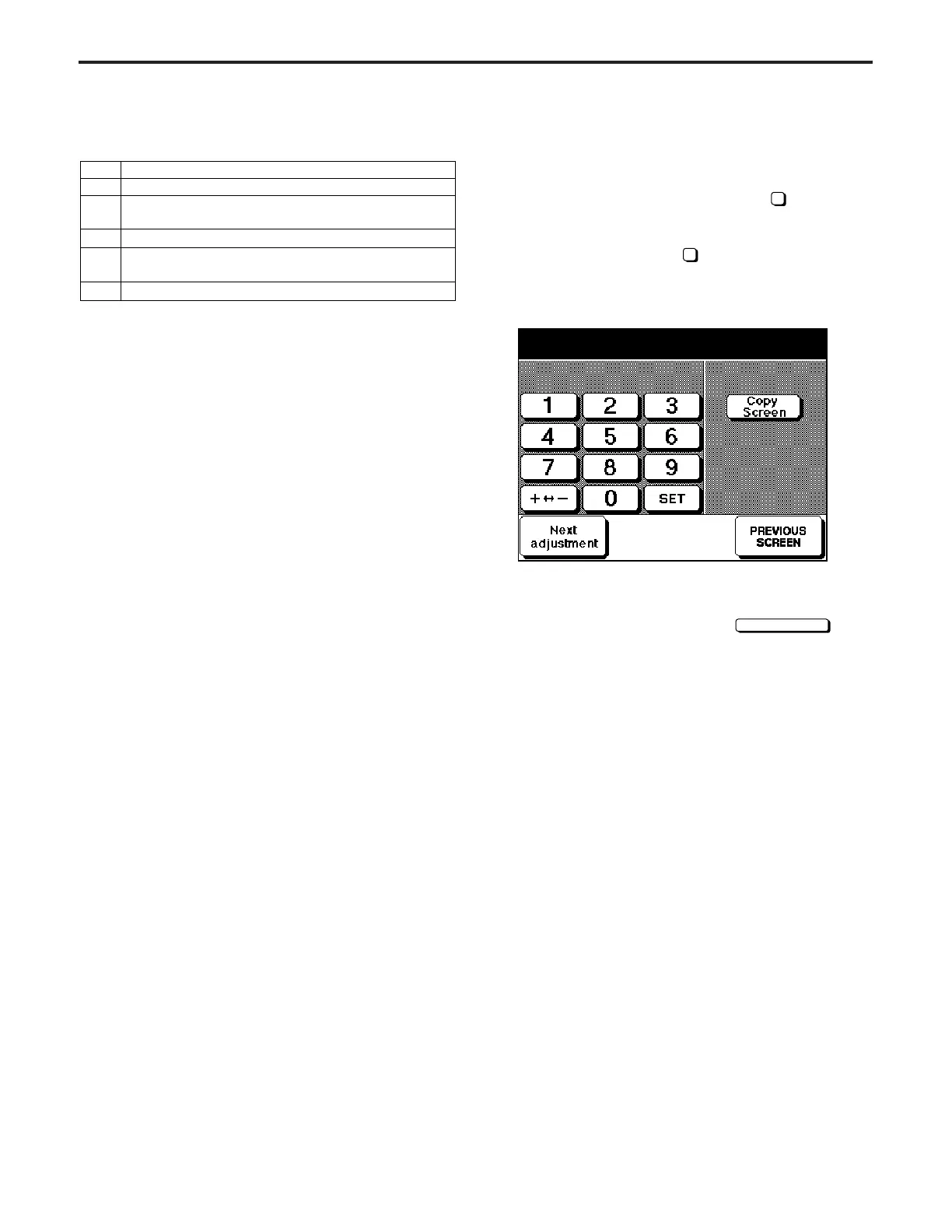
[Laser Adjustment Screen]
The laser adjustment screen has the following
9
adjustment
items. Select an item by pressing the
Next adjustment
key.
LD1 offset
LD2 offset
LD1 offset thick paper
LD2 offset thick paper
Side pitch offset
LD1 offset 600dpi
LD2 offset 600dpi
LD1 offset thick paper 600dpi
LD2 offset thick paper 600dpi
LD1 offset
+20 +20 (-99 ~ +99)
Step
1
2
3
4
5
Operation
Place an original correctly on the original glass.
Select the one-sided copy mode then press the
START PRINT button.
Visually check the copy.
If adjustment is necessary, perform adjustment by
moving the scale mounting bracket plate back/forth.
Repeat steps 1 to 4 until adjustment is completed.
DIAGNOSTICS-1



 To Next Page