2 - E - 13
READ SECTION
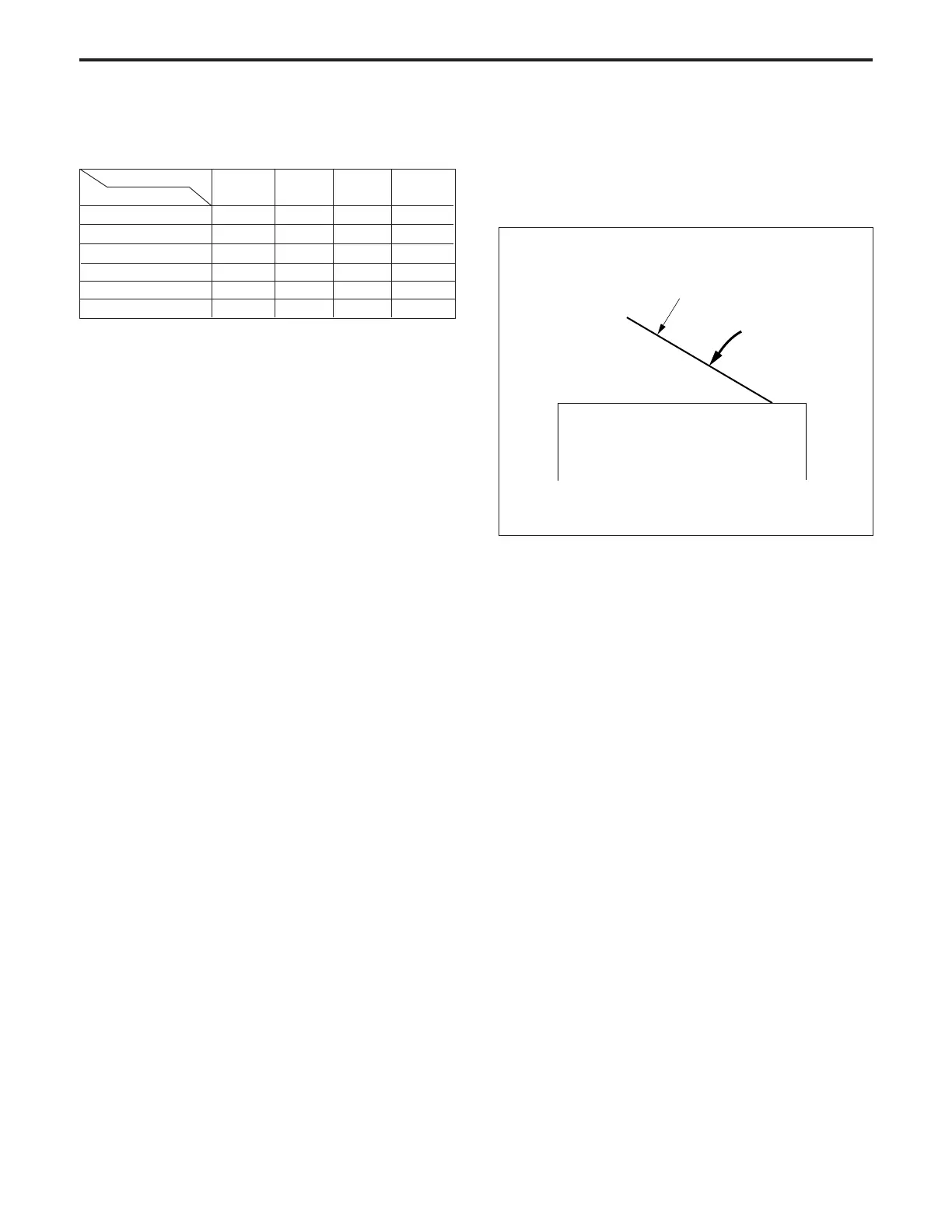
APS sensor
Paper size
A3/11" x 17"
B4/8
1
/
2
" x 14"
A4R/8
1
/
2
" x 11"R
B5R/8
1
/
2
" x 5
1
/
2
"R
A4/8
1
/
2
" x 11"
B5/8
1
/
2
" x 5
1
/
2
"
C
PS42
ON
OFF
OFF
OFF
ON
OFF
C
PS41
ON
ON
OFF
OFF
OFF
OFF
b. APS detection timing
APS detection takes place when PS45 goes ON or PS44
goes OFF.
APS detection stops when PS45 goes OFF or PS44 goes
ON.
2. Signals
a. Input signals
(1) PS41 (PS41 → CB)
Paper size detection signal
[L]: Paper is detected.
[H]: Paper is not detected.
(2) PS42 (PS42 → CB)
Paper size detection signal
[L]: Paper is detected.
[H]: Paper is not detected.
(3) PS45 (PS45 → CB)
Original cover opening/closing detection signal
Activates or deactivates the APS function.
[L]: ON (APS function activated)
[H]: OFF (APS function deactivated)
(4) PS44 (PS44 → CB)
Original cover state detection signal
This signal is used to detect the raised state of the rear
part of the original cover when a book or other thick
original is being copied.
When the rear part of the original cover is in a raised
state, PS44 is OFF, and [H] is output.
[L]: ON (APS function deactivated)
[H]: OFF (APS function activated)
PS45 goes ON
ADF



 To Next Page