96
C
ONFIGURING SOFTKEYS BUSY LAMP FIELD (BLF) KEY
NOTE: You can also use a BLF-configured key to automatically dial the BLF-monitored extension. Contact
your System Administrator for more information.
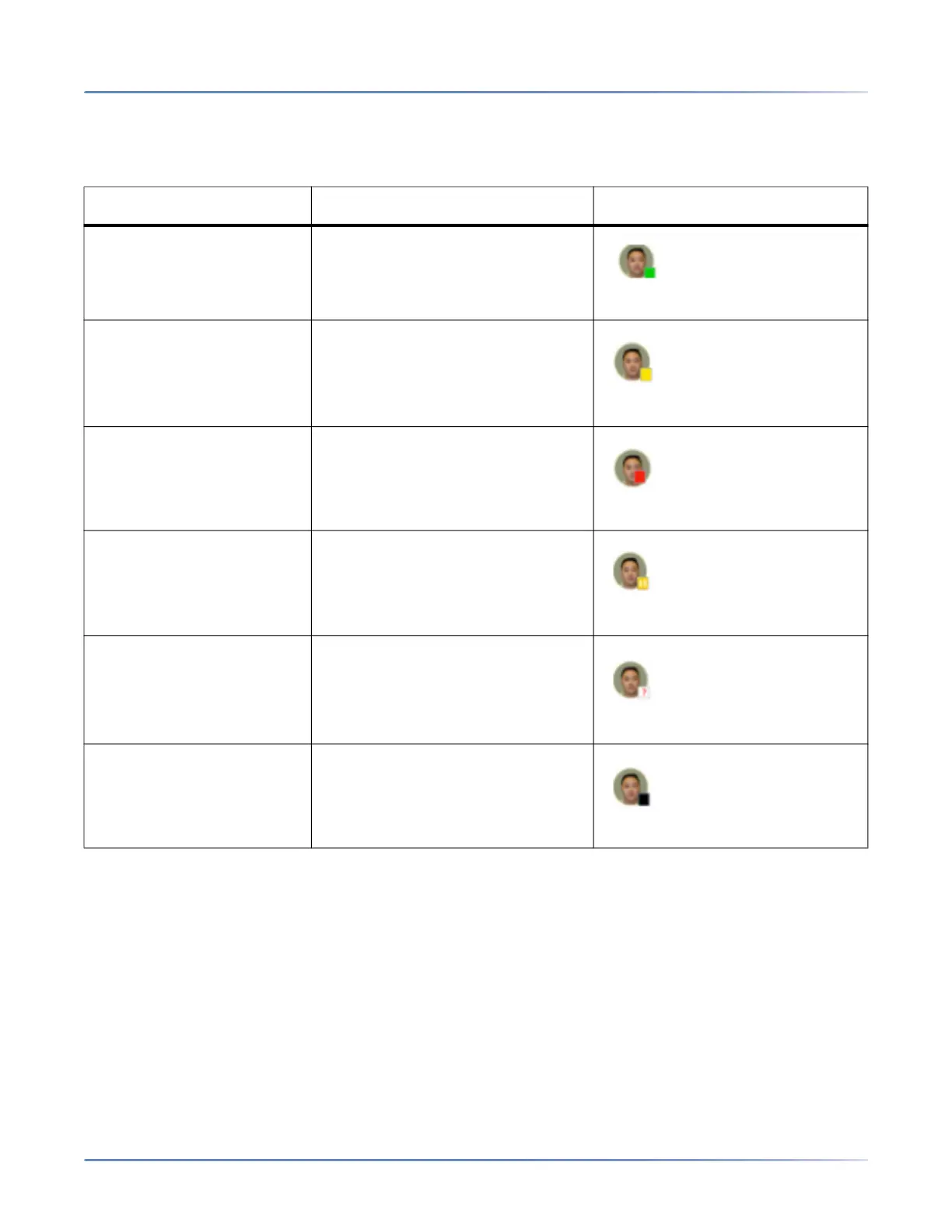
The following table provides the BLF states on the phone and the corresponding LED and icon behavior:
BLF State LED Behavior Softkey Icon
Idle Off
Ringing Fast Flashing Red
Connected Solid Red
On Hold Slow Flashing Red
Unknown Off
Not monitored Off





 To Next Page