144
H
ANDLING CALLS CONFERENCING CALLS
Local Conferencing
The 6930 phone supports up to three parties (including yourself) in a conference call. This is called local
conferencing and is the default method of conferencing on 6930.
NOTE: Your System Administrator can set your Conference key to speed dial a specific number. Contact
your System Administrator for more information.
Creating a Conference Call Using Local Conferencing
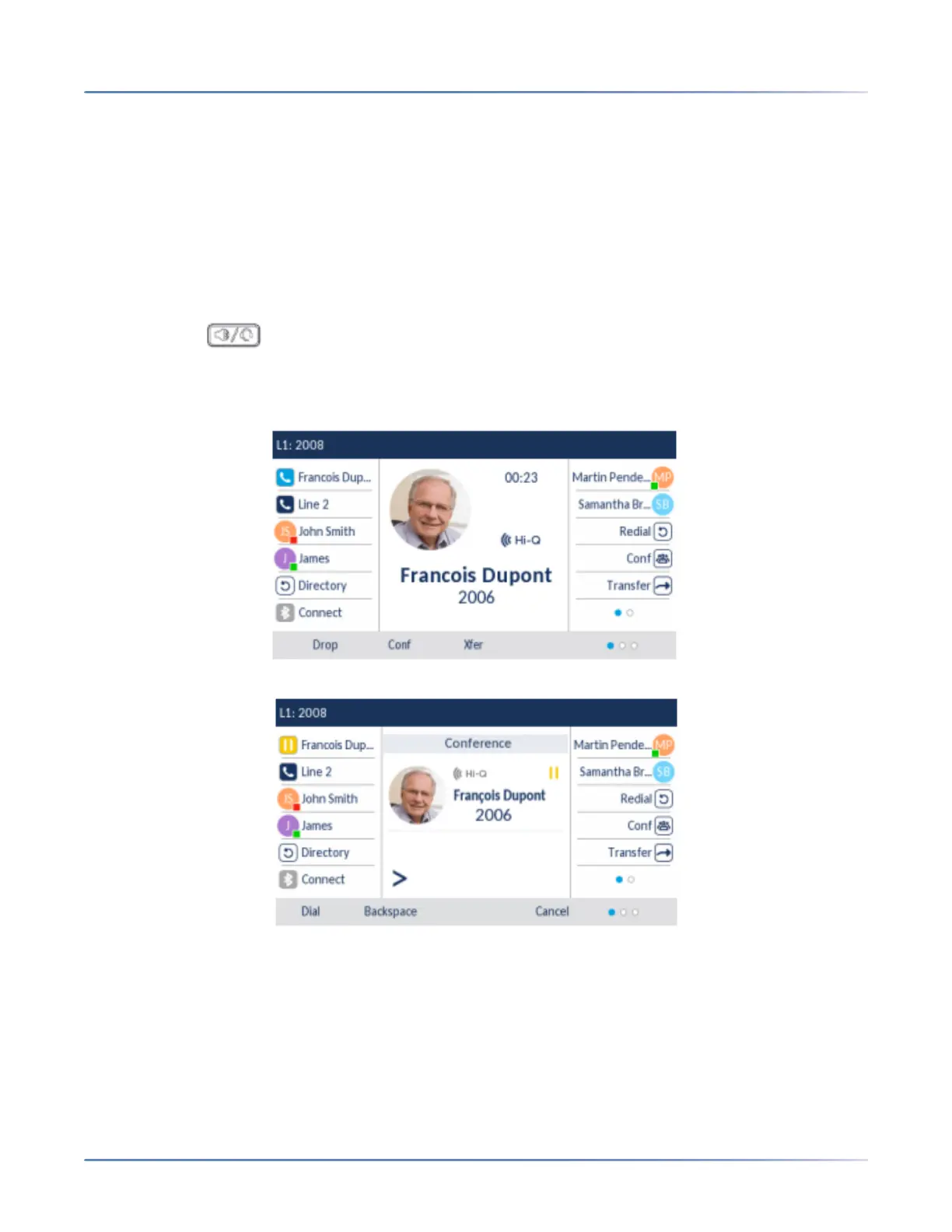
Use the following procedure to create a conference call using local conferencing.
1. When you begin a conference, you are the first party in the conference (Party 1). Pickup the handset
or press the key. A line opens up.
2. Call Party 2 by dialing their number (or answer an incoming call of a party).
3. Wait for Party 2 to answer. When Party 2 answers, you can consult with them before adding them to
the conference.
4. Press the Conf softkey.





 To Next Page