57
C
USTOMIZING YOUR PHONE BLUETOOTH
Enabling Bluetooth functionality
To enable Bluetooth functionality:
1. Press the (Options) key on the phone to enter the Settings menu.
2. Navigate to the Bluetooth setting and press the Select button or Select softkey.
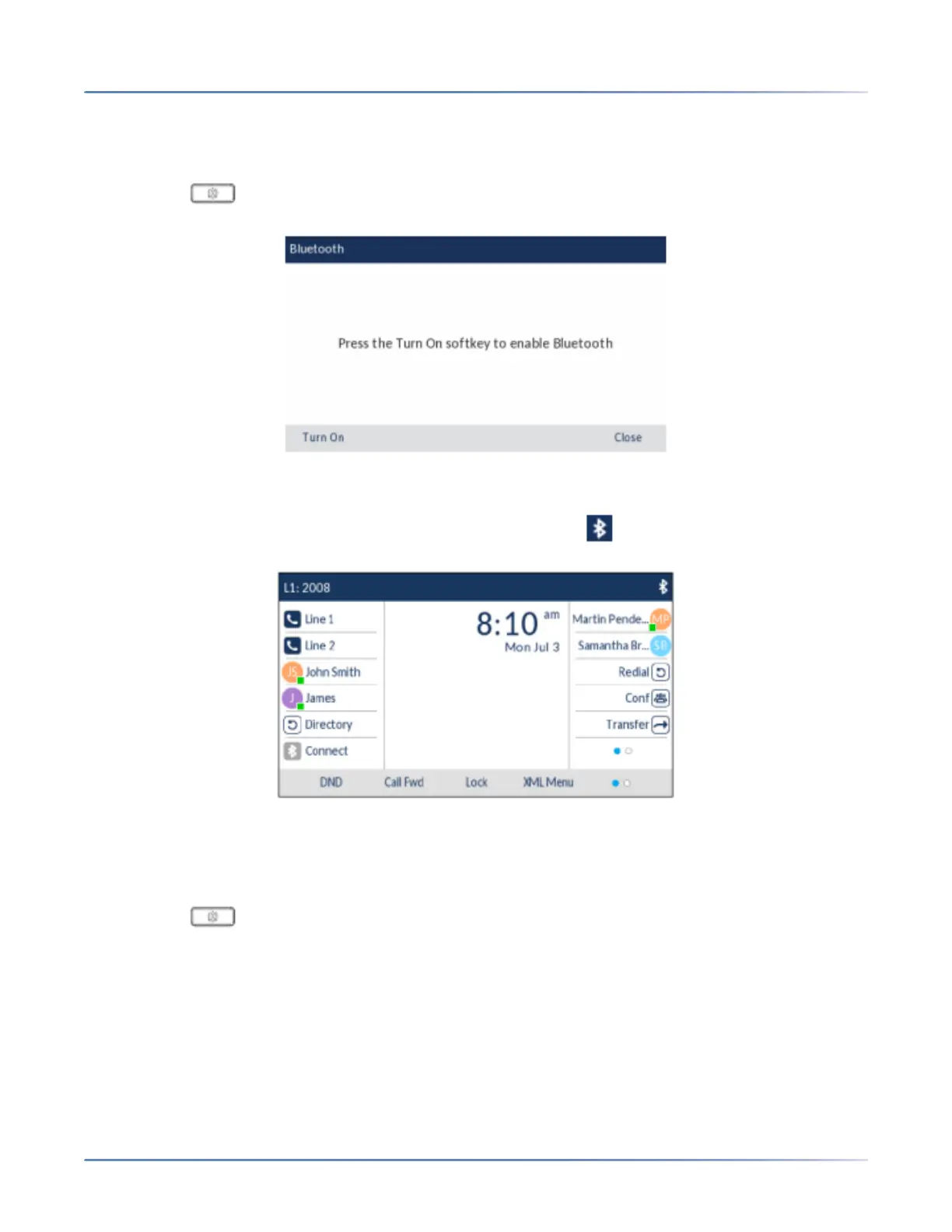
3. Press the Turn On softkey to enable Bluetooth functionality.
When Bluetooth functionality is enabled, a Bluetooth enabled icon appears in the status bar on the
Home screen.
Pairing a Bluetooth device
To pair a Bluetooth device:
1. Press the (Options) key on the phone to enter theSettings menu.
2. Navigate to the Bluetooth setting and press the Selectbutton or Select softkey.
3. Ensure Bluetooth functionality is enabled. If it is not enabled, press the Turn Onsoftkey to enable
Bluetooth functionality





 To Next Page