7
IP P
HONE KEYS DIALPAD KEYS
Dialpad Keys
The 6930 has a dialpad with digits from 0 through 9, a * key, and a # key. Keys 2 through 9 contain the
letters of the alphabet. The 6930 phone dialpad includes the following:
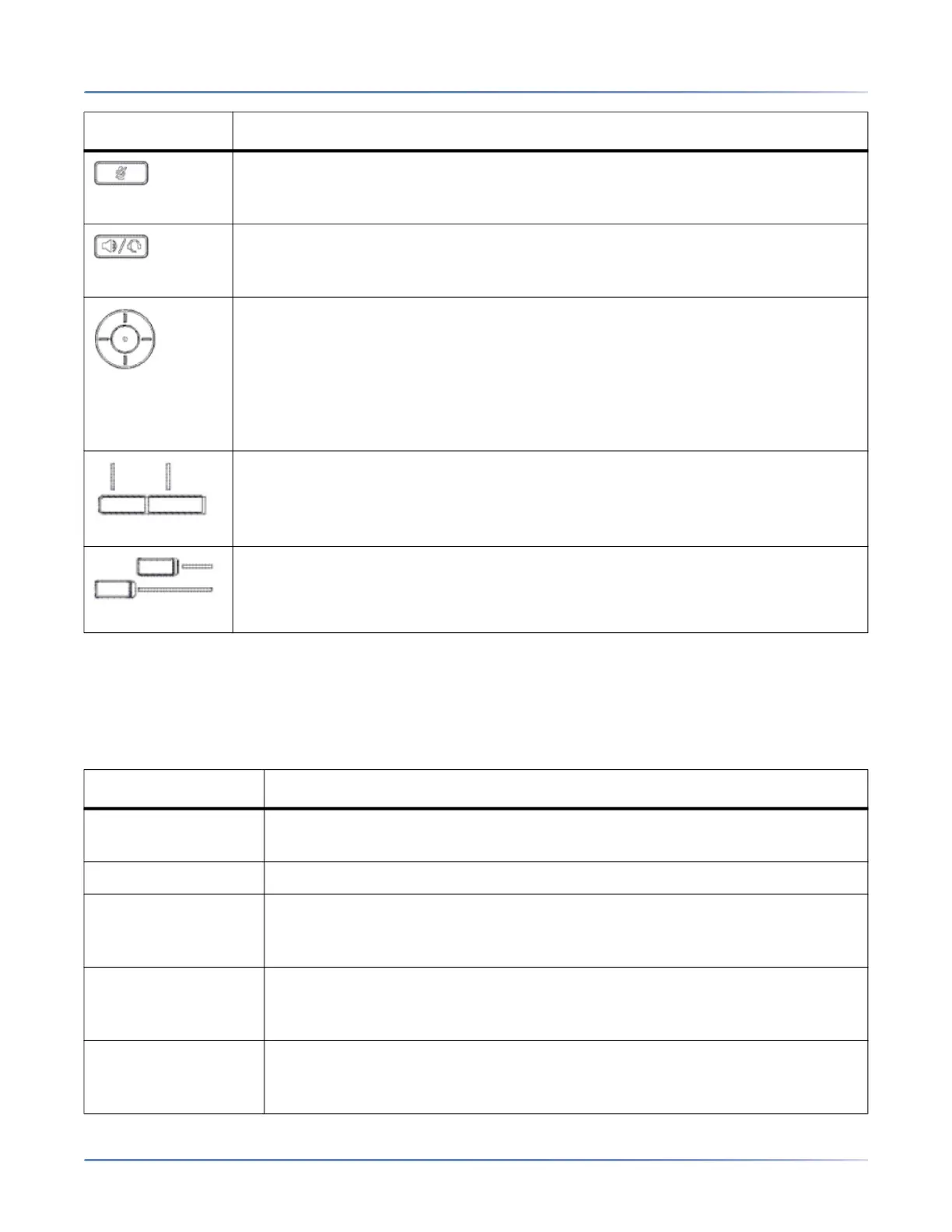
Mute key- Mutes the microphone so that your caller cannot hear you (the LED
beside the key turns on when the microphone is on mute).
For more information, see Mute .
Speaker/Headset key - Transfers the active call to the speaker or headset,
allowing handsfree use of the phone.
For more information, seeAudio .
Navigation keys and select button - Multi-directional navigation keys that allow
you to navigate through the phone’s User Interface (UI).
Pressing the center Selectbutton sets options as well as performs actions such as
dialing out from the Contacts or Call History.
On the Home screen, the left and right navigation keys can be used to access the
additional pages of programmable softkeys.
For more information, see UI Navigation .
Bottom softkeys- Five state-sensitive bottom softkeys that allow you to perform
different functions during specific states (i.e. when the phone is an idle,
connected, incoming, outgoing, or busy state).
Top softkeys- 12 multi-function self-labeling keys that allow you to use up to 44
specific functions.
For more information see Configuring Softkeys
Dialpad Key Description
0 Dials 0
Dials the Operator on a registered phone
1 Dials 1
2 ABC Dials 2
When entering text, this key enters A with one press, B with two presses, and
C with three presses
3 DEF Dials 3
When entering text, this key enters D with one press, E with two presses, and
F with three presses
4 GHI Dials 4
When entering text, this key enters G with one press, H with two presses, and
I with three presses
Key Description





 To Next Page