98
C
ONFIGURING SOFTKEYS BLF/LIST KEY
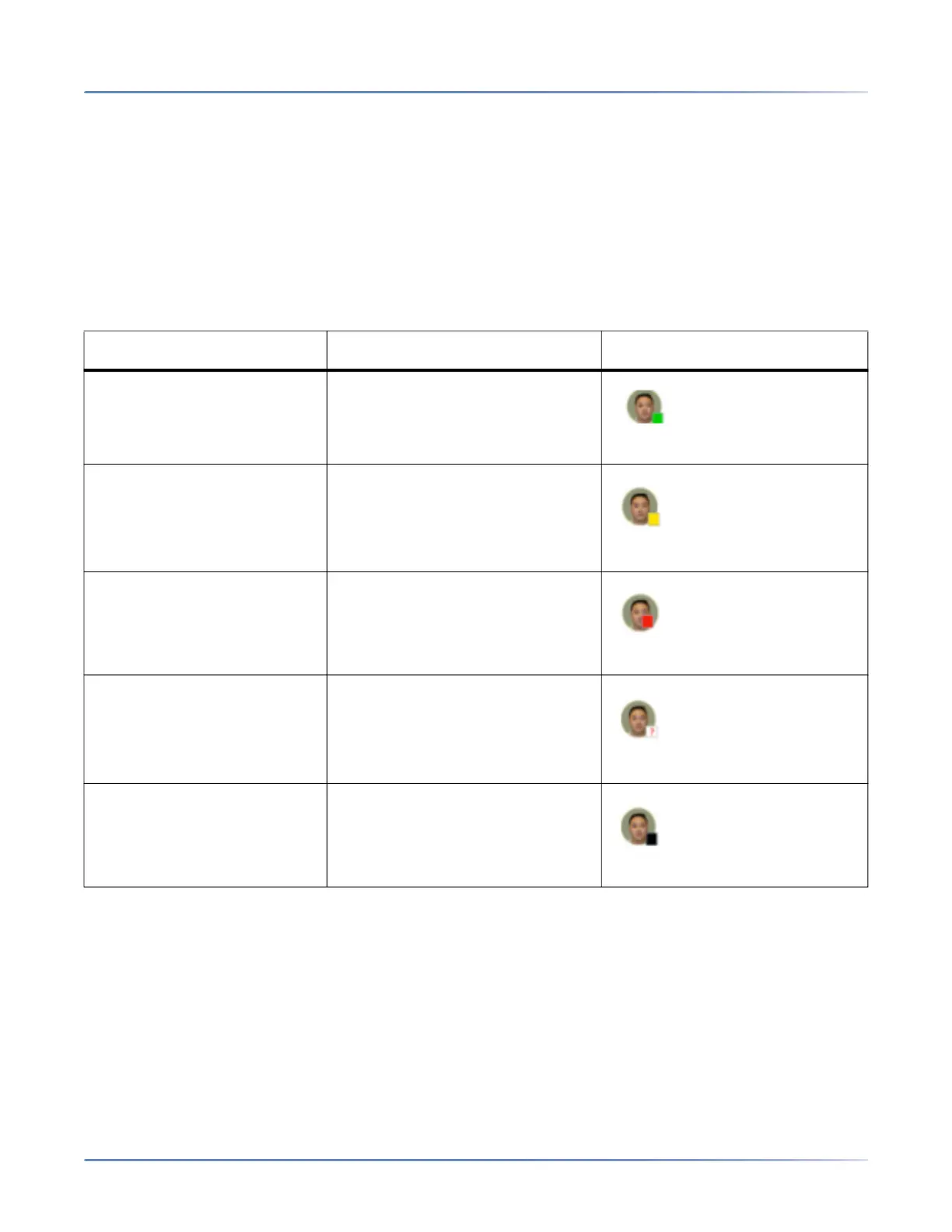
In addition to monitoring the idle and busy state, the BLF/List feature also supports the ringing and held
state. When the monitored user is idle, the corresponding softkey is green. When the monitored user’s
phone is ringing, the corresponding softkey turns yellow. When the monitored user on an active call or is
attempting to make a call, the corresponding softkey turns red. Finally, when the monitored user’s call is
on hold, the corresponding softkey displays the BLF/List hold icon. Additionally, the corresponding softkey
LED illuminates to match the monitored user’s state, either off (idle), solid (busy), or fast flashing/slow
flashing (ringing/on hold).
NOTE: You can use a BLF/List-configured key to automatically dial out to the configured extension.
he following table provides the BLF/List states on the phone and the corresponding LED and icon
behavior:
Configuring a BLF/List Key Using the Mitel Web UI
If you set a key to use BLF/List, you must also enter a BLF List URIat Operation > Softkeys and XML >
Services. The BLF List URIis the name of the BLF list defined on the applicable Mitel call manager Busy
Lamp field page for your particular user. For example, sip:9@192.168.104.13. The value of the BLF List
BLF List State LED Behavior Softkey Icon
Idle Off
Ringing Fast Flashing Red
Connected Solid Red
Unknown Off
Not monitored Off





 To Next Page